
Adobe MAX Sneaks: walk around inside photos and make AI characters audition
At its MAX 2026 conference, Adobe showed off ten experimental AI tools. They promise to let you walk around inside flat photos, mix sound effects as if on a color wheel and copy Photoshop retouching onto other people in the same image. You can already try two of the prototypes yourself. Whether the rest ever ship as finished features is an open question.
What's going on
At its annual creative conference MAX, Adobe regularly shows off what it calls Sneaks, research prototypes that aren't finished yet. MAX 2026 ran from November 10 to 12 at the Miami Beach Convention Center and was also streamed online. The Sneaks show, hosted by actor Terry Crews, ran on November 11 from 5:30 to 7 p.m. ET. That morning, The Verge had already described four of the projects in detail: Project Screen Test, Project Sight Span, Project Sound Bender and Project Rinse Repeat. According to Adobe's blog, there were ten projects in total.
The status matters. These are technology previews. They might eventually land in Creative Cloud apps like Photoshop or Premiere, or in Adobe's AI platform Firefly, but Adobe hasn't committed to that. What's new this year is that you can try some of the projects yourself in the Adobe Labs Playground.
The projects share one idea: making labor-intensive work on film, images and sound more interactive. Instead of running every change through yet another text prompt, Adobe is betting on conversations, dragging with the mouse, brushstrokes and hands-on manipulation.
Project Screen Test: make your AI character audition
Screen Test is meant to help you develop AI-generated characters for video. You start with a few character traits. The Verge's example was "anxious, shy, awkward". Then you add a voice, which you pick from presets, describe in text or base on an uploaded audio sample.
Next, you talk with the character as if on a video call. It's a kind of audition, in which you work out its backstory, temperament, goals, weaknesses, fears and typical movements. A separate "Personality" tab lets you tweak the generated traits by hand. Finally, you describe a setting or situation, and the tool generates animated test footage from it: the "screen tests".
The Verge calls Screen Test the "weirdest" of the projects. But its writer said the characters had a more recognizable, consistent personality than many of the "soulless" AI characters she'd seen before. And that's the point: AI video generators give you far less control than traditional animation, where every detail of a character is deliberately designed. For now, Screen Test is a standalone exercise. It's unclear how, or whether, it fits into Adobe's existing AI video tools.
Project Sight Span: step inside the photo
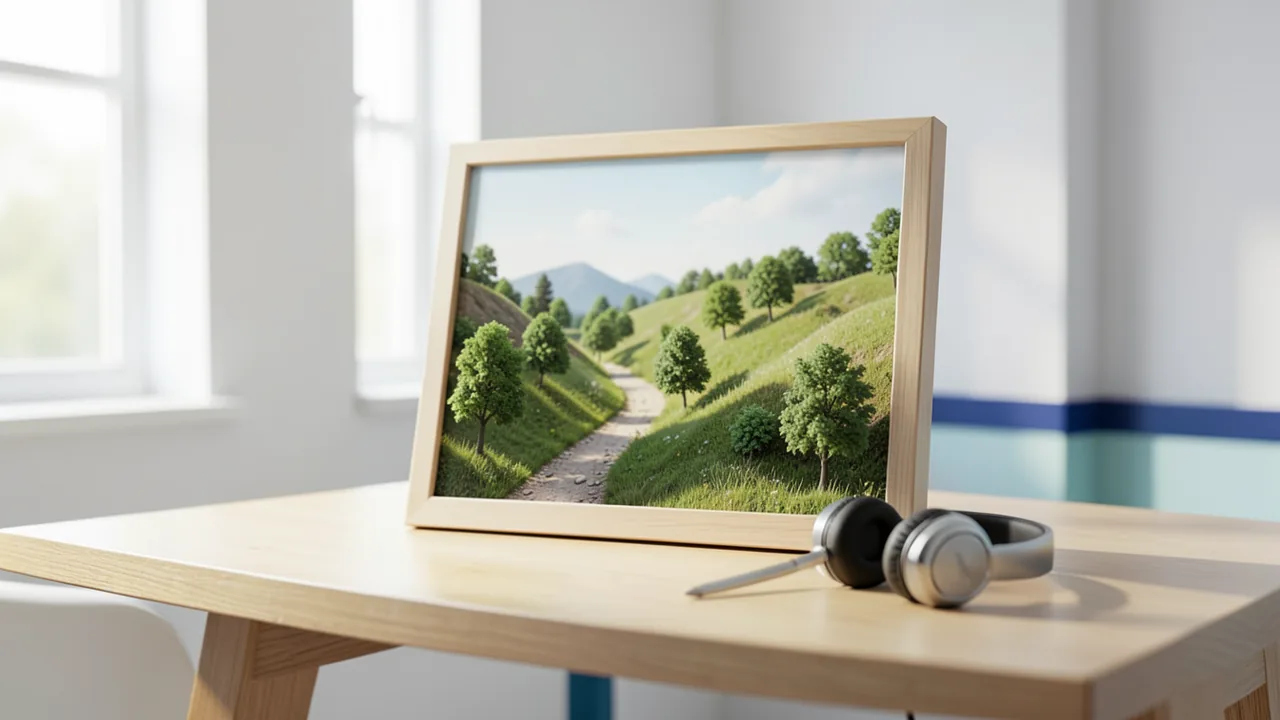
Sight Span turns a flat image into a 3D environment you can move around in. It works with photos, paintings and illustrations. The AI invents objects and backgrounds outside the original frame, including what you'd see if you turned around. So you're not just choosing a different crop but a different vantage point, as if the photographer had been standing somewhere else.
In the demo for The Verge, shifted tattoos and facial features stayed "surprisingly recognizable" and close to the original. Artistic styles were preserved and extended. The Verge compares it to Apple's Spatial Reframing feature "on steroids", since you can reposition much more aggressively. But the result also deserves to be called a photo far less. The biggest weakness is that the 3D environment looks pixelated and blurry while you navigate. Full resolution only returns once you settle on a viewpoint.
Project Sound Bender: mix sounds like on a color wheel
Sound Bender generates sound effects from a text description and automatically syncs them to an uploaded video. The Verge's example was "bubbling sci-fi cauldron sounds". The standout feature is a square sound canvas: the AI places a matching variation in each corner. In the example, those were thick gurgling with popping bubbles, rumbling boiling rocks, high-pitched "bloops" and crackling electric fire. Drag the cursor across the canvas, and the mix of dominant sounds shifts in real time. You can also assign your own effects to any corner. The result is a kind of spatial mixer that lets you explore combinations instead of getting a single generated effect.
According to Adobe's blog, Sound Bender can also isolate a described sound from a finished mix and then explore variations of it.
Project Rinse Repeat: retouch once, apply everywhere
Rinse Repeat tackles repetitive manual work within a single photo. Say you painstakingly remove pimples and blemishes from one person in a group shot. The tool copies those changes to the other people and adapts them to each face. In a second demo, one product got a shadow, and Rinse Repeat applied it to other products of different shapes and sizes, which is handy for marketing graphics.
What matters most for professionals is that Rinse Repeat rebuilds the copied changes with regular Photoshop tools. They stay fully editable rather than being baked-in AI output. The automation copies the workflow, and you can still fine-tune each individual result.
The other six Sneaks
Adobe's official blog lists six more projects:
| Project | Area | What Adobe says it can do |
|---|---|---|
| Scene Sweep | Video | Recognizes characters, locations and scenes across multiple shots and applies a change to every cut and camera angle |
| Live Set | Video | Changes the subject, environment or camera while the video is still playing |
| On Cue | Video | Controls when something happens in a generated video, such as a flash of light. The timing signal is drawn by hand or extracted from a video or piece of music |
| Deep Brush | Image | A brush that understands the image's shape, color and lighting: strokes follow surfaces, colors change with natural shadows, and you can paint light directly into the scene |
| Hands On | Image | Recognizes image content and places controls directly on the canvas so you can change elements "by hand" |
| Link Up | Design | Drag a car onto a drawn parking lot, for example, and the system adjusts perspective, size and style. The result is editable vector graphics |
Deep Brush and Hands On are available to try in the new Adobe Labs Playground as an early research preview. Also available is Project Custom Filters, a planned Photoshop feature. Adobe is collecting feedback by email at labs@adobe.com.
What Adobe is after
Adobe researcher Gautham Mysore told The Verge that more intuitive interaction should also give experienced creatives more precise control:
"Sound Bender's sound exploration and Sight Span's camera positioning are examples of how professionals can bring their judgment to bear and refine a result more directly. That connection between creative intent and control is a big part of what we're exploring."
The Sneaks fit the rest of MAX 2026. According to Digital Trends, the show focused on AI agents, meaning assistants that handle multiple steps on their own. Firefly is becoming a full creative studio with the new "Creative Agent" and models from Google, OpenAI, ByteDance, Kling, Topaz Labs and ElevenLabs. Photoshop gets Relight, among other features, for changing the lighting after the fact. Premiere gets a Generative Media Tool that creates video, sound effects and music right in the timeline. There, too, Adobe stresses that layers and sequences stay editable, a theme that runs through the Sneaks as well.
The bottom line
The Sneaks show where Adobe is heading: away from simple "prompt in, image out" and toward tools you can touch, move around and refine. For professionals, that's the key point. Rinse Repeat and Link Up deliver editable results instead of flat pixels, which is far more useful for real production work than yet another generation feature.
Still, a lot remains open. Sneaks are stage demos, and in past years plenty of projects never became products. Screen Test doesn't have a place in Adobe's video workflow yet. Sight Span showed visibly worse image quality while navigating. So it's not proven that these tools hold up in everyday work. The Verge thinks it's likely at least some of them will ship, since AI is at the heart of Adobe's growth strategy. But it also sees an "omen" in them: if the tools are good enough, they could replace some of the tools and stock libraries creatives rely on today. On the plus side, Adobe is letting the community weigh in early through the Labs Playground and test two projects firsthand.
Sources
- Unite.AI unite.ai
- The Verge – AI theverge.com
- digitaltrends.com digitaltrends.com
- redsharknews.com redsharknews.com
- blog.adobe.com blog.adobe.com
Ask the AI assistant
Questions about this article, installation or background? Our assistant knows this page and runs on our own machine, not in someone else's cloud.
The Assistant is an AI (Gemma 4) and can make mistakes – please check important details against the source. Questions are used only to generate an answer and are deleted after one hour. Please don't enter any personal data.

Comments
What do you think? Already tried it? Write it here, no sign-up needed.
Comments are public. Links aren't allowed, and we delete abusive posts. You can delete your own comment at any time in this browser. Learn more in the Privacy Policy.