
Can any website hijack your local AI? We checked four servers' default settings
A website in another tab can talk to a local AI server, even if it runs "only on localhost". Using documentation, source code and security advisories, we checked how open Ollama, LM Studio, llama.cpp and vLLM are out of the box, and how well Chrome, Firefox and Safari protect you. The upshot: two servers were wide open for a long time, and Safari's protection remains unclear.
What's going on
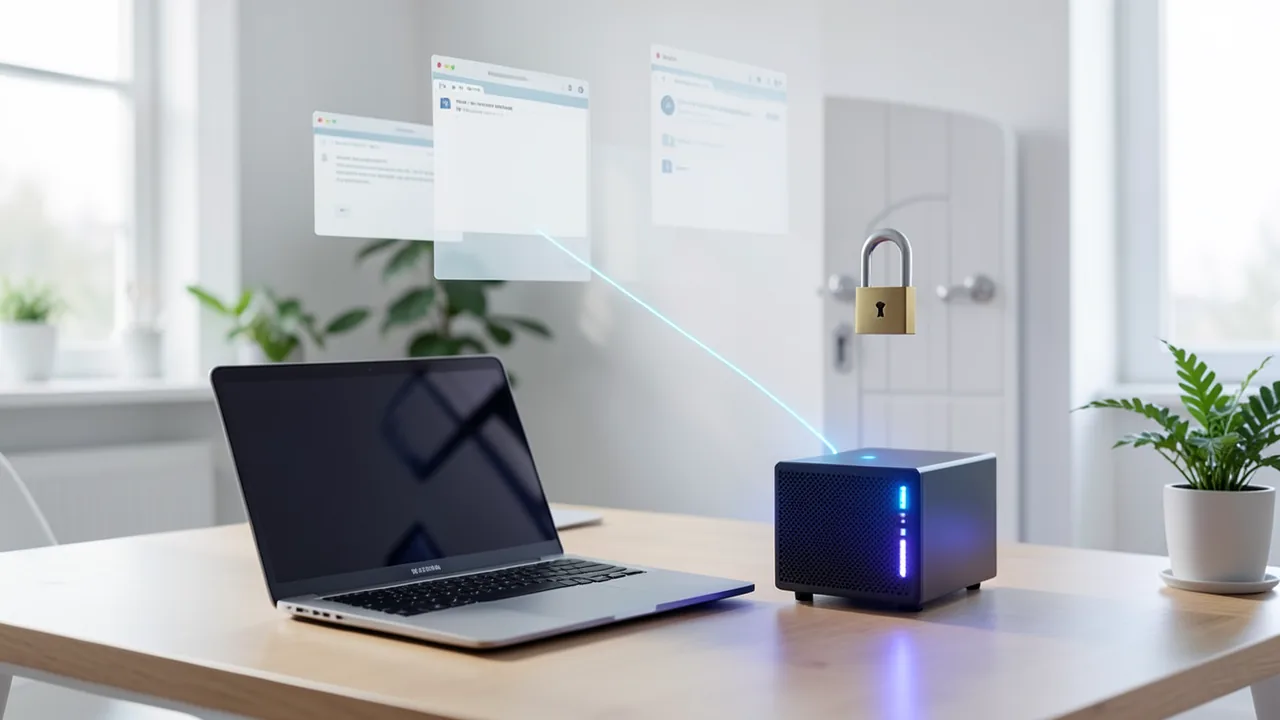
A Reddit user just pointed out something that surprised a lot of people: if you run an AI server like llama.cpp or vLLM on your own machine, any website in another browser tab can send it requests. Depending on the server, it can even read the responses. The objection "but the server only listens on 127.0.0.1" doesn't help, the user writes, because the browser runs on the same machine. Technically there's nothing new here; it's 20-year-old web attack technique: CSRF (a third-party page fires off requests on the user's behalf) and DNS rebinding (a domain suddenly points to 127.0.0.1 after the page has loaded).
What's new is what sits behind the port. llama.cpp now has built-in tools that read files and execute commands. Open WebUI 0.13 lets models operate a desktop, and version 0.13.1 offers coding agents like Claude Code directly as models. An open localhost port no longer just gives away compute; it can become a way in.
So we checked how open the four most important local servers are out of the box, and what browsers do about it. One important caveat up front: our findings are based on documentation, source code, security advisories and third-party tests. We didn't run our own browser test.
Quick explainer: what CORS protects, and what it doesn't
CORS (Cross-Origin Resource Sharing) is an agreement between server and browser. The server tells the browser which third-party websites ("origins", like https://example.com) are allowed to read its responses. Two points are often overlooked:
- CORS governs reading the response, not sending the request. Security researcher g3tsyst3m puts it this way: CORS determines whether the page can read the response; it doesn't stop the request from reaching the server. The author of the vLLM fix also writes that CORS doesn't block all simple cross-origin requests and is no substitute for authentication.
- Code that's already running on the "allowed" origin, such as a browser extension or a bookmarklet on
localhost, bypasses CORS completely.
The only thing that protects against both is an API key, a password that has to be sent with every request.
The four servers out of the box
| llama-server (llama.cpp) | vLLM | Ollama | LM Studio | |
|---|---|---|---|---|
| Listens on | 127.0.0.1, port 9931 (until Oct. 2026: 8080) | port 8000; default host not specified in the docs | 127.0.0.1:11434 | 127.0.0.1 |
| Default CORS | any origin, with credentials | up to 0.31: ["*"]; from 0.32.0: empty |
only localhost, 127.0.0.1, 0.0.0.0 plus app://, file://, tauri://, vscode-* | off |
| Default API key | none | none | not intended for local use | off (optional since 0.4.0) |
| Third-party website can read responses | yes | yes up to 0.31, no after | no (403 error) | no |
| Can execute commands | only with --tools/--agent |
no (no built-in tool system) | no | only via enabled MCP servers |
llama-server is the most open. The README says verbatim that the server reflects any Origin header and allows credentials, which is only acceptable as long as it exposes stateless, read-only endpoints. The --cors-origins and --api-key options were only added in July 2026 (pull request #25655). The project kept the open default to avoid breaking anything. On startup, a warning appears ("CORS is set to allow all origins ('*') and no API key is set"). The atomic-agent project shows how widespread the problem is: at the end of September, it launched llama-server without a key and with open CORS, and only changed that after a bug report. With --tools or --agent, llama-server automatically limits CORS to localhost, because the API can then read and write files. By default, the tools run directly on the host (--tools-runtime: "none, use host environment").
g3tsyst3m demonstrated both in his own lab, running Qwen3.8-27B on a Radeon 7900 XTX. Without tools, any HTML page could send prompts and read the responses. With --tools all, the server blocked third-party pages. But a bookmarklet clicked in an open tab of the llama web UI made the model execute a system command without asking. Because the server was running via sudo, the tools would have had root privileges.
vLLM defaulted to allowed_origins = ["*"] up to version 0.31. According to advisory GHSA-vvpg-rrww-wpmh (CVE-2026-115917), any website the victim's browser could reach was able to list models, trigger generations (burning GPU time) and read the output. It's fixed in 0.32.0 with an empty list. Severity is low at CVSS 3.4 because cookies aren't sent. A footnote from the current docs: --api-key only protects the /v1, /v2, /inference and /cohere paths. /invocations offers the same functionality and remains reachable without a key.
Ollama is the best secured, at least in its default state. According to the source code, only localhost origins and a few app schemes are on the list. Per an analysis by localaimaster.com, foreign origins get a 403 error, even for simple POST requests. A second filter checks the Host header to block DNS rebinding. This protection has been in place since version 0.1.29 (March 2024), after NCC Group showed how a crafted website could exfiltrate local files via DNS rebinding (CVE-2024-28224). Two catches: the Host check only runs when Ollama listens on a loopback address. And file://* is allowed by default, so a downloaded HTML file can talk to Ollama.
LM Studio has CORS turned off according to its docs ("When not set, CORS is disabled"). If you turn it on, you get a warning and a recommendation to enable authentication. That's been available since version 0.4.0 but is off by default. LM Studio doesn't document whether a "blind" request from a third-party page still triggers a generation even though the response can't be read. That remains an open question.
The other half: what browsers do
Since 2025, Chrome and Firefox ask for permission before a public website can reach devices on your home network or services on your own machine. The mechanism is called Local Network Access (LNA).
| Browser | Prompt for localhost | WebSockets | http pages | Status |
|---|---|---|---|---|
| Chrome | from 142 (Oct. 2025); from 145 its own "loopback-network" permission | from 147 (April 2026) | automatically denied | on by default |
| Edge | from 143 according to Duo docs | same as Chromium | same as Chrome | on by default |
| Firefox | from 149 only with strict tracking protection, from 153 (July 21, 2026) for everyone | from 154 (Aug. 2026) | allowed with a prompt for now | on by default |
| Safari | not documented | not documented | – | unclear |
In Firefox, the block on unencrypted pages was relaxed again. After problems with router admin pages, "Allow LNA from insecure pages" applies for now, according to Bugzilla 2059274. So those pages get a prompt again instead of being blocked. Mozilla closed a bug report about WebSocket attacks on localhost, noting that the LNA protections already cover it.
For Safari, the evidence is thin. WebKit added the LNA check algorithm in October 2026 but so far only enables it for tests (pull request #75708). We couldn't confirm whether it's on by default in any Safari release. A developer on the Apple forums reported in January 2026 that Chrome prompts while Safari shows nothing. What is documented: since Safari 18 and macOS Sequoia, Apple blocks the address 0.0.0.0. According to an older WebKit comment (2021), requests from HTTPS pages to http://127.0.0.1 count as "mixed content", meaning an impermissible mix of encrypted and unencrypted content, and get blocked. Requests from HTTP pages went through at the time. Whether that still holds today is unclear.
The matrix: what a third-party website can actually do
| Server (default) | Chrome/Edge current | Firefox ≥ 153 | Safari |
|---|---|---|---|
| llama-server without tools | prompts and reading responses only after clicking "Allow" | same as Chrome | probably open, not confirmed |
llama-server with --tools |
third-party page blocked; extension or bookmarklet can execute commands | same as Chrome | same as Chrome, plus uncertainty around rebinding |
| vLLM ≤ 0.31 | only after "Allow" | only after "Allow" | probably open, not confirmed |
| vLLM ≥ 0.32 / LM Studio | no reading; sending only after "Allow" | same as Chrome | no reading; blind requests untested |
| Ollama | blocked (403) | blocked | blocked |
Our take: the browser prompt is good protection, as long as nobody clicks "Allow". But a page can offer a pretext ("Connect to your local AI"). Once granted, the browser remembers the permission. Extensions, locally opened HTML files and other programs on your machine aren't subject to the prompt at all. The Reddit author also points out that an AI agent driving a real browser on your behalf can trigger such requests too. How LNA behaves with automated browsers isn't documented.
The right settings for each server
- llama-server: Set
--api-key-file datei(or--api-key) and specify--cors-origins localhostor the exact address of your own UI. Keep--hostat 127.0.0.1. Only enable--toolsand--agentif you need them, and then use--tools-runtimein an isolated environment and never run as root. - vLLM: Update to at least 0.32.0 and explicitly set
--host 127.0.0.1, since the docs don't name a default. Add--api-key(orVLLM_API_KEY) and only specific entries in--allowed-origins. Keep in mind that/invocationsstays reachable without a key. - Ollama: Leave the defaults alone. Never set
OLLAMA_ORIGINS="*", as some guides for browser extensions advise; use targeted entries likechrome-extension://<ID>instead. If you needOLLAMA_HOST=0.0.0.0, for Docker for example, you lose the Host check and should put a firewall in front. - LM Studio: Keep CORS turned off. If you need it, first enable "Require Authentication" under Developer → Server Settings and issue tokens with the fewest permissions possible. Only allow MCP calls via the API when you need them.
- Browsers: Keep Chrome, Edge and Firefox up to date. Decline prompts like "Access other apps and services on this device" unless you know exactly why the site wants it, and review old permissions in your site settings. If you use Safari, don't rely on the browser; secure the server itself.
Our verdict
The Reddit discovery is old, but more relevant than ever. Of the four servers, only Ollama is secure out of the box, with LM Studio close behind. vLLM only closed its open default in October 2026. llama-server has deliberately stayed open and relies on a warning line at startup. As long as only text is generated, the main risks are stolen compute and leaked responses. But with tools, MCP and agents that write files and execute commands, your whole machine is at stake. Chrome and Firefox have largely defused the problem since 2026; Safari remains a blind spot.
Our take: for anything listening on localhost that can do more than output text, an API key is a must, because it works regardless of the browser. Still unresolved: how Safari actually behaves, and whether LM Studio and vLLM respond to "blind" requests. The only way to find out would be a dedicated test page, which we haven't built yet.
Sources
- Reddit r/LocalLLM: Any website you have open can reach your local LLM server reddit.com
- GitHub: llama.cpp server README github.com
- GitHub: llama.cpp PR #25655 (--cors-* options) github.com
- GitHub: llama.cpp PR #26508 (Portwechsel 8080 → 9931) github.com
- GitHub: promptfoo Issue #12230 (llama.cpp-Port jetzt 9931) github.com
- G3tSyst3m: Llama.cpp, an Ice Cold CORS Light, and Command Execution g3tsyst3m.com
- GitHub: atomic-agent Issue #582 github.com
- llama.cpp quickstart (part 2), gabriel.urdhr.fr gabriel.urdhr.fr
- OSV: GHSA-vvpg-rrww-wpmh (vLLM CORS) osv.dev
- Corgea: CVE-2026-115917 corgea.com
- GitHub: vLLM PR #61009 github.com
- vLLM Docs: vllm serve docs.vllm.ai
- agentbeam: vLLM 0.32.0 fixes 8 advisories agentbeam.com
- Ollama FAQ docs.ollama.com
- GitHub: Ollama envconfig/config.go raw.githubusercontent.com
- localaimaster: Ollama 403 Forbidden (CORS und Host-Prüfung) localaimaster.com
- NCC Group: Ollama DNS Rebinding CVE-2024-28224 nccgroup.com
- LM Studio Docs: Authentication lmstudio.ai
- LM Studio Docs: lms server start lmstudio.ai
- Chrome for Developers: Local Network Access (Blog) developer.chrome.com
- Chrome for Developers: Local Network Access Guide developer.chrome.com
- GitHub: modern-web-guidance Issue #1127 (LNA-Changelog) github.com
- Northwestern: Duo Desktop und Chrome 142 Local Network Access services.northwestern.edu
- Firefox 153.0 Release Notes firefox.com
- CyberInsider: Firefox 154 blocks silent WebSocket access cyberinsider.com
- Firefox Admin Docs: LocalNetworkAccess-Policy firefox-admin-docs.mozilla.org
- Dynamsoft FAQ: Local network access permission denied dynamsoft.com
- Bugzilla 2059274 (Firefox LNA und unsichere Seiten) bugzilla.mozilla.org
- Bugzilla 2036475 (WebSocket/HTTP auf localhost) bugzilla.mozilla.org
- WebKit Bug 171934 (Loopback und Mixed Content) bugs.webkit.org
- GitHub: WebKit PR #75708 (Local Network Access Tests) github.com
- Apple Developer Forums: Local network request blocked in Safari but working in Chrome developer.apple.com
- iDownloadBlog: Safari blockiert 0.0.0.0 idownloadblog.com
Ask the AI assistant
Questions about this article, installation or background? Our assistant knows this page and runs on our own machine, not in someone else's cloud.
The Assistant is an AI (Gemma 4) and can make mistakes – please check important details against the source. Questions are used only to generate an answer and are deleted after one hour. Please don't enter any personal data.


Comments
What do you think? Already tried it? Write it here, no sign-up needed.
Comments are public. Links aren't allowed, and we delete abusive posts. You can delete your own comment at any time in this browser. Learn more in the Privacy Policy.