
Developer uses Claude Code to build a new PinePhone OS in nine days
Embedded developer Elian Doran used Claude Code to give his sluggish PinePhone completely new firmware, from the Linux kernel up to the interface. The result is a fast feature phone with Telegram, Doom and a smooth 66 frames per second. You can try a demo right in your browser.
What it's about
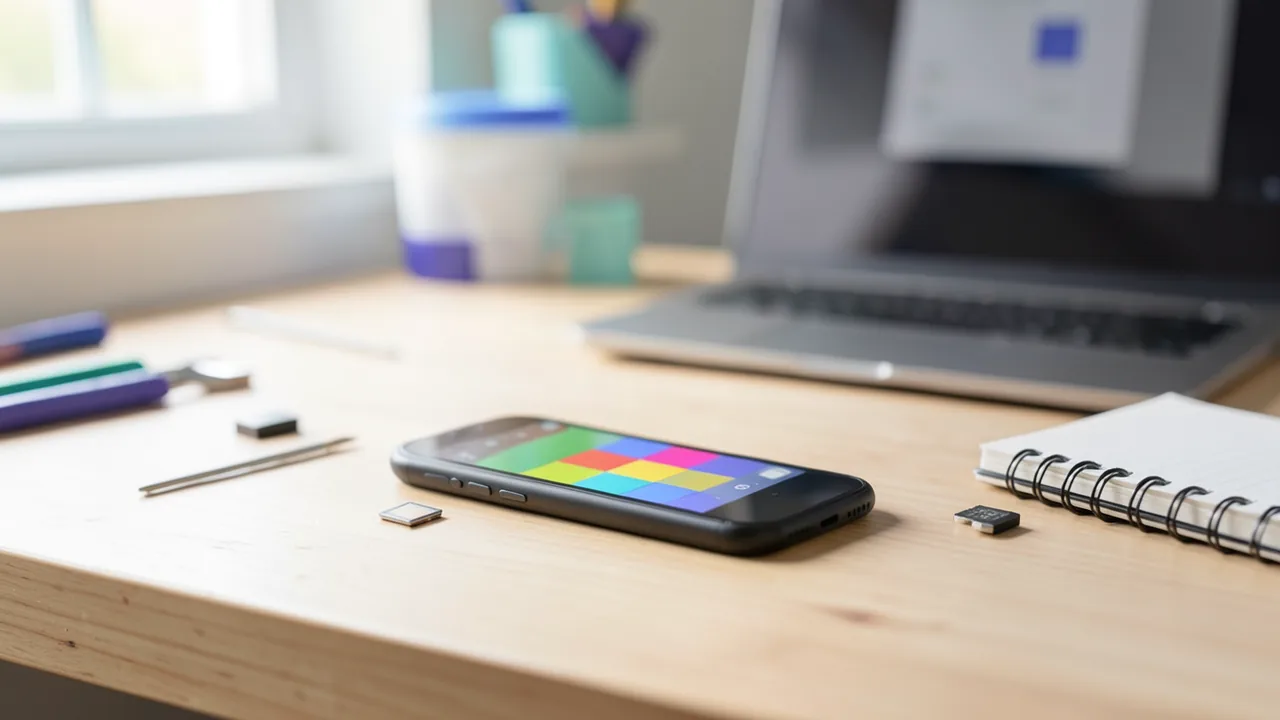
Embedded developer Elian Doran has written new firmware for his old PinePhone. Embedded developers write software for devices with built-in computers, like phones, routers or home appliances. Firmware is the basic software that gets a device running in the first place. He built it with help from Claude Code, Anthropic's AI coding assistant. Doran wrote about the project on Reddit, and the tech site MakeUseOf picked it up.
The PinePhone is a Linux smartphone made by Pine64 and is now about seven years old. Doran bought one a few years ago and then stuck it in a drawer because it was too slow. Now he's turned it into a fast feature phone, meaning a simple phone with a small, fixed set of features. It boots in seconds and handles everyday tasks much faster than before. The firmware is open source. For now it only runs on the original PinePhone, but Doran is thinking about porting it to the PinePhone Pro. If you don't have the hardware, you can try the interface in a browser demo.
The device: a phone for tinkerers
Pine64 was originally best known for its $99 Pinebook laptop. The PinePhone launched in 2019 as a first "Brave Heart Edition" for adventurous early adopters. According to Notebookcheck's reports at the time, it had 2 GB of RAM, a quad-core ARM Cortex-A53 processor, a 5.45-inch 720p display and 4G support. The target price was around $100. The phone was aimed at open-source fans and developers, and even back then its hardware was underpowered for a typical smartphone interface. That's exactly where Doran's project comes in: instead of a full desktop Linux with a heavy interface, it runs only what's needed.
How the new firmware is built
Doran uses Buildroot, a tool for putting together a small, custom Linux system from exactly the parts you need. Underneath sits a patched mainline kernel, meaning the official Linux kernel with his own changes. The interface is drawn straight onto the display by the LVGL graphics library. LVGL was built for small devices with little computing power and skips the many layers of a regular desktop environment. According to Doran, most screens run at the full 66 frames per second the display can handle.
In total, the project includes 81 patches, which are targeted changes to existing code. 46 of them touch the Linux kernel itself, covering battery charging, the camera and waking the phone when an SMS comes in. You can also install apps separately, including a Telegram client, the classic shooter Doom and an emulator for the Sega Genesis (known as the Mega Drive in Europe).
How Claude Code helped
Doran says writing the actual C code was rarely the hard part. The tedious work was digging through drivers and log files to figure out where anything needed to change at all. Claude's agents turned out to be very useful for exactly that. Agents are AI assistants that search files, run commands and evaluate results on their own instead of just answering questions.
Doran did most of the work with the Opus 5.5 model. For especially tricky problems, like debugging phone calls over 4G, he switched to the newer Fable 5.2 model.
Doran kept careful count:
| Metric | Value |
|---|---|
| Development time | 9 days |
| Claude sessions | 187 |
| Messages typed by Doran | 2,290 |
| Total tokens used | approx. 5 billion |
| of which cache reads | 93% |
| Output tokens generated by Claude | 16.8 million |
| Estimated cost at API prices | approx. $1,750 |
Tokens are the chunks of text AI models compute with, roughly pieces of words. The high cache share means the model kept rereading the same context it had already cached, like source code and logs. Cache reads cost much less than freshly processed text. That's why the bill stays relatively modest despite billions of tokens. The $1,750 is Doran's own estimate of what it would have cost at regular API prices. The report doesn't say whether he actually paid that much or worked through a subscription.
Try it yourself: in the browser or on the device
The project website has a "Try it live" button. It loads the same interface compiled to WebAssembly, a format that lets programs run directly in the browser at close to native speed. The demo simulates the phone's hardware, so the camera doesn't work and calls ring silently. A few e-books, photos and music tracks come preinstalled so you have something to play with. The report doesn't give the project site's exact address.
If you still have an original PinePhone, you can boot the firmware from a microSD card without touching the installed system. To switch back, turn the phone off, pull the card and turn it on again.
Our take
The project shows clearly where AI coding assistants are most useful today: less in typing code and more in the grinding detective work through unfamiliar drivers, kernel sources and log files. A working phone OS with kernel patches, telephony and a camera in nine days is remarkable for one person, even though Doran, as an embedded developer, knew exactly what he was doing. His 2,290 messages show this wasn't a one-click job but an intense collaboration between human and AI.
The numbers also show what projects like this cost. Around $1,750 at API prices is a lot of money for a hobby project, but little compared with several weeks of a professional's time. It's still unclear how maintainable and stable the firmware will be in the long run, and how many of the kernel patches could make it into the official Linux kernel. All performance and effort figures come from the developer himself and haven't been independently verified. Still, if you have a PinePhone gathering dust, this project is a good reason to dig it out again.
Sources
- Merkliste: makeuseof.com makeuseof.com
- zdnet.com zdnet.com
- notebookcheck.net notebookcheck.net
Ask the AI assistant
Questions about this article, installation or background? Our assistant knows this page and runs on our own machine, not in someone else's cloud.
The Assistant is an AI (Gemma 4) and can make mistakes – please check important details against the source. Questions are used only to generate an answer and are deleted after one hour. Please don't enter any personal data.

Comments
What do you think? Already tried it? Write it here, no sign-up needed.
Comments are public. Links aren't allowed, and we delete abusive posts. You can delete your own comment at any time in this browser. Learn more in the Privacy Policy.