
Free tool Veyra uses AI to push PS5 and Xbox streams to 120 FPS
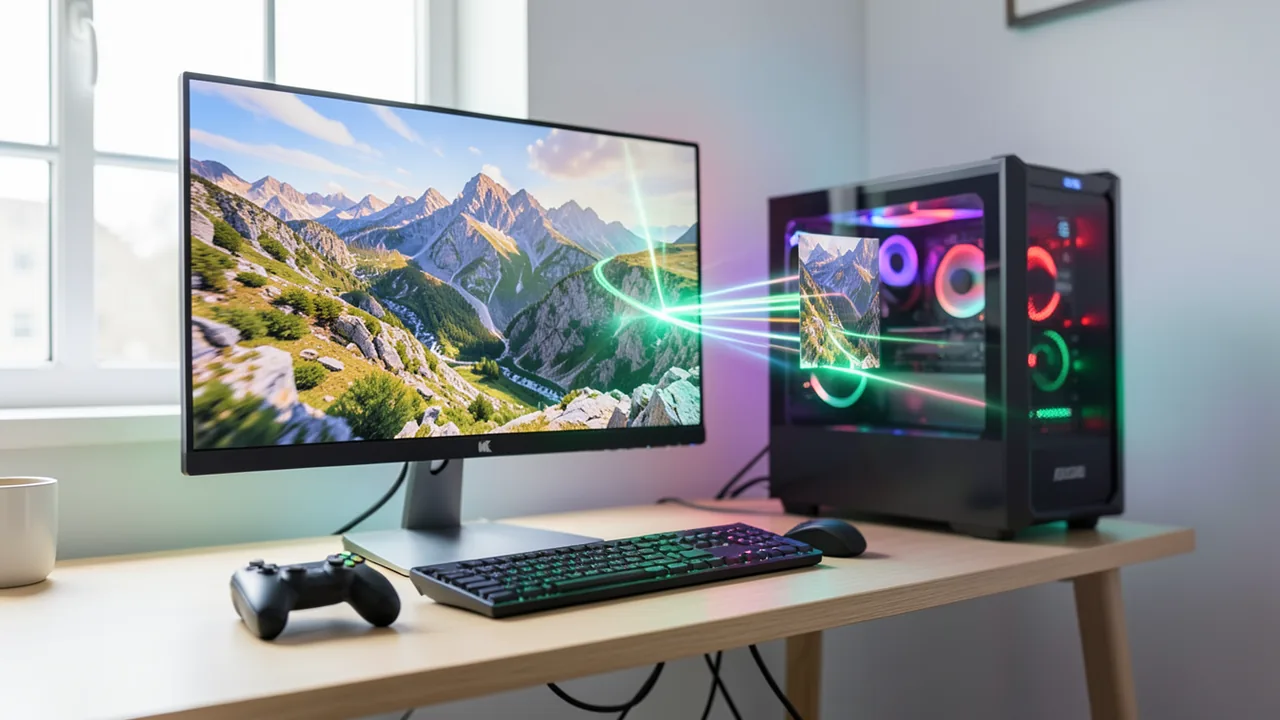
The open-source app Veyra runs footage from consoles, capture cards or video files through upscalers, AI denoisers and frame interpolation in real time. It has already passed 2,700 stars on GitHub. It won't make your console any faster, though, and the developers are upfront about where the tool falls short.
What it's about
Veyra is a free, open-source Windows app that post-processes video in real time. It takes the feed from a PlayStation 5, an Xbox, a gaming PC or a capture card, or just a video file on your drive. That image then runs through upscalers such as NVIDIA's DLSS and AMD's FSR, AI denoisers and frame interpolation. According to the AlphaSignal newsletter, the project has now collected more than 2,700 stars on GitHub, which are essentially user bookmarks. The portable packages, which run without installation, have been downloaded more than 79,000 times. The current release is version 2.1.6.
Most of the buzz comes from a GTA 6 marketing pitch: "120 FPS with DLSS 5." AlphaSignal points out that "DLSS 5" is an unofficial marketing label here, not an official NVIDIA technology.
What Veyra actually does, and what it doesn't
The most important point first: Veyra processes the video only after the console or PC has already rendered the frame. The app sits between the video source and your monitor. From there it can do several things:
- Super Resolution (SR): An upscaler takes a low-resolution image to a higher resolution and reconstructs detail along the way. A 1080p stream, for example, becomes a sharper image on a 4K monitor.
- Noise Reduction (NR): A denoiser smooths out compression artifacts, the familiar blockiness and flicker you get when streaming over a network.
- HDR reconstruction: The app turns a standard image into one with a wider contrast and color range.
- Frame Generation (FG): Artificial frames are calculated between two real ones. Motion looks smoother, say 120 frames per second instead of 60.
- On top of that there's anti-aliasing (against jagged edges on diagonal lines) and face restoration.
None of this makes the console itself faster or sharper. AlphaSignal makes clear that rendering resolution, simulation rate and how often the console polls controller input all stay the same. The extra frames look smoother, but the game doesn't respond any faster. Every step in the chain also adds time: capture, network transfer, decoding, AI processing and syncing with the monitor. Together they make up the total delay between pressing a button and seeing the result.
Six inputs, one processing chain
Veyra supports six main sources:
| Source | Description |
|---|---|
| Files and images | local videos (e.g. MKV) or images, including drag-and-drop |
| Capture cards | devices that feed an HDMI signal, from a console for example, into your PC |
| PS5 | via PS5 Remote Play, Sony's feature for streaming the console |
| PC | streams from machines running Sunshine, open-source game streaming software |
| Xbox | experimental |
| Screen capture | the contents of any window |
Internally, each of these sources becomes a uniform "FrameSource", meaning a video source with the same interface. That's why a local MKV file, an HDMI signal and a Sunshine stream all go through the same processing. Under the hood, Veyra is written in C++ with the Qt framework. The UI uses QML, while the actual video image is drawn directly with DirectX 12 (Direct3D 12).
Rather than a single upscaling profile, the 2.1.x series has individual processing stages that you can arrange in any order. There are two views for this. In List mode, you build your effects as a list, and this is also where offline export of finished videos happens. In Node mode, you wire up denoising, upscaling, color correction and HDR like building blocks into a graph, a flowchart the app executes directly. You can save these setups as presets. Both modes run on the same engine, and the live preview always shows the processed result.
What's new in version 2.1.6
According to AlphaSignal, the latest release brings:
- dual RTX Video Super Resolution: NVIDIA's AI video upscaler can now be applied twice,
- support for NVIDIA Low Latency to cut delay,
- more even frame pacing for frame generation, since unevenly delivered frames look choppy even at high frame rates,
- an instant replay on F9 that lets you play back the last few moments.
So Veyra blends GPU vendors' technology with its own image processing and its own pipeline control.
Requirements and license
Veyra only runs on Windows 11 (64-bit) with DirectX 12 and needs an NVIDIA or AMD graphics card. Each vendor gets its own portable build. The source doesn't mention Mac or Linux. The freely available part of the source also doesn't say what minimum GPU you need for smooth real-time processing.
The project's own code is licensed under GPL-3.0. This open-source license allows use and modification but requires that any changes you distribute are also published. PS5 streaming relies on Chiaki, a free Remote Play client. As a result, the combined program is also subject to the stricter AGPL-3.0 obligations, plus an exception for the OpenSSL encryption library.
Honest limitations
The developers list several limitations themselves:
- When exporting, noise reduction is not available at native 4K resolution.
- Support for AMD cards and the Xbox path are still experimental.
- The frame rate shown for frame generation reflects how many frames Veyra submits. It doesn't measure how many actually make it to the screen. So take the 120 FPS in the marketing slogan with a grain of salt.
- Some documented limitations date back to earlier 2.x versions.
The detailed part of the AlphaSignal article covering the individual processing stages sits behind a paywall. The sources contain no independent measurements of latency or image quality.
Our take
Veyra bundles techniques you'd otherwise only find separately: upscalers, denoisers and frame interpolation on any video source, freely combinable and free of charge. It's most interesting if you stream your console over the network to a PC monitor and want to clean up the washed-out image, or if you want to polish up older videos. More than 79,000 downloads show there's real demand.
The "120 FPS for GTA 6" promise deserves skepticism. Generated frames don't make a 30 or 60 FPS game more responsive, and every processing stage adds latency. In fast shooters, you may well notice it. With movies, videos or slower-paced games, the delay matters less. Without independent tests, it's still unclear how good the results look in practice and how high the latency really is. Still, the developers deserve credit for documenting the tool's limits this openly.
Sources
- Merkliste: alphasignal.ai alphasignal.ai
Ask the AI assistant
Questions about this article, installation or background? Our assistant knows this page and runs on our own machine, not in someone else's cloud.
The Assistant is an AI (Gemma 4) and can make mistakes – please check important details against the source. Questions are used only to generate an answer and are deleted after one hour. Please don't enter any personal data.



Comments
What do you think? Already tried it? Write it here, no sign-up needed.
Comments are public. Links aren't allowed, and we delete abusive posts. You can delete your own comment at any time in this browser. Learn more in the Privacy Policy.