
FreeVideo runs the MiniMax H3 video model on GPUs with just 8 GB of VRAM
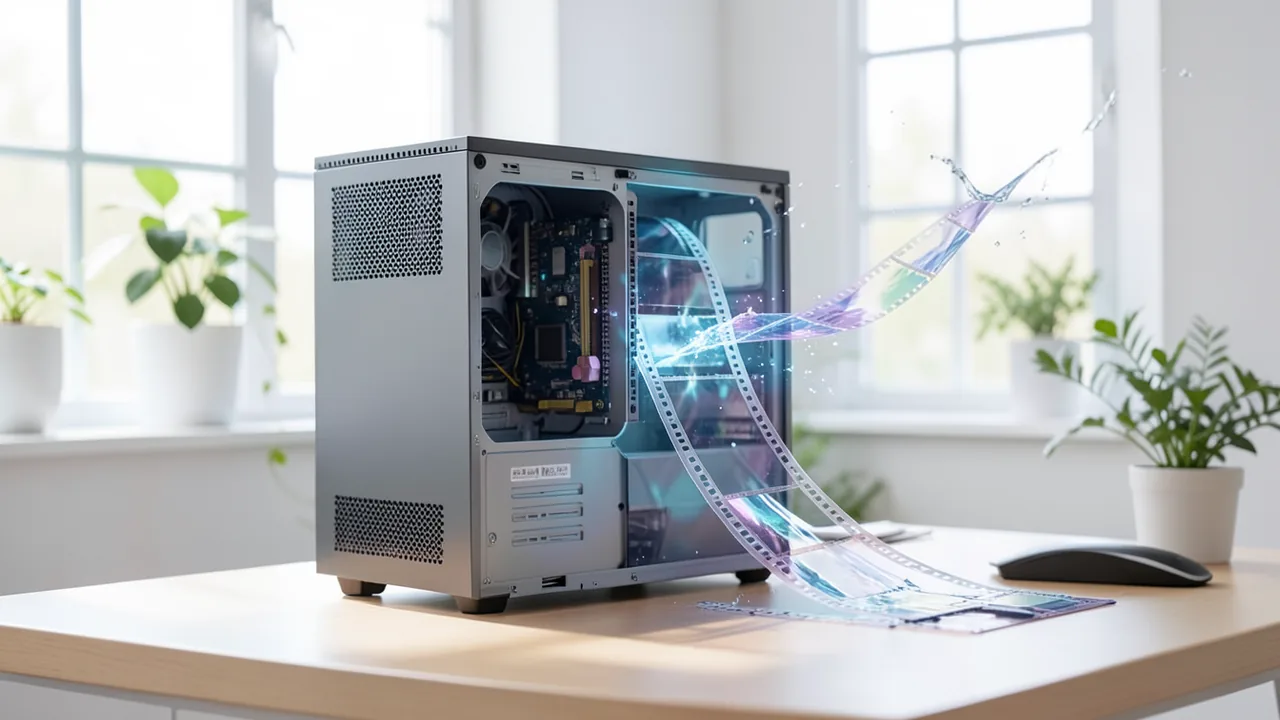
The open-source project FreeVideo aims to run the MiniMax H3 video model on ordinary home PCs. According to its developers, 8 GB of VRAM (video memory) and 16 GB of RAM are enough. The trick is that the model doesn't get loaded into VRAM all at once. Instead, it's fed to the GPU piece by piece from disk and system memory.
What it's about
If you want to generate AI videos on your own machine, you quickly hit a wall: current video models usually need expensive GPUs with several dozen gigabytes of VRAM (video memory). The open-source project FreeVideo wants to change that. It's an inference engine, the software that actually runs a trained AI model. Here it runs the MiniMax H3 video model, and according to the developers it does so on GPUs with as little as 8 GB of VRAM and 16 GB of RAM.
Mexican tech site OneDigital is among the outlets that have covered the project. FreeVideo runs as a plugin for ComfyUI, a popular interface where you build AI image and video workflows out of building blocks called nodes. There are versions for Windows, macOS and Linux. The organization FlashML-org develops FreeVideo on GitHub. The current version, 0.6.5, came out on November 19, 2026. On November 20, the repository had about 3,600 stars, 497 forks, 1,688 commits and 86 releases. For a core team of just three people, that's a fast pace.
How it gets by with so little VRAM
The key trick is called weight streaming. The model doesn't have to fit entirely in VRAM. Instead, its data is sent to the GPU bit by bit from disk and system memory, right when it's needed. It works a lot like a streaming service that loads a movie in chunks instead of making you download the whole file first. Two more techniques help. With asynchronous prefetching, the next chunk is fetched while the current one is still being computed. With block-wise computation, the software works through the video in pieces, so memory use never spikes all at once.
The project says the engine checks your hardware at startup. Then it decides three things on its own:
- Where the model data lives: in VRAM, in system memory or on disk.
- What precision to compute in: On GeForce cards and the RTX 30 series, FreeVideo uses int8, which stores numbers as integers using just 8 bits. On workstation and data center cards it uses FP8, another compact 8-bit format that stores decimal numbers and that newer pro cards handle especially fast.
- Which attention kernels to run: These are specialized compute routines for the part of the model that links parts of the image across space and time.
So the hardware isn't a fixed minimum requirement. The software adapts to whatever you have. OneDigital compares this to mixture-of-experts models, where only part of the model is active at each step. Those also made the hardware needs of local AI more flexible. With FreeVideo, though, the adjustment happens at runtime, and you don't have to set anything by hand.
The research behind it is the paper Video DeltaNet, published on arXiv. FreeVideo is based on OpenVDN's VDN-H3 model, which builds on that paper. The model uses what's called hybrid attention, which combines several methods to process video more efficiently.
What FreeVideo can do: the project's numbers
| Feature | Developer claim |
|---|---|
| Minimum VRAM | 8 GB |
| Minimum RAM | 16 GB |
| Weight format | int8 (GeForce/RTX 30), FP8 (workstation/data center) |
| Speed on RTX 3090 | about 2.3x faster with the int8 model (since v0.3.0) |
| Images with H3 Image | up to 16 megapixels, from 8 GB VRAM (since v0.5.0) |
| Video length | over a minute, via AI agents (since v0.4.0) |
| Quality levels | Light, Medium, High, Max |
| Code license | Apache 2.0 |
| Weights license | MiniMax H3 Community License |
FreeVideo takes text, a first and a last frame, and image, video and audio references as input. You can also plug in community LoRAs. These are small add-on files that tune a model to a specific style or character without retraining the whole thing. The four quality levels are a tradeoff: the higher the quality, the longer the render takes.
FreeVideo gets its own workspace in ComfyUI. It offers two-pass sampling, batch processing for multiple videos and a history of past results. If you want more control, you can switch to the classic node view. Every finished video carries its complete workflow. Drag it back into ComfyUI and the prompt, the seed (the random generator's starting value) and all settings are restored.
New features: AI agents and previews
OneDigital highlights two new features as especially useful for creators. Since October 2026, an AI agent such as Claude Code or Codex can generate videos on its own, including editing on a timeline. This is supposed to make videos longer than a minute possible. In November, a half-resolution preview arrived. You see a quick rough cut first, then render only the clips you actually like at full quality. OneDigital's editors reckon this saves hours of compute that would otherwise go into takes you end up throwing away.
Installation and platforms
The easiest route is the official FreeVideo.exe launcher on Windows. Pick an existing ComfyUI folder or let it install ComfyUI fresh. Then click Install and Start. ComfyUI opens in your browser with the FreeVideo workspace. Missing models download automatically, and any you already have get reused.
If you already use ComfyUI, git clone the repository into the custom_nodes folder and restart ComfyUI. The FreeVideo-All-in-One template then shows up in the template browser. For servers there's a setup script and a server mode that lets you access FreeVideo over your local network.
There's a preview version for Macs with Apple silicon. It has only been tested on a Mac with an M5 chip and 24 GB of unified memory. The app isn't notarized by Apple yet, so you'll have to allow it manually in System Settings the first time you open it. The project recommends downloading files only from its own GitHub Releases page. If your antivirus blocks something, check the SHA-256 checksum. This checksum tells you whether a file has been tampered with.
An offline install needs four model packages plus an environment package. Together they add up to several gigabytes, so make sure you have enough free disk space.
Limits and open questions
- No independent tests: All memory and speed figures come from the project itself. Nobody yet knows how long a video actually takes on an 8 GB card. Weight streaming probably makes it a lot slower than on big cards, but there are no solid measurements yet.
- Mac support barely tested: There's no data on how fast FreeVideo runs on other Apple chips.
- Weights license: Only the code is under the permissive Apache 2.0 license. The MiniMax H3 weights fall under the MiniMax H3 Community License, which includes regional restrictions and rules on what the model may be used for. If you want to use the videos commercially, read the license carefully first.
You can report bugs via GitHub Issues or on the project's Discord server. A community gallery collects 20-second clips and side-by-side comparisons you can check your own results against.
Our take
FreeVideo tackles a real problem: modern video models have barely been usable on regular gaming PCs. If 8 GB of VRAM really is enough, lots of people with older or cheaper GPUs could run the model locally, with no cloud subscription and no uploading their data. Going by the project's numbers, RTX 30 owners benefit most, since the int8 format is built for their cards. If you want top quality and speed, pro hardware with FP8 is still the better bet.
Three concerns remain. First, there are no independent tests yet. Second, the licensing is split, and the weights come with restrictions. Third, it's unclear whether render times on modest hardware are practical. Still, the project's fast growth on GitHub and the research paper behind it make it worth watching.
Sources
- Google News (MX) onedigital.mx
Ask the AI assistant
Questions about this article, installation or background? Our assistant knows this page and runs on our own machine, not in someone else's cloud.
The Assistant is an AI (Gemma 4) and can make mistakes – please check important details against the source. Questions are used only to generate an answer and are deleted after one hour. Please don't enter any personal data.

Comments
What do you think? Already tried it? Write it here, no sign-up needed.
Comments are public. Links aren't allowed, and we delete abusive posts. You can delete your own comment at any time in this browser. Learn more in the Privacy Policy.