
H3MD Director: 2–3 minutes of MiniMax H3 video in one ComfyUI run
A community developer has released ComfyUI nodes that let you generate two- to three-minute 1080p videos in a single run with the open video model MiniMax H3. You can re-render broken segments individually. The package is free and open source (AGPL); the model weights are not included.
What this is about
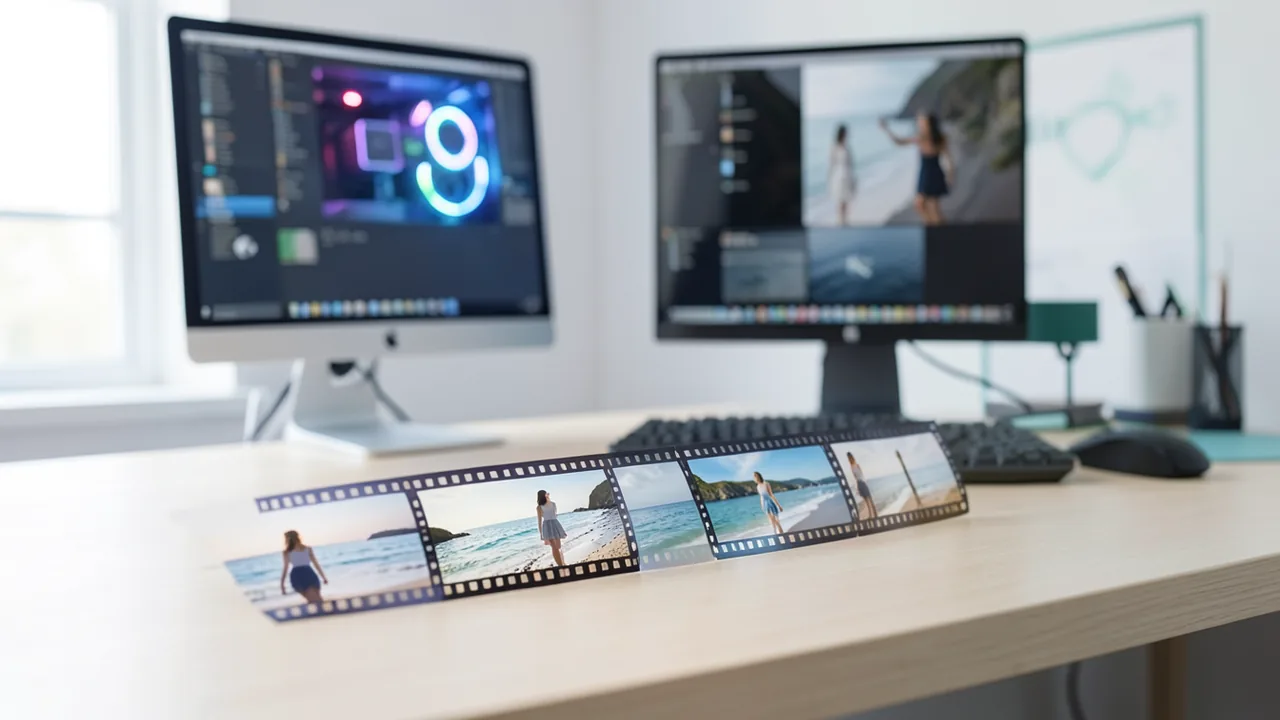
A developer (who goes by ReferenceFluffy6159 on Reddit) has released a free node pack called H3MD Director for ComfyUI, the graphical, node-based interface for AI workflows. It lets you generate videos two to three minutes long in 1080p in a single run with MiniMax H3. The model itself manages just over ten seconds per run, and according to the author, most workflows stop at 10 to 15 seconds. The model weights are not part of the package; MiniMax H3 has its own license.
How the chaining works
The challenge with long videos isn't stringing clips together. It's keeping transitions seamless, avoiding color drift, staying within video memory, and making errors fixable. H3MD handles this as follows:
- Continuation in latent space: The next segment starts with the last 39 frames of the previous segment's latent (the internal, compressed image representation). This avoids the loss of sharpness and color that comes from decoding and re-encoding.
- Two-stage sampling: Six steps at half resolution, then a learned latent upscaler, then three steps at full resolution. The engine comes from Luna-H3-Sampler (GPL-3.0).
- Automatic splitting and tiling: Shots that are too long are split based on a token budget. The high-resolution pass runs as a full frame or in as few strips as possible. If you run out of memory (OOM), it automatically retries with more strips.
- Disk cache and resuming: Each segment is written to disk immediately, and only one sits in RAM. A segment with 243 frames at 1088x1920 needs about 3 GB.
- Targeted re-rendering: With
rerun_segments(e.g. "8-10"), only the failed sections are regenerated. Their end is tied to the start of the next saved segment, so the rest stays untouched.
More features
A built-in visual editor ("Director") with a media bin, timeline and shot tabs lets you reference images, videos and audio with @ tags. With "Motion Copy," a reference video drives the movement (depth map, SAM3 person silhouette, Fun ControlNet), while the look comes from your own photos. Examples on the project page include music videos with lip sync, a multi-shot film and motion transfer. You save through H3MD Save Video Interp, optionally with RIFE interpolation from 24 fps to higher frame rates. H3 is locked to 24 fps.
Fighting drift: lowres_anchor
In chained segments, saturation and sharpness creep up and faces look older. According to the developer, the color drift originates in the low-resolution pass. The countermeasure, lowres_anchor, pulls channel statistics back toward the first segment of the scene. Measured over a 133-second shot, saturation stayed at 0.33–0.36 instead of climbing from 0.34 to 0.48. These are the developer's own figures and have not been independently verified. The reference photos also teach some lessons: gray studio backgrounds turn the video gray, a broad grin freezes into every frame, and wood floors and tiles change their pattern.
What you need to try it
The estimate was calibrated on an RTX 5090 with 32 GB. With less than 16 GB of VRAM, you should use a lower resolution (e.g. 768x1344), shorter segments and fewer reference media. The 32B text encoder follows prompts best; with 4B plus ClipProj you save more than 10 GB of VRAM at the cost of slightly weaker prompt understanding. You'll also need plenty of disk space for the cache and models. Installation: open the custom_nodes folder, git clone the repo, and restart ComfyUI. No pip install is needed. According to the workflow notes, the models are downloaded from Hugging Face.
Notebookcheck tested MiniMax H3 with ComfyUI on a Razer Blade 16 with an RTX 5090 (the source cites 24 GB of VRAM). A 480p clip of a brick spaceship took about 5.5 minutes. The author was happier with the results than with the free tiers of Kling AI and Seedance, praised the reference-to-video consistency (images "Ship_front" and "Ship_rear" as references), and criticized that Full HD wasn't available in his setup. He had ChatGPT tailor his prompts to MiniMax H3. In his view, video generation becomes interesting from about 8 GB of VRAM. According to a DomoAI press release, H3 generates clips of four to 15 seconds at 768P to 2K and accepts up to nine images, three videos and three audio files as references.
Our take
H3MD Director shows how the community is stretching an open video model built for short clips into minutes-long footage. The practical highlights are repairing individual segments and the memory management. The barrier remains high: the workflow is complex, relies on many third-party nodes and models that each have their own license, and quality depends on reference photos and prompts. According to the README, known weaknesses include ghost hands during fast arm movements, memory limits that aren't guaranteed outside the recommended path, and untested H.265. License: AGPL-3.0 with a requirement for visible attribution. Commercial use is allowed, and modified network-hosted versions must publish their source code.
Sources
- Reddit: lokale Modelle & Bild-KI github.com
- notebookcheck.net notebookcheck.net
- finanznachrichten.de finanznachrichten.de
Ask the AI assistant
Questions about this article, installation or background? Our assistant knows this page and runs on our own machine, not in someone else's cloud.
The Assistant is an AI (Gemma 4) and can make mistakes – please check important details against the source. Questions are used only to generate an answer and are deleted after one hour. Please don't enter any personal data.

Comments
What do you think? Already tried it? Write it here, no sign-up needed.
Comments are public. Links aren't allowed, and we delete abusive posts. You can delete your own comment at any time in this browser. Learn more in the Privacy Policy.