
Microsoft turns Windows PCs into an AI cluster with plain USB4 cables
Microsoft has unveiled "RDMA over USB4". You can link several Windows PCs with regular USB4 cables, and they pool their memory and GPU power to run AI models that are too big for any one machine. You don't need network cards or switches. For now it's aimed at developers, and setup is still pretty involved.
What's going on
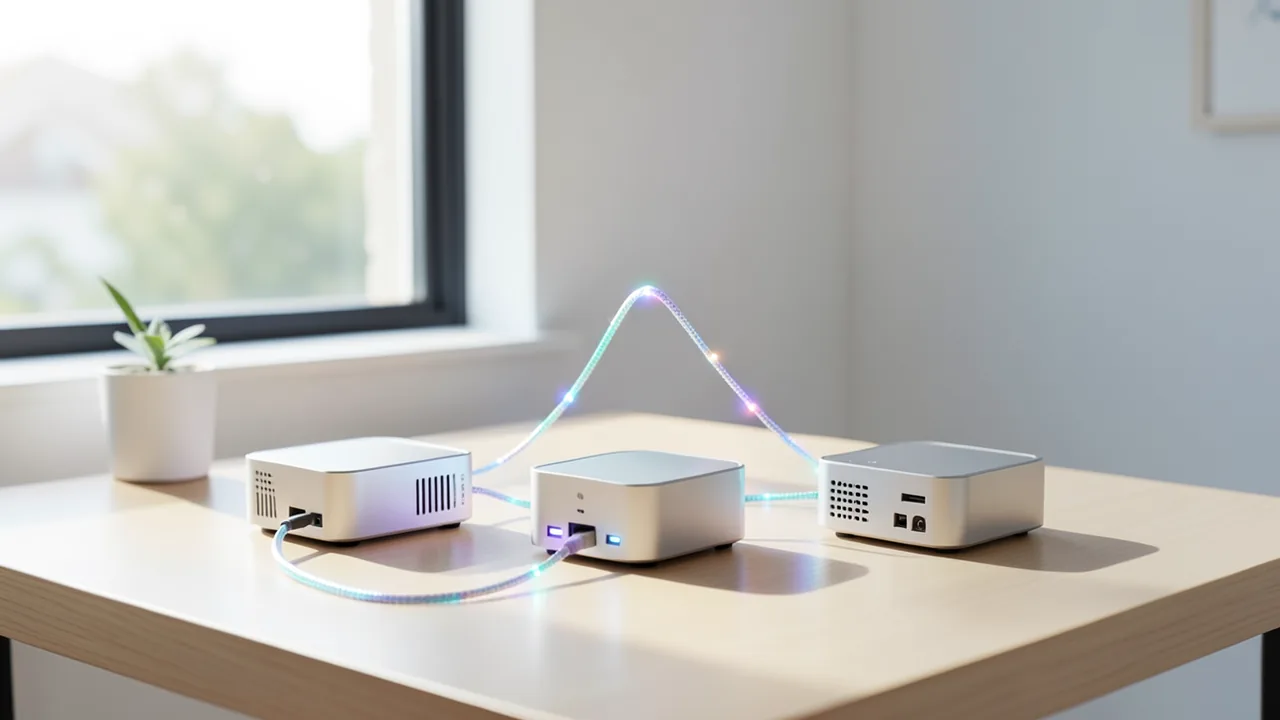
On November 19, 2026, Microsoft announced a feature called RDMA over USB4. It lets you link several Windows PCs with ordinary USB4 cables. To compatible AI software, they then behave like a single compute group, or cluster. The memory and GPU power of all the machines are pooled, so you can run language models locally that wouldn't fit on a single PC.
Microsoft introduced it on the USB blog of its Tech Community. Japanese magazine Gigazine and the site Superpower Daily reported on it. The feature isn't finished yet: it's a developer preview. The open-source components are already on GitHub. Microsoft says the Windows build you need will arrive "soon" in the Windows Insider Program, in the Experimental channel (the "Future Platforms" track).
What RDMA is and why latency matters
RDMA stands for Remote Direct Memory Access. It lets one computer write data straight into another computer's memory, bypassing almost all of the usual networking software stack. Think of a pneumatic tube that delivers straight to the recipient's desk, instead of going through the mailroom, sorting and internal delivery first. Data centers have used it for years. Windows already supports RDMA through the NetworkDirect API, but until now only with expensive, specialized network cards. What's new is that the same interface now runs over USB4. According to Microsoft, the implementation moves data between registered memory regions without making extra copies in software.
This matters because of a technique called tensor parallelism, where a model's computations are split across several machines. The PCs involved then have to exchange intermediate results several times for every token, or chunk of text, they generate. Microsoft stresses that in this setup, the delay per message (latency) often limits speed more than raw bandwidth does.
That's exactly where RDMA over USB4 is supposed to shine. There's already another way to network PCs over USB4 cables: "Ethernet over USB4". According to Gigazine, that approach takes 194 microseconds for a 16 KiB packet, while RDMA over USB4 needs just 50 microseconds, a factor of 3.9. Superpower Daily cites round-trip times of 28 to 50 microseconds for small messages, roughly a quarter of the latency of Ethernet UDP over the same USB4 link. In general, 40 Gbit/s USB4 ports are enough. For workloads with very long context, meaning a lot of text the model has to process at once, 80 Gbit/s ports are said to help.
The benchmarks: more capacity, limited speedup
Microsoft, AMD and Intel have provided early numbers. All of them are vendor figures.
AMD setup: Three mini PCs with AMD Ryzen AI Max, integrated Radeon 8060S graphics and 128 GB of memory each, shared between CPU and GPU, connected over 40 Gbit/s USB4. They ran Qwen3-235B-A22B, a 235-billion-parameter model, in a 4-bit quantization (Q4_K_M). Quantization means storing the model's numbers at lower precision so it needs less memory. AMD reports 21.98 tokens per second for text generation (decode) and 117.98 tokens per second for reading in the prompt (prefill). In its own lab, Microsoft measured about 18.5 tokens per second.
Intel setup: PCs with Intel Core Ultra Series 3 and 64 GB of memory each. Microsoft says gpt-oss-120b doesn't fit on a single one of these machines. Clustered, they produced the following results:
| PCs | Test run | Time to first token | Output |
|---|---|---|---|
| 3 | approx. 1,000 tokens of context | 1.1 s | 49.4 tokens/s |
| 4 | approx. 1,000 tokens of context | 1.2 s | 54.2 tokens/s |
| 3 | longer context | 2.9 s | 49.4 tokens/s |
| 4 | longer context | 3.2 s | 51.7 tokens/s |
Gigazine's table is a bit garbled at this point, so you can't reliably tell the exact context length of the second test run. But the point Superpower Daily highlights is clear: a fourth PC only speeds up output slightly, and the wait for the first token actually gets a little longer. More machines mainly give you room for bigger models, not automatically more speed. Superpower Daily also notes that the AMD and Intel numbers aren't an apples-to-apples comparison. Microsoft says performance depends on the model, the software build, memory and the GPU.
Setup takes some work
The hardware is simple: Windows PCs with USB4 ports and USB4 cables. But every PC has to be connected directly to every other PC. With two PCs, each needs one port. With three, each needs two, and so on. Microsoft says daisy-chaining hurts performance significantly. It tested up to three AMD machines and up to four Intel machines. Microsoft describes these platforms as tested, not as the only compatible ones, so other processors may work too.
Superpower Daily lists a few more hurdles:
- All PCs must run the same Insider build, the same preview drivers and the same version of the NetworkDirect provider.
- Each USB4 network connection needs a static IPv4 address in its own subnet.
- You have to enable test signing, which allows drivers that aren't officially signed to load. That requires turning off Secure Boot. Microsoft therefore recommends dedicated test machines rather than your everyday PC, and advises turning Secure Boot back on afterwards.
- If a connection drops, the transport layer doesn't re-establish it on its own. The application has to handle that.
Code to try
Two repositories are already public. github.com/microsoft/windows-usb4-rdma hosts the NetworkDirect provider and tooling that let RDMA operations run over USB4. github.com/microsoft/llama.cpp-nd-usb4 contains a modified version of llama.cpp, the popular tool for running language models locally, which uses it to spread models across a Windows cluster. Developers can start preparing their applications now. Microsoft plans to publish the instructions and the matching build once the preview lands in the Insider channel.
The bigger picture
The idea is an obvious one, and it's very appealing for local AI fans. On the Mac, tinkerers have been linking multiple machines over Thunderbolt for a while to run huge models. Microsoft is now bringing a comparable, officially supported solution to Windows, and it uses RDMA instead of a regular network protocol. If you own two or three well-equipped mini PCs, you could run models in the 120 to 235 billion parameter range without the cloud, at usable speeds.
For regular users, though, it's still a long way off. The Windows build isn't out, Secure Boot has to be off and the network has to be configured by hand. All performance figures come from Microsoft, AMD and Intel and haven't been independently verified. The Intel numbers also show that extra machines add only a little speed. It's also unclear how many applications beyond Microsoft's version of llama.cpp will support the interface. For now, RDMA over USB4 is an interesting offer for developers. Plug and play is still to come.
Sources
- Gigazine (JP) gigazine.net
- superpowerdaily.com superpowerdaily.com
Ask the AI assistant
Questions about this article, installation or background? Our assistant knows this page and runs on our own machine, not in someone else's cloud.
The Assistant is an AI (Gemma 4) and can make mistakes – please check important details against the source. Questions are used only to generate an answer and are deleted after one hour. Please don't enter any personal data.



Comments
What do you think? Already tried it? Write it here, no sign-up needed.
Comments are public. Links aren't allowed, and we delete abusive posts. You can delete your own comment at any time in this browser. Learn more in the Privacy Policy.