
Nvidia RTX Spark goes mini PC: always-on local AI agents from $4,400
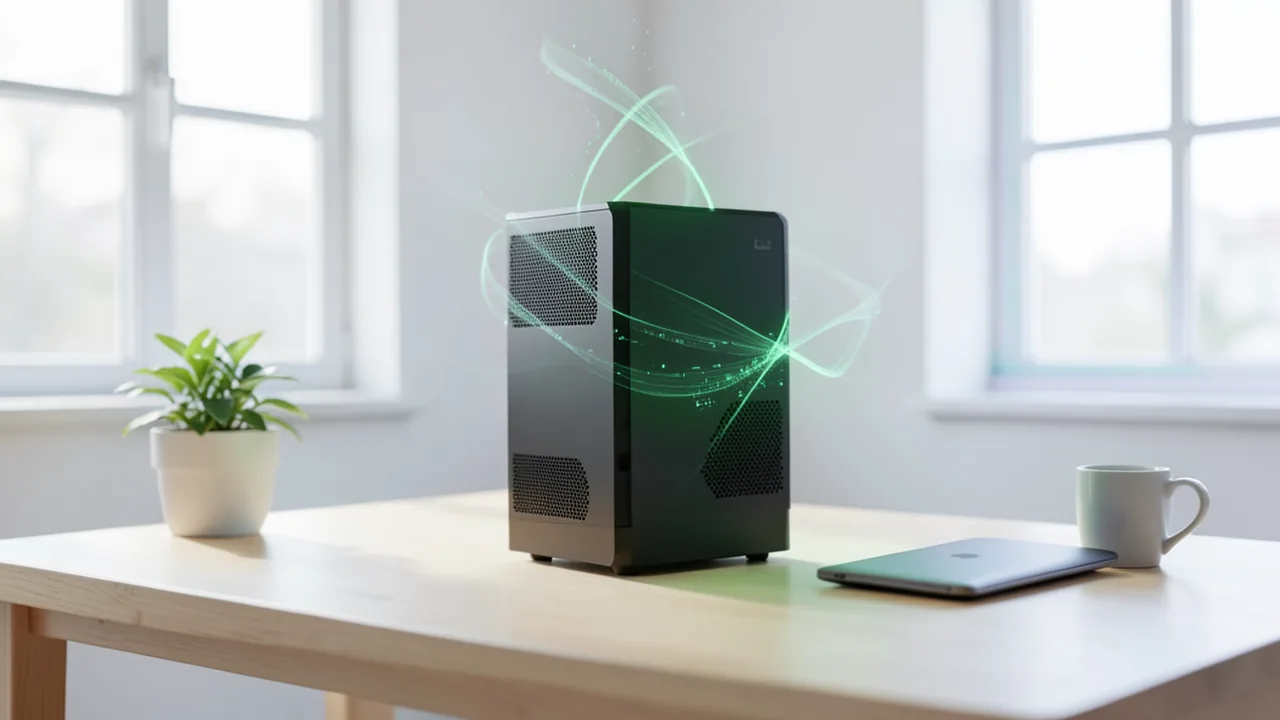
After the laptops, Nvidia is bringing its RTX Spark platform to compact Windows desktops from Asus, Dell and MSI. The mini PCs pack up to 128 GB of shared memory and are meant to run large AI models locally and keep AI agents running around the clock. They're expensive, though, and Apple is a strong rival.
What's new
Nvidia is bringing its RTX Spark platform to compact desktop PCs. Until now it was only available in laptops, which launched about a month ago. The new mini PCs run Windows 11, and Nvidia says they're aimed mainly at developers, creators and AI enthusiasts. You're supposed to be able to run large AI models right on your own machine, generate images and video, and customize models through fine-tuning. Fine-tuning means training an existing model further on your own data. Above all, the machines are meant to keep AI agents running permanently. Agents are AI programs that work through multiple steps on their own.
According to Nvidia and Thurrott.com, the first models from Asus, Dell and MSI have been available since November 19. Acer, Gigabyte, HP and Microsoft, with its Surface RTX Spark Dev Box, will follow later. Gizmodo reports that Acer's machine won't arrive until early 2027.
What's inside
All the desktops use the faster version of the N1X chip. The laptops also come with a cut-down variant (18 CPU cores, 5,120 GPU cores), but according to Gizmodo and Thurrott, every desktop gets the top configuration:
| Component | Spec |
|---|---|
| Processor (CPU) | Nvidia Grace, 20 cores |
| Graphics processor (GPU) | Nvidia Blackwell RTX, 6,144 CUDA cores |
| Memory | up to 128 GB unified memory (64 GB in most base configurations) |
| AI performance | up to 1 petaflop (manufacturer claim) |
| Networking | 10 Gigabit Ethernet |
| Operating system | Windows 11 (Windows on Arm) |
Unified memory means the CPU and GPU share a single memory pool. Online-Tech-Tips compares it to a pantry both of them can take from. That matters for AI, because a large language model has to fit entirely in memory. Regular graphics cards usually have far too little VRAM (video memory) for that. CUDA cores are the compute units in an Nvidia GPU that handle many calculations in parallel. A petaflop is a quadrillion operations per second. For AI hardware, that kind of figure usually only applies under ideal conditions and with heavily simplified number formats.
According to Nvidia, the mini PCs can, among other things:
- run large language models (LLMs) with 120 billion parameters locally,
- render 3D scenes larger than 90 GB in real time,
- edit 4:2:2 video smoothly in real time. 4:2:2 is a video format that keeps a lot of color information, the kind professional cameras record.
The 10 Gigabit Ethernet lets you move large datasets, model files and project files quickly between the PC and network storage. But according to Thurrott, you can't link several RTX Spark desktops together for more compute or memory. That was possible with the dedicated DGX Spark AI machine.
Why a desktop instead of a laptop
Nvidia's argument for the desktops: a dedicated machine can keep agents and scheduled tasks running while your laptop is on the road or busy with other things. Nvidia executive Justin Walker writes, as quoted by Thurrott:
A dedicated desktop can keep agents and scheduled tasks running while a laptop is traveling or doing other work.
In his laptop review, Paul Thurrott tore into the RTX Spark platform, calling it "the little engine that couldn't." Here, though, he agrees with Nvidia: if you use AI agents, you need a computer that's always on. Laptops get closed all the time. Desktops can run "headless," meaning without a monitor or keyboard, and they're better cooled.
There's also Nvidia Pair, software meant to run AI across every device on a network. Also new is Nvidia Switchyard, now available in the Hermes agent app. It automatically splits agent tasks between local models and cloud models.
Nvidia pitches privacy and cost as the advantages. Your code and files stay on your own PC, and nothing goes to someone else's servers. You also don't pay per token. Tokens are the chunks of text cloud AI services bill by. Gizmodo wryly notes that Nvidia makes the higher power bill sound far cheaper than paying for cloud agents, even though Nvidia itself earns a fortune from those cloud services by supplying the chips.
Software and compatibility
The platform runs on Arm processors, so software support matters. Nvidia lists several things that work now:
- native Windows on Arm apps from Adobe, including Premiere and Photoshop, with RTX acceleration,
- DLSS Ray Reconstruction in Blender 5.3, an AI technique that cleans up noisy ray-traced images,
- local image and video generation with ComfyUI,
- Linux tools via the Windows Subsystem for Linux (WSL).
Thurrott points out that most of these aren't new. Online-Tech-Tips advises you to check carefully before buying that your apps, plug-ins, games and accessories work. A familiar Windows desktop doesn't guarantee your whole setup will run.
Nvidia also mentions that Windows Server 2028, which Microsoft announced at Ignite, will run on the related DGX Station for Windows once it ships.
Pricing and competition
According to Gizmodo, the desktops start at around $4,400. Most come with 64 GB of memory, and more memory costs more. According to The Verge (cited by Online-Tech-Tips), the Asus ProArt GR1X starts at $4,499 with 64 GB of memory and a 1 TB SSD. The sources don't give prices for Germany or Europe.
Gizmodo sees Apple as the biggest rival. The Mac Studio with M5 Max and 36 GB of memory starts at $2,500, and the faster version with a 40-core GPU starts at $3,099. The M5 Ultra Mac Studio starts at $5,499. Gizmodo argues that even the most expensive RTX Spark configuration can't match Apple's current M-series chips on raw CPU and GPU performance, as laptop reviews have already shown. Further competition comes from AMD machines with the Ryzen AI Max+ 495, such as the Framework Desktop. Nvidia does have one edge: lots of manufacturers, and therefore more choice. With Apple, you only get Apple.
Also announced: DGX Spark HPC Developer Kit
At the SC26 supercomputing conference in Chicago, Nvidia also unveiled the DGX Spark HPC Developer Kit. It's a desktop cluster of four systems with a combined 512 GB of unified memory and 20 TB of storage. Nvidia says it can run models with up to 700 billion parameters locally. The idea is that researchers can develop and test scientific computing and AI workloads without waiting for time on public supercomputers.
Our take
The desktop version fits Nvidia's own pitch better than the laptops do: an AI agent working around the clock needs a machine that's always on. A laptop in a backpack won't cut it. 128 GB of shared memory on Windows with Nvidia's CUDA software is appealing if you want to run large open models locally and have had to turn to a Mac or AMD until now.
There are caveats, though. More than $4,400 is a lot of money, especially since Apple sometimes offers comparable memory for less and, according to Gizmodo, delivers more performance. The 1 petaflop and 120-billion-parameter claims come from Nvidia itself. The sources don't include independent benchmarks of the desktops yet, and Nvidia doesn't say how fast a model that large actually responds. The Arm architecture can also cause compatibility problems. And unlike the DGX Spark, you can't link multiple units. For casual users, switching is an expensive toy. It can pay off if your local AI work is already pushing your current machine past its limits, provided your software runs on the platform.
Related videos
Sources
- Naver News (KR) itbiznews.com
- gizmodo.com gizmodo.com
- thurrott.com thurrott.com
- online-tech-tips.com online-tech-tips.com
Ask the AI assistant
Questions about this article, installation or background? Our assistant knows this page and runs on our own machine, not in someone else's cloud.
The Assistant is an AI (Gemma 4) and can make mistakes – please check important details against the source. Questions are used only to generate an answer and are deleted after one hour. Please don't enter any personal data.



Comments
What do you think? Already tried it? Write it here, no sign-up needed.
Comments are public. Links aren't allowed, and we delete abusive posts. You can delete your own comment at any time in this browser. Learn more in the Privacy Policy.