
Open WebUI 0.13 gives self-hosted AI a mouse, a desktop and a browser
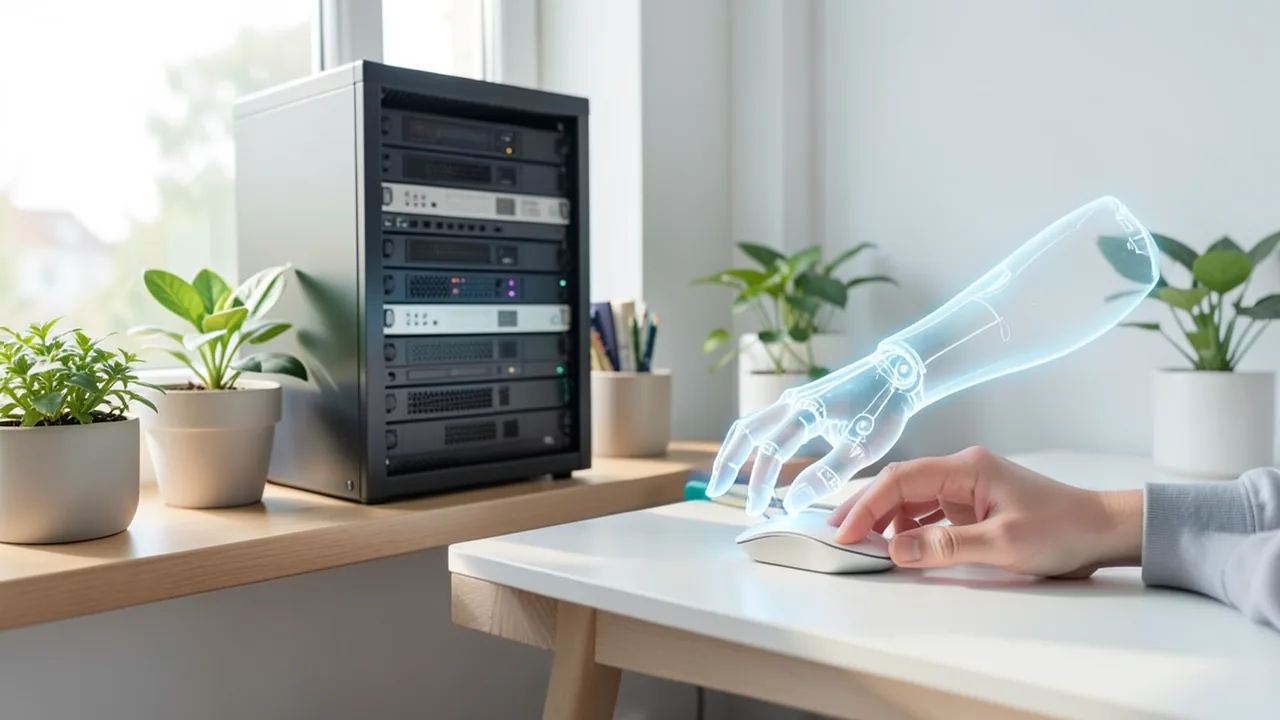
Starting with version 0.13, the popular chat interface Open WebUI lets AI models drive their own Linux desktop, complete with mouse, browser and Git. The pitch: computer use like the big AI services offer, but on your own hardware. The catch: the demos ran on OpenAI models, and the security fixes still haven't been explained.
What's going on
Open WebUI is a free, open-source chat interface you install on your own computer or server. Think of it as a self-hosted ChatGPT. It can sit in front of local models, for example via Ollama or llama.cpp (programs that run AI models on your own hardware), or in front of cloud models connected through an API. It's one of the most popular AI tools on GitHub: according to the tech site maccus.fr, it had 157,862 stars on November 6.
Version 0.13.0, released on November 3, 2026, is a big step: AI models can now operate a computer. They get a Linux desktop, a web browser and Git, the tool developers use to track changes to code. The model moves the mouse itself, and you can watch, step in, or approve each action one by one. The team introduced the feature on November 4 in a blog post titled "Your model gets a computer."
Desktop, browser and Git next to the chat
Under the hood, the desktop runs on Open Terminal, a separate, also self-hosted program from the same team. It's where a model can run commands and manage files. An administrator connects Open Terminal once. After that, every authorized user finds the desktop in a tab next to the chat, with nothing to install themselves.
The recommended option is Open Terminal's standard Docker image, at around 4 GB. Docker packs software into isolated "containers," small self-contained spaces on your machine. The slimmer image variants don't include a desktop. Inside the container runs an isolated Linux system, separated from employees' computers. You can also install Open Terminal directly on a Mac or Windows PC via pip (Python's package installer). In that case, though, the model works on the logged-in user's real screen, with that user's permissions. That's why the project recommends Docker for teams.
On the model side, there are two requirements: it must be able to call tools (that is, trigger actions) and understand images, because the desktop sends it screenshots.
The browser tab has a Chrome mode in which you and the model share one browser session. A simple "proxy" mode for previews is still there. The model can visit websites, fill in forms and test web apps it has just written. A Git panel shows the model's code changes, which you can commit to the project history or push to a shared repository straight from the chat.
Confusingly named is Open WebUI Desktop: a separate app for macOS, Windows and Linux that hit version 0.1.0 on November 1 and 0.1.4 the following day. It installs Open WebUI on your own computer and can also run local models through llama.cpp, though that option is off by default.
Sub-agents, fewer limits, self-written tools
Sub-agents are helper AIs that the main model hands subtasks to. What's new is that they can run on a different model. A large model can now delegate simple questions to a smaller, cheaper one. Previously, sub-agents always used the same model.
Sub-agents are off by default. If you turn them on, be aware that they now run without limits until an administrator sets some. In the previous version, the defaults were a maximum of 20 concurrent sub-agents, 20 in the background, 30 tool loops per agent and 30,000 characters of output. The cap on tool rounds in a single response also went up from 256 to 1,024.
Tool-capable models can now write their own tools in Python if you let them. This is available to admins and users with the right permission, and you can switch it off per model. The "Full access" setting is active by default: every tool call runs immediately. An administrator can instead enable an approval mode in which every action, including those on the desktop and in the browser, waits for confirmation. The sidebar flags chats that are waiting.
Security fixes without explanation
The release notes announce security fixes and urge users to update "as soon as possible." But the fixes are missing from the detailed changelog. The team says it will publish security advisories once CVE numbers are assigned. These are public identifiers for vulnerabilities. According to maccus.fr, the same paragraph already appeared in versions 0.12.4 and 0.12.5 from October 25 and 29. As of November 6, no advisory describes these fixes. The most recent one dates from October 18 and covers a medium-severity flaw from version 0.12.2. The fixes announced in 0.12.0 aren't documented either. Before that, the project published 19 advisories in one go after version 0.11.4 at the end of September, four of them rated high severity. Whether any of the flaws were exploited is unknown.
The update needs some preparation: 0.13.0 changes the database schema, so you can only roll back with a backup. Installations spread across multiple servers have to be updated at the same time, or the release notes warn of outages.
Demos with OpenAI instead of local models
Open WebUI markets the feature as self-hosted. Screenshots go to whichever model you pick: with a local model they stay in-house, with a cloud model they end up at the provider. According to maccus.fr, however, the demo videos were made with two OpenAI models via the API: gpt-6.1-sol as the main model and gpt-6-luna for the sub-agents. No demo shows a local model driving the desktop.
To its credit, the post addresses a known problem: some local models miss their targets because they give positions on a 0-to-1,000 grid instead of in pixels. The suggested fix is a note in the system prompt (the standing instructions to the model) saying that clicks refer to pixel positions in the latest screenshot, along with its size. How often local models actually succeed isn't measured.
The team itself names the risks: websites can contain hidden instructions for the model (prompt injection), and the model can use any account that's logged in to the shared browser. The recommendations are Docker, approvals turned on, and logging out of important accounts. Since Open Terminal 0.15.5 (November 2), the Chromium sandbox has also been disabled by default in the Docker images, so the browser can start under Docker's default restrictions. Container isolation stays in place, but inside the container Chromium no longer protects files and programs. Open Terminal's multi-user mode also doesn't separate users from each other: everyone sees the same files. Separate containers per person are offered by a tool called "Terminals," which requires an enterprise license for production use. Since Open Terminal 0.16.3, the browser tab can optionally open the user's personal Chrome, logins included. Version 0.16.7 added a Docker image with the coding tools Codex and Claude Code preinstalled.
The bigger picture
Open WebUI is quickly turning from a chat window into a workspace. According to XDA Developers, the 0.8 releases already brought skills, prompt versioning, a message queue and in-browser Python execution. The reviewer said the interface is now ahead of ChatGPT in some ways for power users, but complained that tool syntax showed up in the chat when using Open Terminal. Comparing it with LibreChat and AnythingLLM, shattered.io credits Open WebUI with the fastest release pace and recommends it for team servers, while advising you to read the license carefully.
The computer use feature catches up with what the big AI services offer, with the difference that everything can run on your own hardware. That's exactly the part that hasn't been shown yet: the demos use OpenAI's cloud models. For administrators, the workload goes up: a database change that's hard to undo, lifted agent limits, tool calls that run immediately, and security fixes nobody knows the details of. If you use the new features, turn on approvals and use Docker. Whether open models can reliably control a desktop will only become clear from independent tests with Ollama or llama.cpp.
Sources
- Merkliste: maccus.fr maccus.fr
- thewindowsclub.com thewindowsclub.com
- xda-developers.com xda-developers.com
- shattered.io shattered.io
Ask the AI assistant
Questions about this article, installation or background? Our assistant knows this page and runs on our own machine, not in someone else's cloud.
The Assistant is an AI (Gemma 4) and can make mistakes – please check important details against the source. Questions are used only to generate an answer and are deleted after one hour. Please don't enter any personal data.
Comments
What do you think? Already tried it? Write it here, no sign-up needed.
Comments are public. Links aren't allowed, and we delete abusive posts. You can delete your own comment at any time in this browser. Learn more in the Privacy Policy.