
OpenField: a local video, image and 3D studio built on ComfyUI
OpenField is an MIT-licensed open-source studio that generates video, images and 3D objects entirely on your own NVIDIA GPU. It builds on ComfyUI and open models such as LTX-2.5 and Qwen-Image, and Claude can drive it via MCP.
What it's about
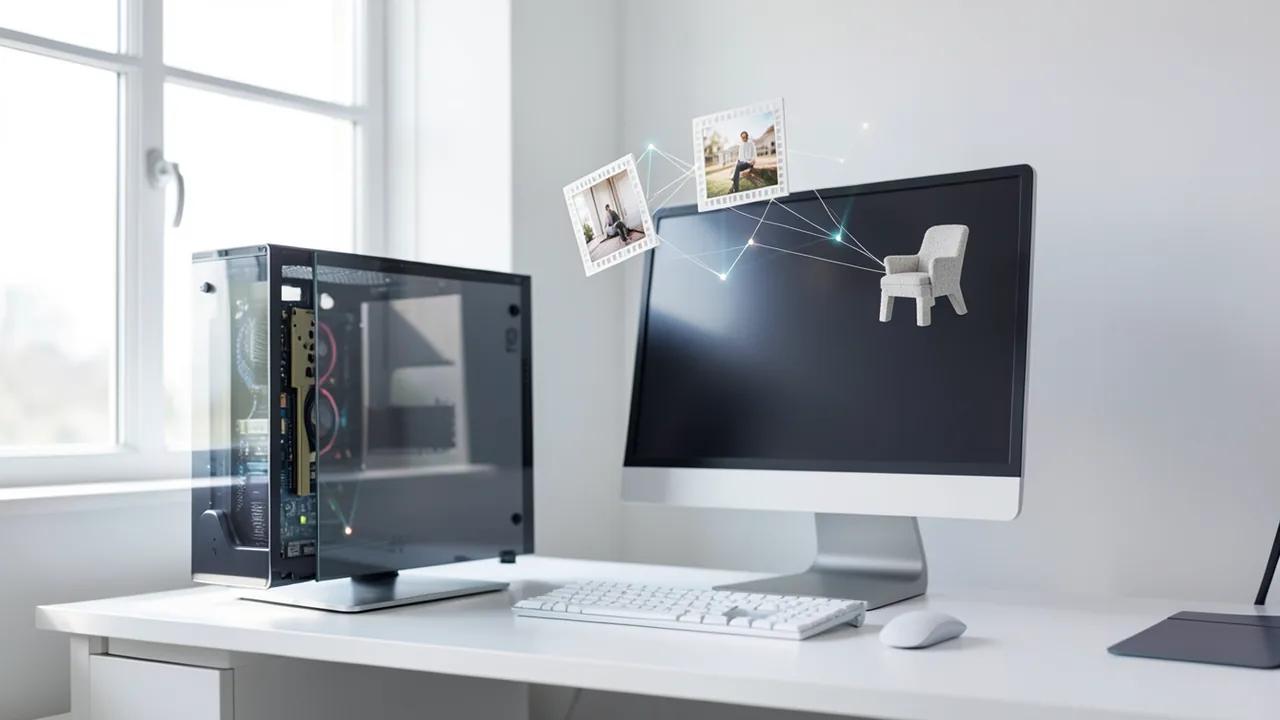
OpenField is an open-source studio for video, still images and 3D objects that runs on your own GPU. It uses ComfyUI (a node-based interface for image and video AI) as its engine: every app is a ComfyUI workflow with a usable interface on top. The project was built for Comfy's "Open Source Higgsfield" contest, and the code is released under the MIT license. It doesn't ship model weights; these are downloaded from their respective publishers.
What you can do with it
The features are organized into four groups:
- Create: Text-to-video or image-to-video with 28 motion presets, plus start and end frames; still images from prompts (with FLUX.2, up to six reference images for faces, clothing and objects); seamless loops; a textured 3D model from a single image (GLB with PBR maps); sound for silent clips.
- Direct: The Director compiles genre, camera, lighting, film stock and a time-period dial (1960–2020) into a single shot. "Scene" has a local language model plan 2 to 6 shots, which are then rendered and edited together. "Stage" lets you block scenes in the browser using boxes, figures and your own .glb models, complete with camera moves. "Cast" saves characters or locations so you can call them up with an @mention. You can plug in up to four custom LoRAs (small add-on models for style or character).
- Transform: "Mirror" transfers motion you filmed on your phone onto a character, and "Reshoot" changes the camera angle after the fact. There are also effects, image editing by sentence and mask, background removal (transparent PNG, ProRes 4444 with alpha) and "Speak" for talking faces.
- Finish: Upscaling (up to 1080p/1440p), extending clips and transitions, HDR export (ACEScg EXR, HLG), and a seam check for loops with a score.
Under the hood
The browser front end (Vite + React) talks to a Fastify server. The server sends jobs through the official Comfy SDK to a local proxy and then to ComfyUI on the GPU. Every take can be opened as the exact workflow that produced it, or downloaded as JSON. With Stage, the browser renders a gray clay clip and a depth map. Z-Image Turbo turns these into a look frame, and the LTX-2.5 model with a Layout-to-Render IC-LoRA then produces a clip that follows the blocking. Comfy Cloud support is experimental and untested.
What you need to try it
- An NVIDIA GPU with 24 GB of VRAM for video (built and benchmarked on an RTX 5090 with 32 GB). Below 24 GB, video renders at 480p by default; from 24 GB up, it renders at 720p. 12–16 GB is enough for still images.
- Linux, Windows or WSL2; macOS is not supported.
- Node 22+, Python 3.10–3.12, ComfyUI 0.38+, ffmpeg and ffprobe.
- Storage: 72 GB for the core (LTX-2.5 39.8 GB, Qwen 31.8 GB), around 334 GB for all bundles.
- A free Hugging Face account and a read token for the gated LTX-2.5 weights.
Licenses and limitations
LTX-2.5 is released under the LTX-2.x Community License (free for commercial use up to USD 10 million in annual revenue). Qwen-Image, Z-Image Turbo and SeedVR2 are Apache 2.0. FLUX.2 dev and 4x-UltraSharp are non-commercial only and are switched off by default. MiniMax H3 is not licensed in the US, EU, UK and South Korea, and is also off. The server has no authentication and should only run on loopback.
MCP for agents
With 31 MCP tools, Claude Code, Claude Desktop or other clients can control every app, for example: "Make a 5-second dolly shot of a lighthouse at dusk and upscale the best take."
Our take
OpenField bundles many open models into a tool modeled on commercial platforms like Higgsfield, but without the cloud, credits or uploads. The hurdles are high: lots of storage, an NVIDIA requirement and gated downloads. The project is new, independent and not endorsed by Higgsfield or Comfy Org. The README doesn't back up how good the results are in everyday use with any comparisons.
Sources
- GitHub (neue Projekte) github.com
Ask the AI assistant
Questions about this article, installation or background? Our assistant knows this page and runs on our own machine, not in someone else's cloud.
The Assistant is an AI (Gemma 4) and can make mistakes – please check important details against the source. Questions are used only to generate an answer and are deleted after one hour. Please don't enter any personal data.


Comments
What do you think? Already tried it? Write it here, no sign-up needed.
Comments are public. Links aren't allowed, and we delete abusive posts. You can delete your own comment at any time in this browser. Learn more in the Privacy Policy.