
Vercel's agent-desktop lets AI agents control your entire computer
Vercel Labs has released agent-desktop, a free, open-source tool that lets any coding agent control native apps on macOS, Windows and Linux. Instead of analyzing screenshots, it reads the operating system's accessibility structure, working in the background without moving your mouse pointer.
What this is about
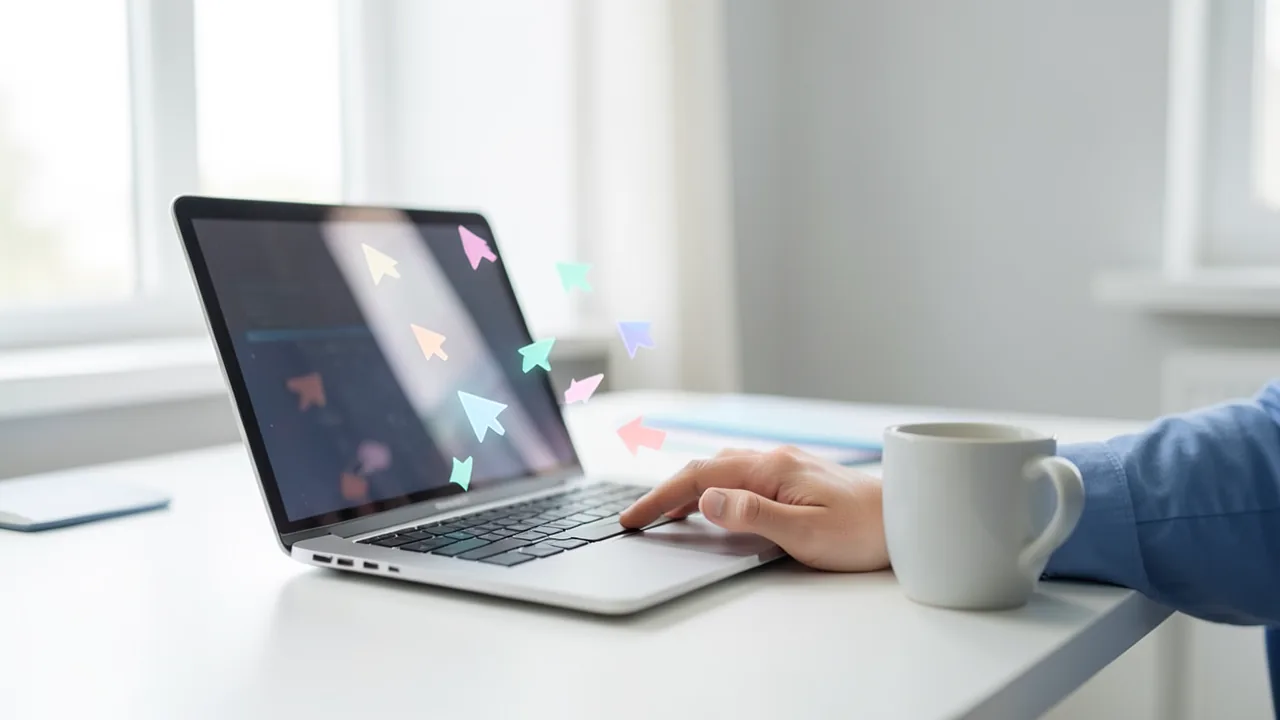
On October 31, 2026, Vercel Labs unveiled agent-desktop, a free, open-source tool that gives AI coding agents "computer use": the ability to operate ordinary desktop programs. It runs on macOS, Windows and Linux. Chris Tate of Vercel Labs, who also built agent-browser, called it "agent-browser for your whole computer." The agents work in the background while you keep working on your machine, and each agent gets its own colored cursor.
The project has a history. Developer Lahfir started it in February. It now lives at Vercel Labs and has more than 5,000 GitHub stars. Version 1.0 (with Linux support) came out on October 28, and version 1.0.2 on October 30. So the announcement isn't an initial release. It's the official introduction of a version that was already out.
How it works: structure instead of screenshots
Most computer-use systems take screenshots and have a vision model guess where the buttons are. agent-desktop takes a different approach. It reads the operating system's accessibility tree, the structure screen readers use to describe controls such as buttons and input fields. To do this, it uses the AX API on macOS, UI Automation on Windows and AT-SPI on Linux.
A snapshot returns an app's interface as JSON, and every interactive element gets a reference ("ref"), such as @s8f3k2p9:e8. The snapshot ID is part of the reference, and a bare @e8 is rejected with INVALID_ARGS. The agent clicks or types via this reference, then takes a new snapshot to check the result. If the interface has changed, the tool returns STALE_REF or AMBIGUOUS_TARGET, and the agent has to observe again. Every error also indicates whether a retry is safe, and reference resolution is strict: it doesn't guess.
Importantly, agent-desktop is not an agent. It ships with no language model and no graphical interface. Each command prints a JSON envelope and exits. The loop of observing, acting and verifying belongs to the agent, such as Claude Code, Codex or any other that can run shell commands. According to MarkTechPost, the tool has 60 command names, 56 of them operational. Internally, the CLI or C library calls a core that talks to each platform only through a PlatformAdapter interface. Each binary controls exactly one operating system.
Background operation and multiple agents
By default, everything runs "headless": the real mouse pointer doesn't move, and the active window doesn't change. The --headed flag enables real mouse and keyboard input if an app needs it. Every ref action automatically waits up to 5,000 ms for a visible, enabled and stable target.
When you run several subagents, each gets its own colored overlay cursor (macOS, Windows and Linux with X11). According to the documentation, the cursors can move at the same time, while actions that need the single physical pointer take turns.
Skeleton mode and token savings
Dense apps can have thousands of accessibility nodes. A --skeleton snapshot therefore reads only three levels deep. Truncated containers report a children_count and get a drill-down reference. Then snapshot --root reloads a specific region.
The developer reports a reduction of 78 to 96 percent compared with full tree dumps in Slack, VS Code and Notion. In Apple Maps, usage per look reportedly fell from 3,811 to 273 tokens, and a simulated 52-step task dropped from 198,000 to 31,000 tokens. MarkTechPost stresses that these are self-reported figures, not an independent benchmark.
Comparison with screenshot-based computer use
According to MarkTechPost, each screenshot at Anthropic costs roughly 1,000 to 1,800 input tokens, plus about 4,500 tokens for the tool definition on each request. OpenAI's tool also returns click, type and scroll actions that your own code executes. Microsoft's UFO² also uses UI Automation, but it is a full Windows agent framework.
| agent-desktop | Claude Computer Use | OpenAI Computer Use | Microsoft UFO² | |
|---|---|---|---|---|
| Type | CLI + C library | API toolset | API tool | Agent framework |
| View of the UI | Accessibility tree | Screenshots | Screenshots/code | UIA + visual |
| Bundled model | none | Claude | OpenAI | configurable |
| Moves your cursor | no (headless) | yes | yes | GUI + API |
| License | Apache-2.0 | proprietary | proprietary | MIT |
What you need to try it
agent-desktop doesn't need a GPU. It runs on a normal CPU, on x64 and ARM64. Requirements: macOS 13 or later with accessibility permission (agent-desktop permissions --guide), Windows 10 version 1809 or later (or Server 2019), or Ubuntu 24.04 or later with a graphical session and at-spi2-core. Install it with npm install -g agent-desktop (Bun, Yarn and pnpm work too); the native binaries are included. You also need an agent, which usually means a model or API access, and those costs still apply. Agents learn the tool via agent-desktop skills get desktop. Through the C library, Python, Swift, Go, Ruby and Node can integrate it directly. For Electron web content, launch --cdp opens a DevTools port for agent-browser.
Limits and privacy
agent-desktop can't read apps that don't expose an accessibility tree (for example, those with custom rendering). It doesn't automate websites. For that, Vercel points to agent-browser. The developers warn that snapshots, clipboard contents and screenshots can contain private data and don't belong in public logs.
A Japanese blogger on note.com advises starting with small, easily verifiable tasks in a test environment with dummy data, not reusing old references after the interface changes, and keeping abilities like sending, publishing or deleting behind a separate approval step. Success shouldn't mean "button pressed," he says, but something like "saved indicator confirmed and reopened content is correct." He hasn't run comparisons of his own.
Our take
agent-desktop is a model-neutral way into native apps, unlike the computer-use features from OpenAI and Anthropic, which are tied to those vendors. The structured approach promises fewer tokens, more deterministic actions and undisturbed background work. How well it performs in practice remains open. Independent tests against screenshot approaches are missing, and the numbers come from the developer. Quality also depends on how well apps maintain their accessibility information. For developers who want to hand desktop tasks to agents, it's an interesting, freely usable building block. Non-developers will need an agent on top of it.
As an aside: a Vercel press release from June 2026 (Ship conference) describes other products, such as the eve agent framework, and isn't directly part of this story.
Sources
- Bing News (en-US) en.shiftdelete.net
- note.com note.com
- marktechpost.com marktechpost.com
- finance.yahoo.com finance.yahoo.com
Ask the AI assistant
Questions about this article, installation or background? Our assistant knows this page and runs on our own machine, not in someone else's cloud.
The Assistant is an AI (Gemma 4) and can make mistakes – please check important details against the source. Questions are used only to generate an answer and are deleted after one hour. Please don't enter any personal data.
Comments
What do you think? Already tried it? Write it here, no sign-up needed.
Comments are public. Links aren't allowed, and we delete abusive posts. You can delete your own comment at any time in this browser. Learn more in the Privacy Policy.