
noScribe
Transcribes interviews and conversations offline, identifies speakers and comes with its own editor for corrections.
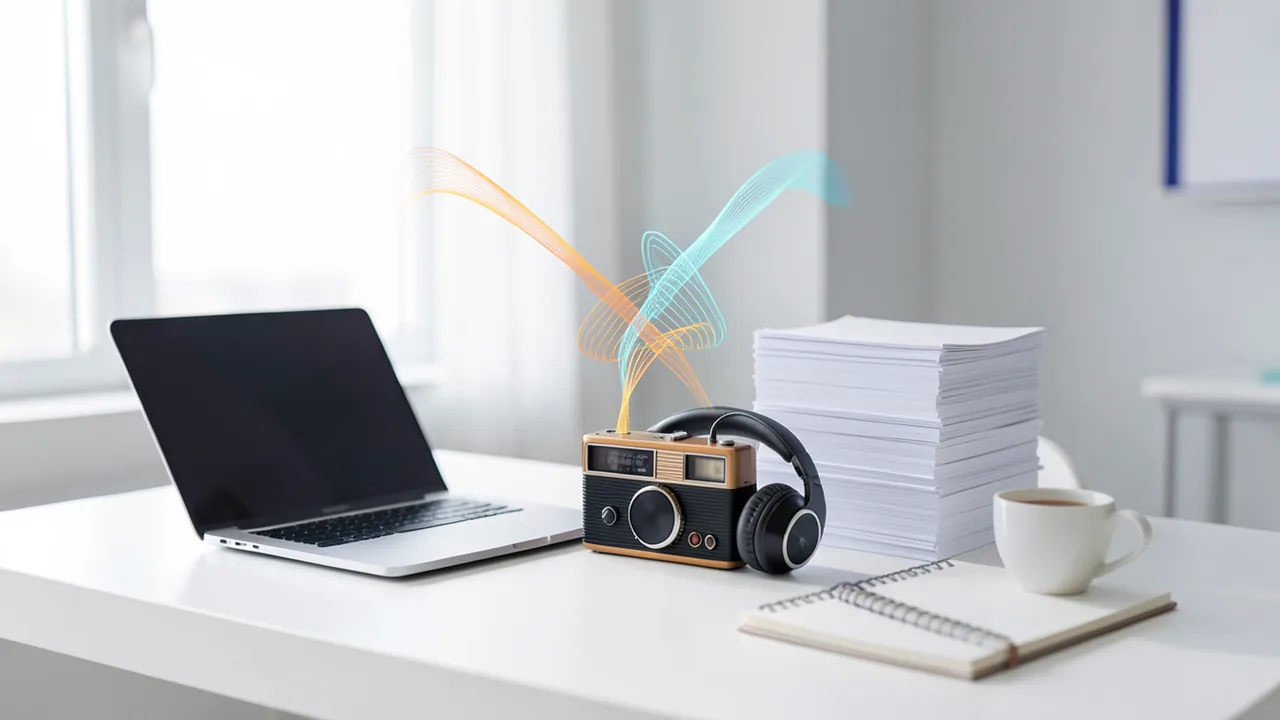
noScribe turns audio and video files into text. Whisper (faster-whisper) does the transcription, and speaker detection (working out who's talking when) also runs on your own computer. It was built by a social scientist for interview research, which is why it handles German well. The bundled noScribeEdit lets you play back the transcript and correct it. The installer already includes the AI models, so it's around 3 GB.
How to try it
Commands from the official guides – just copy them.
Linux
# Download the CPU version: https://drive.switch.ch/index.php/s/BDC3gjBimW2Pj2p
# (for NVIDIA GPUs, the CUDA version: https://drive.switch.ch/index.php/s/S53bWsBwmyBtdEz)
# Extract the archive (use the matching file name for the CUDA version)
tar -xzvf noScribe_cpu_linux_amd64.tar.gz
# Change into the extracted folder and launch
cd noScribe*
./noScribe
macOS
# Download the version for Apple Silicon (M-series chips):
# https://drive.switch.ch/index.php/s/otF4MedAW6ymY4R
# Open the DMG and drag noScribe and noScribeEdit into your Applications folder
# Then launch both apps from the Applications folder
# Note: Intel Macs are limited to the older version 0.6
Windows (PowerShell)
# Download the standard version: https://drive.switch.ch/index.php/s/KLcsdKDygXaQdXp
# (with an NVIDIA GPU and the CUDA Toolkit: https://drive.switch.ch/index.php/s/sEd9ks6yCqQ3xEr)
# Run the installer (this can take a few minutes)
# If SmartScreen warns about an unknown publisher: "More info" > "Run anyway"
Commands from the official guide. New in the Toolbox since Nov 20, 2026.
Ask the AI assistant
Questions about noScribe, installation or background? Our assistant knows this page and runs on our own machine, not in someone else's cloud.
The Assistant is an AI (Gemma 4) and can make mistakes – please check important details against the source. Questions are used only to generate an answer and are deleted after one hour. Please don't enter any personal data.
Comments
What do you think? Already tried it? Write it here, no sign-up needed.
Comments are public. Links aren't allowed, and we delete abusive posts. You can delete your own comment at any time in this browser. Learn more in the Privacy Policy.