
OpenWhispr
A dictation app for every platform: press a shortcut, speak, and your text appears right in the app you're using.
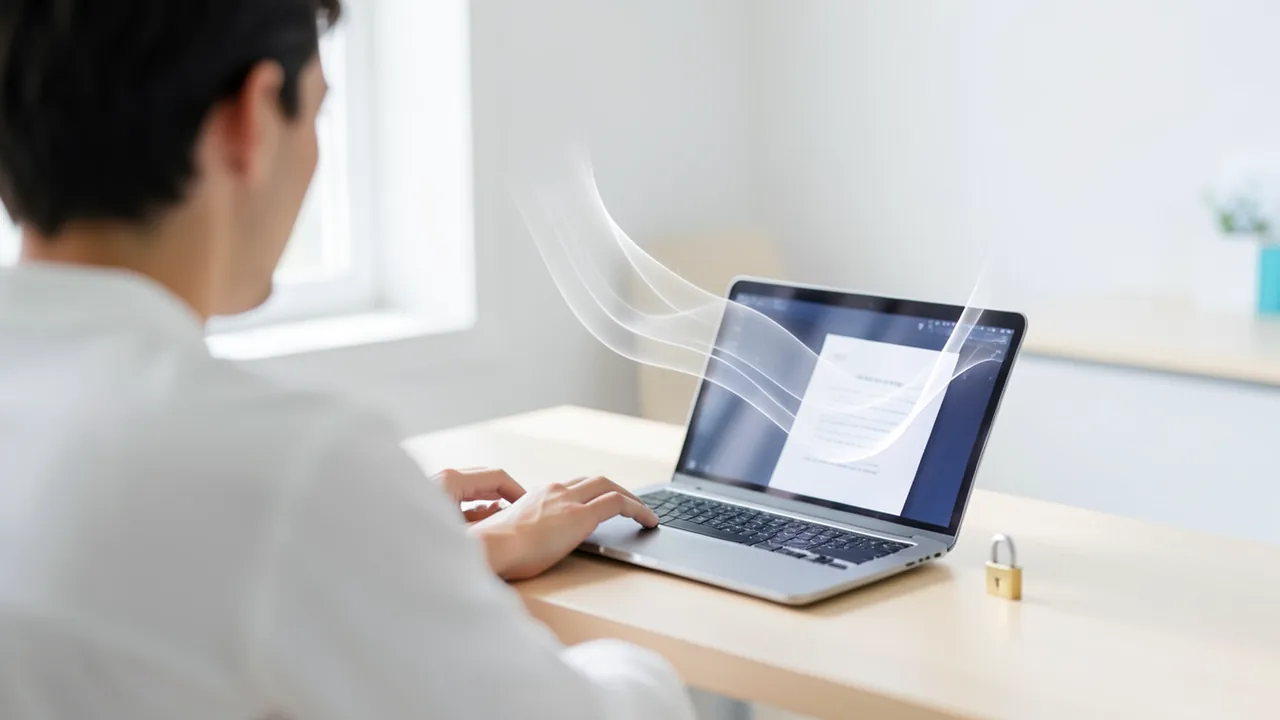
OpenWhispr turns your speech into text at the press of a shortcut and pastes it wherever your cursor is: in your email, a chat or your word processor. With local models like Whisper or NVIDIA Parakeet, everything stays on your machine. You don't need an account or an API key. Cloud providers with your own key are just an extra option. You also get meeting recordings with speaker detection and an optional AI agent.
How to try it
Commands from the official guides – just copy them.
Linux
# Download the right file from https://github.com/OpenWhispr/openwhispr/releases/latest

# Debian, Ubuntu, Mint, Pop!_OS (.deb)
sudo apt install ./OpenWhispr-*-linux-x64.deb

# Fedora, RHEL, openSUSE (.rpm)
sudo dnf install ./OpenWhispr-*-linux-x64.rpm

# Or as an AppImage (any distribution, no installation needed)
chmod +x OpenWhispr-*.AppImage
./OpenWhispr-*.AppImage

# Optional on Wayland: give the paste helper access (then log out and back in)
sudo usermod -aG input $USER
macOS
# Option 1: Download the .dmg for Apple Silicon or Intel from https://github.com/OpenWhispr/openwhispr/releases/latest,
# drag OpenWhispr into your Applications folder and launch the app from there

# Option 2: via Homebrew (the cask is maintained by the community)
brew install --cask openwhispr

# On first launch, the app asks for microphone and Accessibility access (needed for automatic pasting)
Windows (PowerShell)
# Download the .exe installer from https://github.com/OpenWhispr/openwhispr/releases/latest
# Run the installer. It creates shortcuts on your desktop and in the Start menu
# Note: The SmartScreen warning can appear for new releases even though they're signed
Commands from the official guide. New in the Toolbox since Nov 8, 2026.
Ask the AI assistant
Questions about OpenWhispr, installation or background? Our assistant knows this page and runs on our own machine, not in someone else's cloud.
The Assistant is an AI (Gemma 4) and can make mistakes – please check important details against the source. Questions are used only to generate an answer and are deleted after one hour. Please don't enter any personal data.
Comments
What do you think? Already tried it? Write it here, no sign-up needed.
Comments are public. Links aren't allowed, and we delete abusive posts. You can delete your own comment at any time in this browser. Learn more in the Privacy Policy.