
Vibe
Desktop app that transcribes audio and video offline – with subtitles, speaker detection and translation.
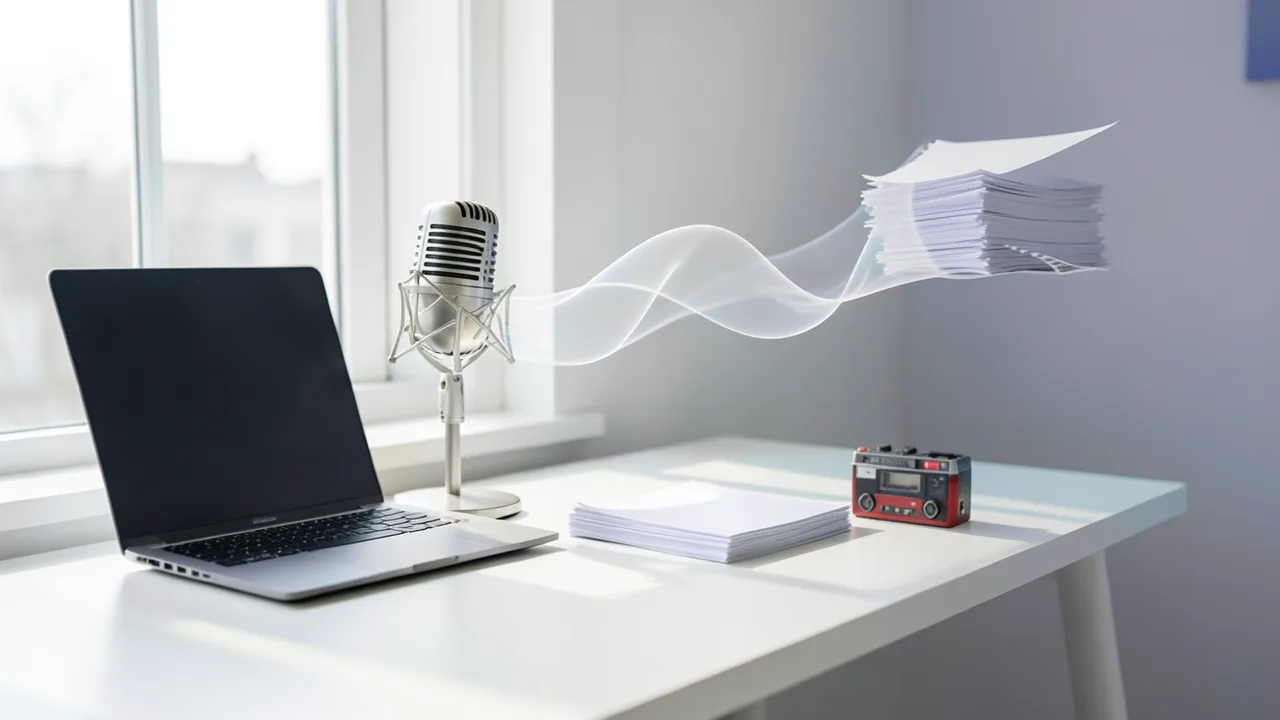
Vibe turns recordings, interviews and videos into text or subtitles (SRT, for example). It works with Whisper, Parakeet and Nemotron models, processes whole batches of files and can also capture system audio and your microphone. Everything runs locally, with optional GPU acceleration for NVIDIA, AMD and Intel. Summaries can optionally be generated locally via Ollama. All you need is the installer.
How to try it
Commands from the official guides – just copy them.
Linux
# Ubuntu/Debian/Mint: download and install the .deb package of the current version
wget https://github.com/thewh1teagle/vibe/releases/download/v3.3.8/vibe_3.3.8_amd64.deb
sudo apt install ./vibe_3.3.8_amd64.deb
# Fedora: use the RPM package instead
wget https://github.com/thewh1teagle/vibe/releases/download/v3.3.8/vibe-3.3.8-1.x86_64.rpm
sudo dnf install ./vibe-3.3.8-1.x86_64.rpm
# Then launch Vibe from the applications menu and download a model on first start
macOS
# Download the right DMG from https://github.com/thewh1teagle/vibe/releases/latest:
# Apple Silicon: vibe_3.3.8_aarch64.dmg · Intel Mac: vibe_3.3.8_x64.dmg
# Open the DMG and drag Vibe into the Applications folder
Windows (PowerShell)
# Download and run the installer (PowerShell)
Invoke-WebRequest -Uri https://github.com/thewh1teagle/vibe/releases/download/v3.3.8/vibe_3.3.8_x64-setup.exe -OutFile vibe-setup.exe
.\vibe-setup.exe
# Then open Vibe from the Start menu
Commands from the official guide. New in the Toolbox since Nov 27, 2026.
Ask the AI assistant
Questions about Vibe, installation or background? Our assistant knows this page and runs on our own machine, not in someone else's cloud.
The Assistant is an AI (Gemma 4) and can make mistakes – please check important details against the source. Questions are used only to generate an answer and are deleted after one hour. Please don't enter any personal data.

Comments
What do you think? Already tried it? Write it here, no sign-up needed.
Comments are public. Links aren't allowed, and we delete abusive posts. You can delete your own comment at any time in this browser. Learn more in the Privacy Policy.