
Canva Brush: AI model edits finished designs from a text prompt
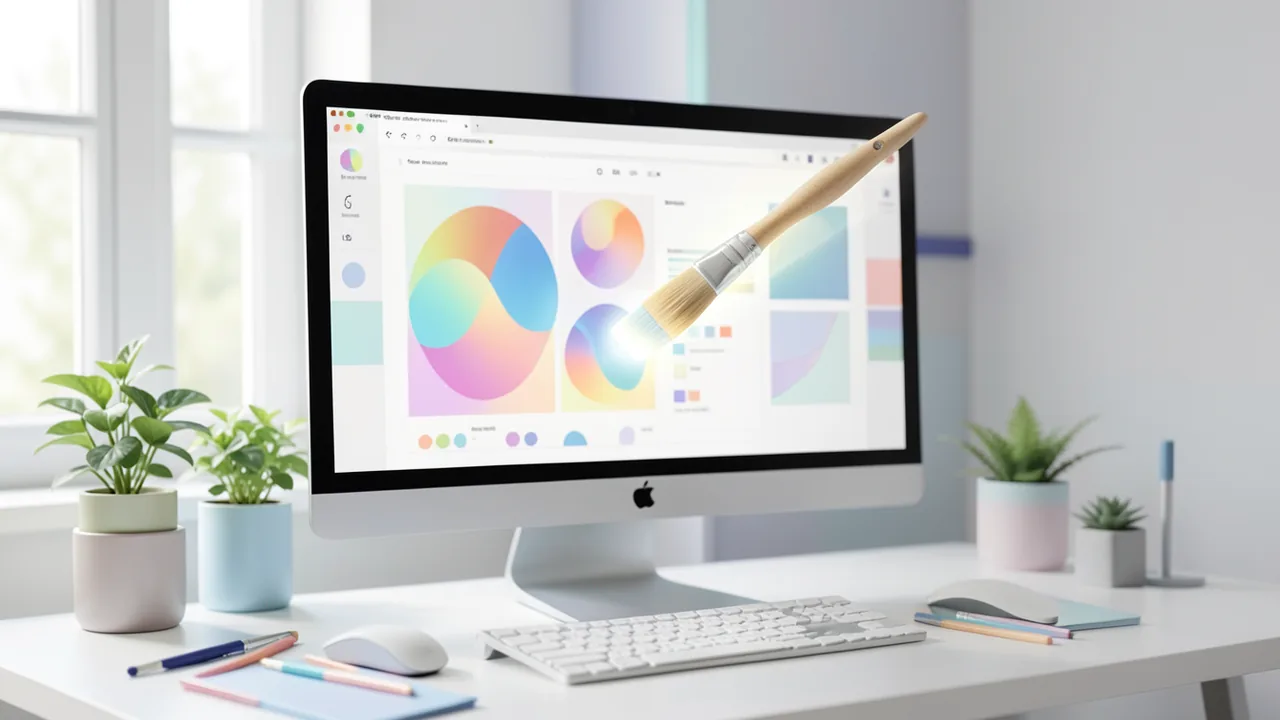
Canva has unveiled Brush, its first in-house vision-language model for design. It reads the layout, layers and style of an existing design and changes it based on written instructions. Canva says it's 69% faster and 46% cheaper than its previous agent. Brush launches for Canva Pro users.
What's happening
On October 29, 2026, Canva introduced Brush, its first vision-language model (VLM) for design. A VLM is an AI that can "see" images and "read" text at the same time. Brush was developed by Canva Research, the company's AI research team, and it's tuned to edit existing designs rather than generate entirely new images the way image generators do.
You open an existing design (or attach or link one in Canva AI), write what you want changed, and Brush makes it happen. According to Canva, the range runs from a single line of text to reworking an entire presentation.
How Brush works
Brush analyzes a design's structure: layout, layers (the stacked elements such as text, images and shapes) and visual style. That turns a design into something you can change in a targeted way with instructions, without losing visual consistency.
Technically, Canva says Brush works with an "agentic loop." The model writes and runs code to adjust design elements, looks at what happened on the page, and uses that to decide its next step. This lets it keep checking and improving its work instead of guessing just once. Importantly, everything Brush produces stays fully editable. You can still change text, images and layout yourself.
It was trained in part with reinforcement learning (learning through rewards). Canva built a reward system that scores the work on several criteria: visual quality, adherence to layout design principles, and whether the task was completed as requested. According to Canva, real design tasks and anonymized user data went into the training.
What Brush can do
Typical use cases according to the sources:
- Restyle an image
- Apply changes across a multi-page design
- Recompose material for different channels (remix)
- Update text, images and graphics
- Adapt designs to new sizes and formats
- Create variants of an existing design
In Canva's internal tests, Brush matched or beat the quality of the previous setup on most editing tasks, and did especially well at restyling and adapting to other formats. That's a vendor claim, and no independent tests are available yet.
Numbers, availability and outlook
| Metric (according to Canva) | Value vs. previous agent |
|---|---|
| Speed on general design editing | up to 69% faster |
| Cost per editing task | 46% lower |
| Control | all designs stay editable |
Brush now powers supported design edits in Canva AI for users on Pro plans, with broader availability promised soon. To have Brush handle the whole edit, pick "Brush" from the dropdown in Canva AI. Canva calls this the first version. Brand Kit support (brand colors, fonts, logos) is among the features to come.
Background: building models in-house
Brush follows shortly after Canva Craft, the company's first in-house image generation model, introduced on October 22. Craft generates images, while Brush reworks the designs those images sit in. According to Cryptobriefing, Canva Research is a lab of 160 people. The sources see this as a shift away from third-party models toward in-house systems tailored to design workflows, though Canva says it wants to stay open to external AI platforms.
Our take
Brush is less a flashy generator than a practical everyday tool. If you adjust slides, social media graphics or campaign material every day, it can mainly save you routine work. Keeping results editable is a real advantage over approaches that output flat images.
There are caveats. The figures (69% faster, 46% cheaper) come from Canva and compare against its own earlier agent, not rival products. Open benchmarks are missing. According to Cryptobriefing, using anonymized user data for training could spark debate. Limiting Brush to Pro plans gives paying customers a reason to upgrade, but restricts access. Whether Brush behaves as reliably in daily use as it does in demos remains to be seen.
Sources
- Google News (ES) la100.cienradios.com
- cryptobriefing.com cryptobriefing.com
- thetechoutlook.com thetechoutlook.com
- note.com note.com
Ask the AI assistant
Questions about this article, installation or background? Our assistant knows this page and runs on our own machine, not in someone else's cloud.
The Assistant is an AI (Gemma 4) and can make mistakes – please check important details against the source. Questions are used only to generate an answer and are deleted after one hour. Please don't enter any personal data.

Comments
What do you think? Already tried it? Write it here, no sign-up needed.
Comments are public. Links aren't allowed, and we delete abusive posts. You can delete your own comment at any time in this browser. Learn more in the Privacy Policy.