
Canva Craft: first in-house image model plans layout and text before the image
Design platform Canva has released Craft, its first self-trained image model. It plans layout and text first and only then generates the image. It was trained mainly on design templates rather than photos. Canva says it ranks fourth on DesignArena.
What it's about
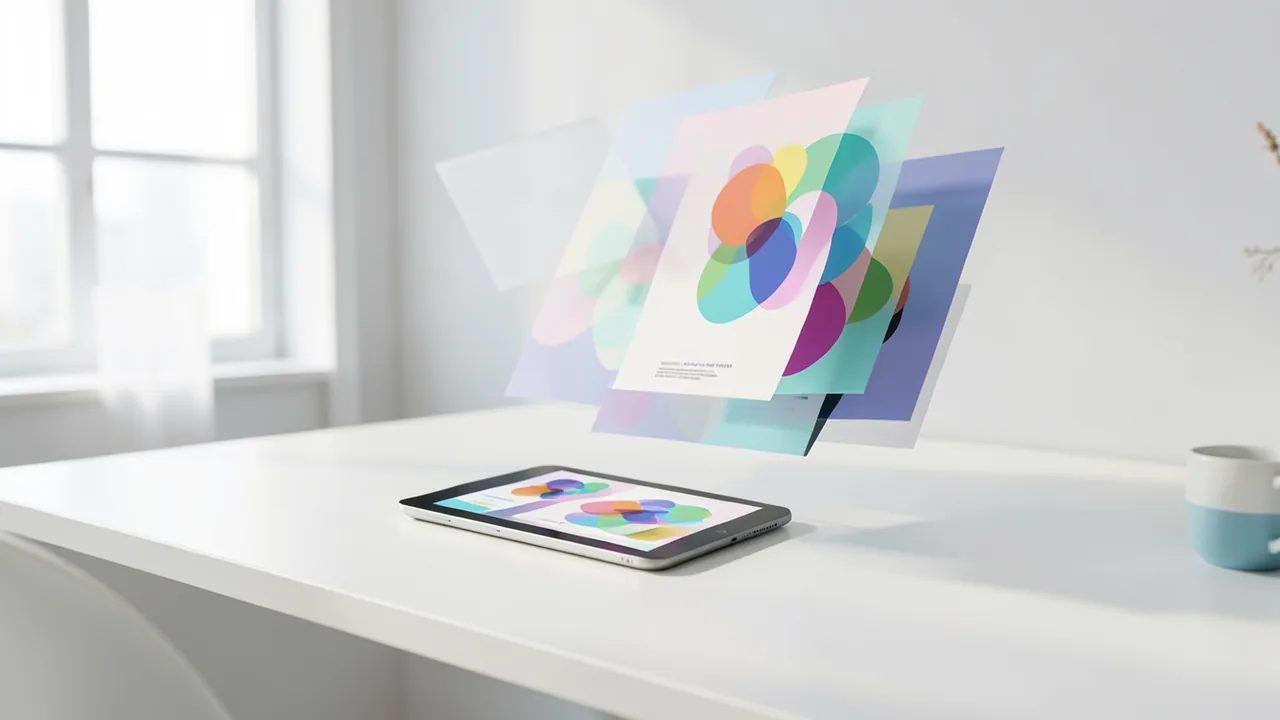
Canva, the online platform for graphics, presentations and social media posts, unveiled Canva Craft on October 22, 2026. It is the first foundation model that Canva Research, the company's in-house AI lab, has built and trained from scratch. Craft is an image generation model meant to compete with models from Google, OpenAI, ByteDance and Meta. It is available worldwide to all users in "Dream Lab" and to developers through the public API. Unless noted otherwise, all details below come from Canva.
Two-stage architecture: plan first, then paint
Conventional image models generate pixels directly from the prompt (your text input). Craft splits this into two steps. First, a planning model interprets the prompt and draws up a detailed blueprint: which elements appear, how they are arranged in space, their relative sizes, which visual hierarchy applies and which text appears. Then a purpose-built image generation model turns that plan into an image at up to 2K resolution, in more than 30 selectable aspect ratios or a custom format.
According to Canva, this leads to more legible text, more precise object placement and more coherent relationships between image elements. It also allows targeted edits to individual elements without changing everything else. Prompts can be written in any language, and Craft can render in-image text in 55 languages. A JSON feature with bounding boxes makes results usable for Magic Layers, which splits images into editable layers. Canva lists advanced editing and reference images as plans for future versions.
Training: templates instead of photos
Most image models learn mainly from photographs, says Canva. Craft, by contrast, was trained mostly on millions of human-made templates from the Canva library: posters, social media posts, presentations, infographics, menus and typographically demanding layouts. This is meant to teach the model how layout, hierarchy and typography work together.
After pretraining came supervised fine-tuning and reinforcement learning (where the model learns from feedback) using input from professional Canva designers. For internal evaluations, designers and dozens of researchers compared more than 25,000 image pairs against leading models. Where automatic metrics and human judgment diverged, Canva says it followed the designers. Researchers from Leonardo.ai, which Canva acquired in 2024, were also involved.
Ranking and speed
On DesignArena, a crowdsourced platform for rating AI design, Craft launched as the fourth-best image model, according to Canva, behind OpenAI's GPT-Image-2.5 Sunburst, GPT-Image-2.5 Flare and GPT-Image-2. From this, Canva concludes it is the world's second most advanced AI lab for image generation. That is a self-assessment based on a single ranking.
| Category | Rank |
|---|---|
| People & Portraits | 1 of 87 |
| Landscapes & Nature | 1 of 85 |
| Abstract & Patterns | 2 |
| Products | 4 |
To run at Canva's scale (over a quarter of a billion users, more than 400 new designs per second), Canva says it used model distillation to cut the number of inference steps to a fraction. In distillation, a faster model learns to imitate the output of a larger one. A custom inference engine optimized for the planning stage reportedly made Craft an order of magnitude faster than the first internal version. The announced Craft-fast and Craft-ultrafast variants build on this and are meant to deliver high-quality images at a fraction of the cost of leading models.
Availability, safety and the lab
In the Canva editor, you can find Craft through Dream Lab. The API is meant to allow integration into marketing platforms, shops, ad editors and print services. Access through the Canva MCP Server (Model Context Protocol), which lets AI assistants such as ChatGPT and Gemini generate images, will follow later. Craft is protected by "Canva Shield," with moderation of inputs and outputs, privacy controls and reporting tools.
Canva Research has more than 160 AI researchers and engineers worldwide, within a 400-person AI unit. Canva's AI work began in 2017. Kaleido from Vienna joined in 2021 and Leonardo in 2024. In 2025 the teams were merged under the Canva Research name, and MangoAI and Simtheory were added later. Canva cites over 36 billion uses of its AI tools and over a billion designs per month. The company says small print and technical drawings still need improvement.
Our take
Craft makes strategic sense. With its own model, Canva controls cost, quality and speed instead of depending on third parties. The focus on layout and typography targets a typical weakness of image models, and pairing it with Magic Layers is a practical advantage for design work. On the critical side, fourth place behind three OpenAI models is not a top spot. The rankings and the "second most advanced lab" claim come from Canva itself. Independent tests of everyday text fidelity are still pending, as are the faster variants and the MCP integration. Craft is a cloud service, and the weights are not being released.
Sources
- The Decoder (DE) the-decoder.de
- The Decoder (EN) the-decoder.com
- TechCrunch – AI techcrunch.com
- The Verge – AI theverge.com
- Unite.AI unite.ai
- Google News (US) news.google.com
- AI Times (KR) aitimes.com
- Google News (US) news.google.com
- Google News (US) news.google.com
- Google News (GB) news.google.com
- Google News (US) news.google.com
- Google News (ES) news.google.com
- Google News (US) news.google.com
Ask the AI assistant
Questions about this article, installation or background? Our assistant knows this page and runs on our own machine, not in someone else's cloud.
The Assistant is an AI (Gemma 4) and can make mistakes – please check important details against the source. Questions are used only to generate an answer and are deleted after one hour. Please don't enter any personal data.

Comments
What do you think? Already tried it? Write it here, no sign-up needed.
Comments are public. Links aren't allowed, and we delete abusive posts. You can delete your own comment at any time in this browser. Learn more in the Privacy Policy.