
capy-flash 0.7.1 runs Qwen3.8-Flash-Next (125B MoE) on 64 GB of RAM
The open-source inference engine capy-flash brings the 125B MoE model Qwen3.8-Flash-Next to machines with 64 GB of RAM and one or two RTX 50-series cards. The 27B model runs in 3-bit quantization on a single 16 GB card.
What this is about
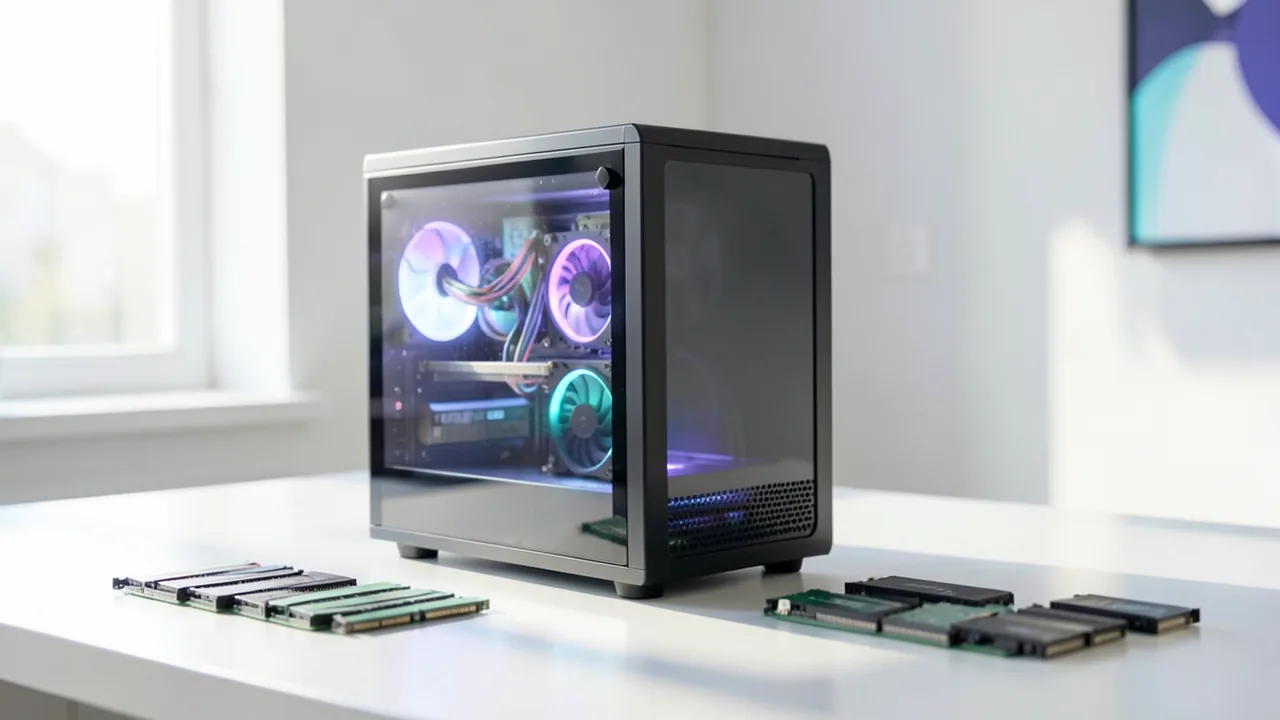
Developer FeydRowan has presented version 0.7.1 of capy-flash on r/LocalLLaMA. It's an open-source inference engine (software that runs a finished model) for Qwen3.8-Flash-Next (125B parameters, MoE) and Qwen3.8-27B on consumer RTX 50-series cards. Until now, the engine required the developer's own setup: two 16 GB cards and 96 GB of RAM or more. Version 0.7 targets smaller machines. You start with what you have and can add a second card later, using the same engine and the same model files.
What's new
- Flash-Next with 64 GB of RAM, with one or two GPUs. The "routed experts" (the specialist subnetworks of a Mixture-of-Experts model, only a few of which are active per token) use 3-bit i-quants from ISTA-DASLab (GSQ-RCO). They're adopted as they are, not re-quantized. They take up 48 GiB of RAM instead of 65 GiB with NVFP4. Frequently used ("hot") experts sit in VRAM, and the rest are computed on the CPU. Peak RAM use is about 57 GB.
- Qwen3.8-27B on a 16 GB card: 3-bit GSQ weights, 64k context, vision and MTP (multi-token prediction, predicting several tokens per step). VRAM use is 13.9 GB.
- AVX2 CPUs (Zen 2/3, Intel client) now work.
- On Windows/WSL2, the page-locked memory limit no longer stops the server from starting.
- A guard against empty responses (when the model gets stuck in its thinking phase) is on by default.
Speed
Measured with LocalMaxxing reasoning-v1, one request, MTP, verified runs, on an RTX 5070 Ti (16 GB) and a Ryzen 9 9900X:
| Model | 1× 16 GB GPU | 2× 16 GB GPUs |
|---|---|---|
| Qwen3.8-Flash-Next, 3-bit experts | 121 tok/s | 234 tok/s |
| Qwen3.8-27B, 3-bit | 174 tok/s | 288 tok/s |
(tok/s = tokens per second.) These are the developer's figures.
One GPU or two?
With just one 16 GB card, "Strata" is probably still the better choice for Flash-Next right now, according to the author. capy-flash plays to its strengths with two cards, where it uses tensor parallelism (the model is split across both cards) and an expert cache in VRAM shared by both GPUs.
Quality
3-bit costs a little with the 27B: GSM8K (math word problems) is on par with the NVFP4 model, while MMLU-Pro drops from 0.78 to about 0.72. With two cards, the NVFP4 27B remains the better choice. With Flash-Next, the 3-bit experts match NVFP4 on both tests.
What you need to try it
- Flash-Next: 64 GB of RAM (peak about 57 GB) plus one or two RTX 50-series cards with 16 GB, and storage for the weights of at least about 48 GiB.
- 27B: a single 16 GB card (13.9 GB of VRAM) is enough.
- Also runs on Windows/WSL2 and on AVX2 CPUs. The source doesn't mention Apple Silicon or Google Colab.
- Install with a script from the GitHub repo ValerioDolci/capy-flash. Run it with --check first, then --model flash-next-64gb or --model 27b-16gb.
Our take
This is interesting for owners of gaming GPUs: a 125B model becomes usable with 64 GB of RAM. All figures come from the developer on a single hardware configuration. Independent tests are still missing, and the author asks for measurements from other machines. The project is also a single-developer tool, and you should inspect the curl | bash install script before running it. The license isn't stated.
Sources
- r/LocalLLaMA reddit.com
- r/LocalLLaMA reddit.com
Ask the AI assistant
Questions about this article, installation or background? Our assistant knows this page and runs on our own machine, not in someone else's cloud.
The Assistant is an AI (Gemma 4) and can make mistakes – please check important details against the source. Questions are used only to generate an answer and are deleted after one hour. Please don't enter any personal data.
Comments
What do you think? Already tried it? Write it here, no sign-up needed.
Comments are public. Links aren't allowed, and we delete abusive posts. You can delete your own comment at any time in this browser. Learn more in the Privacy Policy.