
Nvidia and MIT's Open-H3-Regenerate-2K lifts MiniMax H3 videos to 2K and 4K
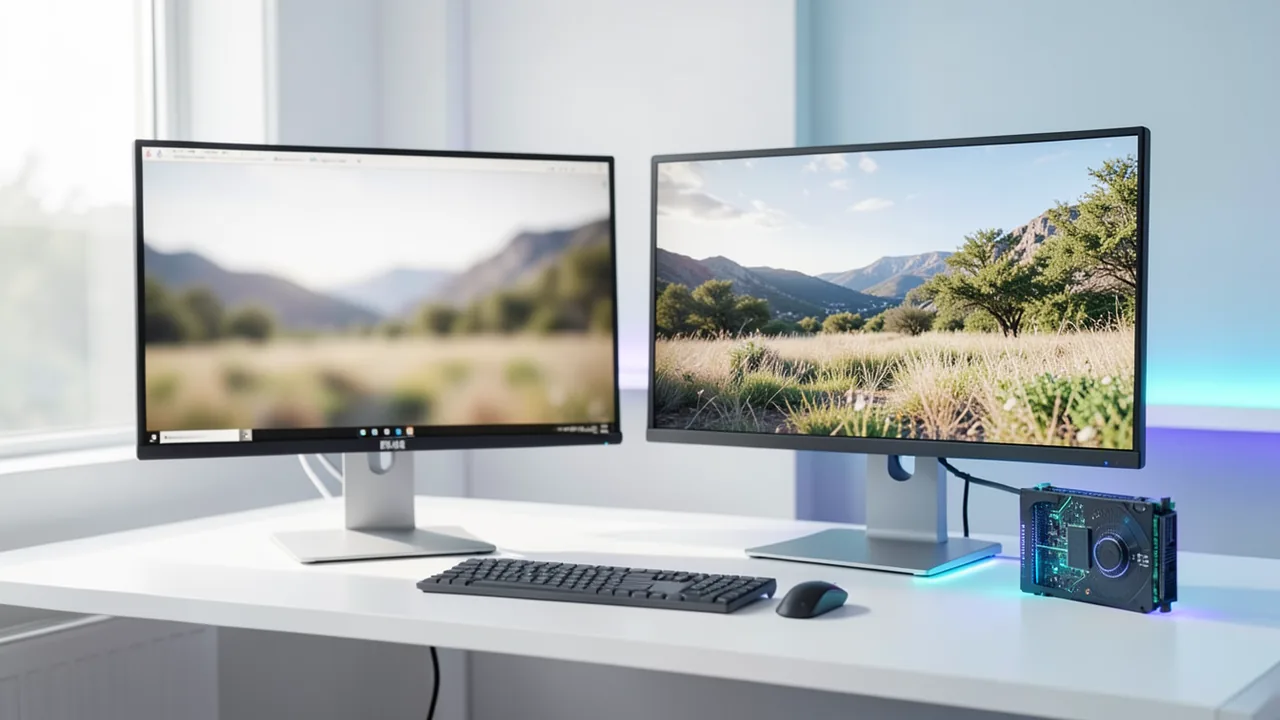
A team from Nvidia and MIT has released the weights for Open-H3-Regenerate-2K on Hugging Face. The model regenerates low-resolution MiniMax H3 video drafts as new 2K video, up to native 4K. The team says it beats the official API on perceptual quality and runs about 3.9 times faster than the unoptimized version.
What this is about
The "Efficient-Large-Model" team, made up of researchers from Nvidia and the Massachusetts Institute of Technology (MIT), has released the model weights for the video project Open-H3-Regenerate-2K on Hugging Face. The matching inference code is in the GitHub repository NVlabs/Sana. The project builds on MiniMax H3, the video generation model from the Chinese company MiniMax. It turns low-resolution video drafts into high-resolution video: 2K (2560×1440) and up to native 4K (3840×2160). The report comes from QbitAI and, according to its text, was provided by MiniMax. The numbers are therefore claims from the project team or from MiniMax's circle.
How MiniMax H3 is built
According to the main source, the overall H3 system has several stages: processing multimodal inputs (text, image, video, audio), base generation of audio and video, and high-resolution regeneration. The base model H3-Base has open weights and generates audio and video at 768p. The official H3-Regenerate-2K module, by contrast, is only available through an API. The new project replaces exactly this last stage with an open variant you can run yourself.
Some background (per intelligentliving.co): H3 is an "omni-modal" model with a 33-billion-parameter transformer (parameters are, roughly speaking, the knobs a model learns during training). The full system, including the Qwen3-VL-32B text encoder, comes to about 69.2 billion parameters. It produces clips of 4 to 15 seconds at 24 frames per second with synchronized stereo sound. Instead of a classic super-resolution module, which often smears detail, H3 regenerates its own low-res output "in context." That is the approach the Nvidia/MIT team reproduces.
How the refinement works
When training the refinement model, H3's main transformer and the video VAE (an autoencoder that packs video into a compact representation, the "latent space," and converts it back) stayed unchanged. Only one additional LoRA was trained. That is a small add-on weight attached afterward, which adapts a large model with little effort.
At inference, this refinement LoRA is merged with community adapters such as LightX2V FL2VA Turbo and LMS Sharp. In just three denoising steps (the steps in which an image gradually emerges from noise), the details are regenerated at the target resolution. The scene, layout and motion of the draft serve as the foundation.
Speed
To go faster, the project uses a community-built latent upscaler that enlarges the latent representation directly. That avoids repeated decoding and encoding at high resolution. Sparse attention (the attention mechanism computes only on selected parts), low-precision computing and a fast VAE decoder from the SoL-Engine software also speed up refinement and decoding.
| Measurement (one Nvidia B200, after warm-up, about 5 s of video) | Unoptimized | Optimized |
|---|---|---|
| Latent upscaling + 3 steps + 2K decoding | 87.26 s | 22.45 s |
| Decoding alone | about 15 s | about 1.6 s |
That works out to roughly 3.9 times the speed. Note that the B200 is a data-center GPU. These timings don't apply to home hardware.
Quality compared with the official API
On the RefinerBench-150 test set, the team compared both solutions with the same input and the same 2K output. On the UniPercept perceptual metric, Open-H3-Regenerate-2K averages 60.0, while the official H3-Regenerate-2K API scores 53.4. In VBench, the open approach leads on aesthetic quality, image quality and subject consistency. The official API remains slightly ahead on motion smoothness and dynamics. These are the project team's own measurements, and the sources include no independent verification.
The H3 ecosystem
According to the main source, MiniMax H3 was released with open weights in August. It was reportedly downloaded more than 24 million times within a month, has over 300 public derivatives, and ranks among the most downloaded models of 2026. The same Nvidia/MIT group also released StreamRender-H3 (streaming video rendering based on H3 Ref2VA) and Sol-H3-VAE (a fast decoder distilled from the H3 VAE). Other community projects include LightX2V with MiniMax-H3 Turbo (4-step and 8-step variants), the "Singularity" fine-tune, FastH3 from FastVideo, Pika H3 Flex with six steps, and ComfyUI and Unsloth adaptations for local workflows.
License: a warning for Europe
According to intelligentliving.co, H3 is released under the "MiniMax H3 Community License." It excludes the US, the EU, the UK and South Korea from the "Applicable Territory." People there reportedly may not use the weights locally or use their outputs. The hosted API remains available worldwide. The sources don't say how the license applies to the derived Open-H3-Regenerate-2K. If you work in Germany or elsewhere in the EU, check this before you use it.
What you need to try it
The sources give no minimum requirements for a home system. Testing ran on an Nvidia B200 (data center). For 2K/4K regeneration with a 33-billion-parameter backbone, a large GPU with plenty of VRAM (video memory) is realistic. One community video does show a ComfyUI workflow for H3 refinement. Running it on a CPU or a Mac makes little practical sense. Plan for tens to well over a hundred gigabytes of disk space for the H3 base, VAE and adapters (an estimate, not from the source).
Takeaway
The project fills a gap. H3's high-quality resolution stage was previously available only via API. Now there is an open, customizable alternative that, by its own measurements, scores better on perceived image quality. Nvidia's involvement shows how firmly H3 is establishing itself as a platform for community development. On the critical side, all the numbers come from the project team or from a report supplied by MiniMax, independent tests are missing, and the license question for users in the EU is open at best and unfavorable at worst. The speed figures apply only to top-end hardware.
Related videos
Sources
- QbitAI 量子位 (CN) qbitai.com
- intelligentliving.co intelligentliving.co
Try it yourself: Open-H3-Regenerate-2K
Explained step by step, no prior knowledge needed – on your own computer or free in your browser.
What can I do with it?
Open-H3-Regenerate-2K takes a low-resolution (768p) video made with MiniMax H3 and regenerates it as a sharp video in 2K, up to native 4K. It doesn't smear like classic upscaling. It regenerates details in three steps and keeps the scene, layout and motion. According to the project team, it beats the official API on perceptual quality (60.0 vs. 53.4) but is slightly behind on motion smoothness. It's an add-on to the H3 base model, not a standalone video generator. To use it, you need a powerful GPU and the H3 weights.
Who is it worth it for?
Interesting for video creators and developers who run H3 locally and want an open upscaling stage. Less suitable for beginners without a big GPU, and for users in the EU, US, UK or South Korea until the license situation is clarified.
Ideas: What you can do with it
You generate a product clip with H3 at 768p and lift it to 2K for social media or your website. Preview iterations stay fast, and only the final clip gets refined.
Make lots of cheap drafts first, then regenerate only the best ones in 2K or 4K. That saves compute time.
If faces look soft in the draft, regeneration can improve skin texture and detail.
Developers can combine the LoRA, latent upscaler and fast decoder, and measure speed on their own hardware.
What your computer needs
The source mentions only one variant. For home users, community workflows (e.g. ComfyUI) with quantized weights are the first stop. 4K needs significantly more VRAM than 2K.
- Testing ran on a single Nvidia B200. The timings don't apply to consumer cards.
- The fast Sol-H3-VAE decoder cuts decoding time (about 15 s down to about 1.6 s).
- The VRAM figure in the spec sheet is a rough estimate. The source gives no values.
- 4K regeneration needs significantly more memory than 2K.
How do I find out what my computer has?
- Windows: Press Ctrl + Shift + Esc → Task Manager → Performance tab → click GPU on the left. At the bottom you'll see Dedicated GPU memory (that's your VRAM). You'll find system memory under Memory.
- Mac: Apple menu at the top left → About This Mac. You'll see your chip (e.g. M2) and memory (e.g. 16 GB). On Apple chips, graphics and processor share this memory.
- Linux: Type
nvidia-smiin the terminal (shows your graphics card and its memory) andfree -hfor system memory.
Guide
Google Colab (in your browser, no installation)
Google Colab is a free service from Google. It gives you a computer with a graphics card in your browser for a few hours. All you need is a Google account. For this model: Colab Pro/Pro+ only – needs an A100 with 80 GB or an H100.
- Download the notebook. Click the button and save the file.
- Open Colab. Go to colab.research.google.com and sign in with your Google account.
- Upload the notebook. In the window that appears, click Upload on the left (or choose File → Upload notebook at the top) and select the file
colab.ipynb. - Turn on the GPU. In the top menu, go to Runtime → Change runtime type → under Hardware accelerator, select T4 GPU (with Colab Pro: L4 or A100) → Save.
- Start everything. Runtime → Run all (keyboard shortcut Ctrl + F9). If you see the warning “This notebook was not authored by Google,” click Run anyway.
- Wait. The cells run one after another. A green checkmark appears to the left of each cell when it's done. Installation and download take about 59 minutes here.
- Try it out. The result appears below the last cell. To test something else, change the text in the cell and run it again with Shift + Enter.
- Clean up. When you're done: Runtime → Disconnect and delete runtime. This saves your free quota.
Good to know: The free GPU is limited (usually a few hours per day). After about 90 minutes of inactivity, Colab disconnects, and you'll have to start everything over.
Windows 10 / 11
This model runs on Python. Our script handles the setup automatically: it creates an isolated Python environment, installs the required packages (PyTorch, approx. 3 GB) and downloads the model (165 GB (about 3.7 hr at 100 Mbit/s)).
- Update your graphics driver (NVIDIA): install the latest driver. Without an NVIDIA card, it runs on the CPU – much more slowly.
- Install Python. Download Python 3.12 from python.org and run the installer. Important: At the bottom of the first window, tick Add python.exe to PATH, then click Install Now.
- Create a folder and download the files. Create a folder, e.g.
Documents\AI-Test, and save both files into it: - Open a terminal in the folder. Open the folder in File Explorer, right-click an empty spot → Open in Terminal.
- Run it. Paste this command and press Enter:
Installation and download are running now. The first time, this can take 10–30 minutes.powershell -ExecutionPolicy Bypass -File try_windows.ps1 - Result. The folder now contains the generated image
output.png. - Try your own input: Open
demo.pyin an editor, change the sample text, and save. Then run this in the terminal:.\.venv-open-h3-regenerate-2k\Scripts\Activate.ps1 python demo.py
macOS
Macs with an Apple chip (M1 to M5) are ideal. Older Intel Macs are very slow.
- Open Terminal. Press Cmd + Space, type Terminal, and press Enter.
- Install the developer tools (first time only; includes Python):
Click Install in the window. If you see "already installed," everything is already in place.xcode-select --install - Download the files – both end up in your Downloads folder:
- Run it:
The first time, installation and download take 10–30 minutes.cd ~/Downloads bash try_mac.sh - Result. The folder now contains the generated image
output.png.
Linux
- Check your GPU.
nvidia-smishould show your card. If it doesn't, install the driver on Ubuntu and restart:sudo ubuntu-drivers install - Install the Python basics (Ubuntu/Debian):
sudo apt update && sudo apt install -y python3-venv python3-pip git - Put the files in a folder and open a terminal there:
- Run it:
bash try_linux.sh - Result. The folder now contains the generated image
output.png.
Try it
Use H3 to generate a 5-second clip of a city at sunset in 768p, then refine it to 2K.Take an existing 768p product video and regenerate it at 2560×1440 with sharper textures.Refine a portrait video and make sure the face and skin texture stay natural.Compare the same draft with three or more refinement steps at 4K output.Tips for better results
- Use the latent upscaler to avoid unnecessary decoding and encoding.
- Test 2K first before you try 4K.
- Check motion smoothness, since the official API is said to be slightly better there.
If something goes wrong
According to intelligentliving.co, the H3 Community License excludes the EU, US, UK and South Korea. Check the license.
The inference code is in the NVlabs/Sana repository. Dependencies such as SoL-Engine and the adapters have to match.
The refinement LoRA has to be merged with the LightX2V FL2VA Turbo and LMS Sharp adapters.
The exact Hugging Face address isn't given in the text. Search the Hub for Open-H3-Regenerate-2K.
“out of memory,” a crash, or your computer freezes
The model is too big for your VRAM (video memory). Pick a smaller variant from the table above and close other programs, especially games and browsers with lots of tabs.
It runs, but extremely slowly
Your CPU is probably doing the work instead of your graphics card. In Ollama, the PROCESSOR column of ollama ps shows how much runs on the GPU. If it says "100% CPU", update your graphics driver or pick a smaller variant that fits entirely into VRAM (video memory).
“ollama” or “python” is not found
Close the terminal window and open it again so it recognizes the newly installed program. For Python on Windows: reinstall it and check Add python.exe to PATH.
Windows: "Running scripts is disabled on this system"
Run the script with exactly the command above: powershell -ExecutionPolicy Bypass -File try_windows.ps1. This allows execution for this one time only.
Error message when loading the model (version, "trust_remote_code", unknown architecture)
Brand-new models often need the latest software version. With Ollama: update Ollama. With Python: pip install -U transformers in the activated environment. The Model Card usually lists the exact version.
Tokenstrom generates the scripts and notebook automatically. Please take a quick look before running them – they're plain, readable text. Mind the model's license: custom license (see Model Card).
Ask the AI assistant
Questions about this article, installation or background? Our assistant knows this page and runs on our own machine, not in someone else's cloud.
The Assistant is an AI (Gemma 4) and can make mistakes – please check important details against the source. Questions are used only to generate an answer and are deleted after one hour. Please don't enter any personal data.


Comments
What do you think? Already tried it? Write it here, no sign-up needed.
Comments are public. Links aren't allowed, and we delete abusive posts. You can delete your own comment at any time in this browser. Learn more in the Privacy Policy.