
NVIDIA shows how AI agents teach robots to walk in simulation
NVIDIA describes a workflow in which AI agents build an obstacle course and 3D assets from a text prompt. In it, the mini robot Microduck learns through reinforcement learning to handle ramps and uneven terrain. Training runs in the cloud, validation locally on an RTX Spark.
What it's about
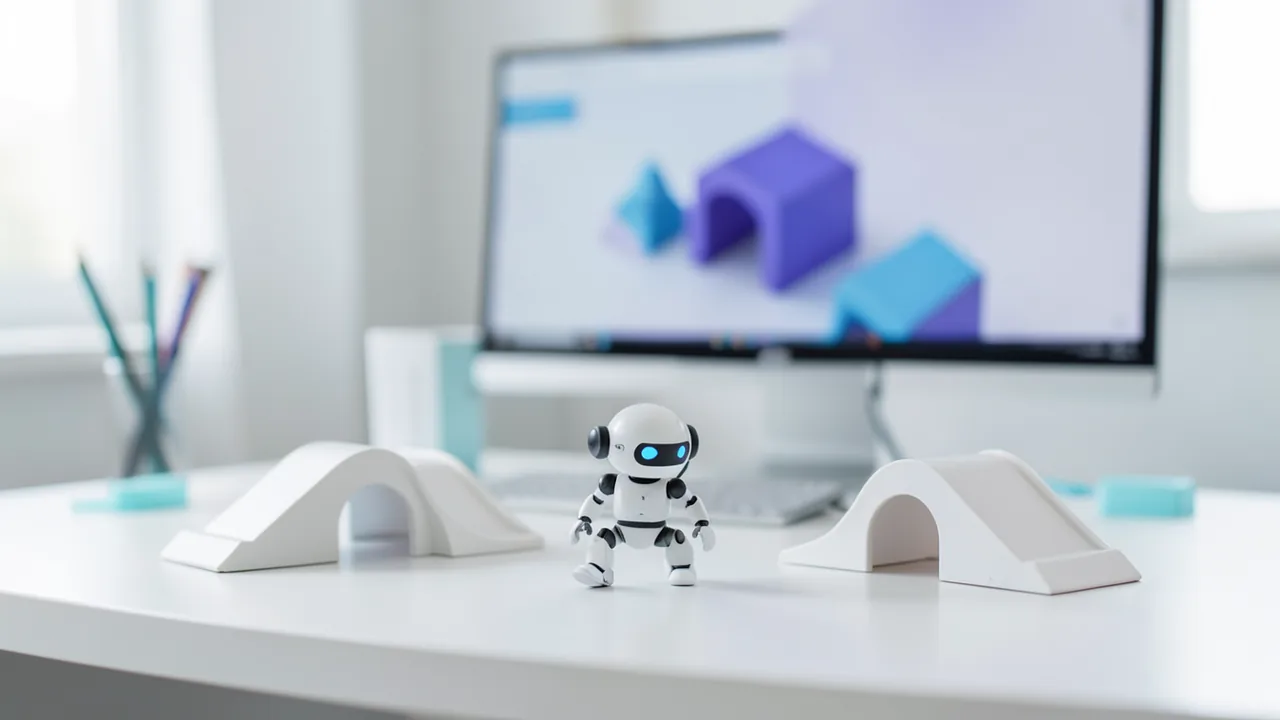
In its Technical Blog, NVIDIA has described a workflow for training a small walking robot called Microduck in simulation. The goal is an obstacle course: the robot must perceive its surroundings, keep its balance and adapt its behavior when obstacles are in the way. What's new is less any single technique than the way they are chained together. AI agents handle planning and asset creation, the simulation provides feedback, and reinforcement learning (learning by trial and reward) produces the walking strategy, the “policy.” The post presents itself as a template you can adapt to your own robots and tasks.
The workflow is split across two places: planning, asset building and evaluation run locally on the NVIDIA RTX Spark, while policy training runs in the cloud.
Step 1: A plan from a prompt
It starts with a text prompt describing the course and the learning task. For example: build a simulated Microduck course with navigation and locomotion tasks, generate a photorealistic concept image, and have Astra build and test it. The agents Hermes and NVIDIA Nemotron 3.5 Bolt turn that into a step-by-step project plan. The plan covers research, concept image, asset inventory, handoff package, asset creation, and assembly and testing.
Planning includes a quick look at Microduck's repository and documentation to note its capabilities, constraints and open questions. A local image model then generates a concept image of the course. Hermes and Nemotron analyze it and compile an inventory of the visible, reusable objects, each with an ID, a description and a cropped reference image. Hidden or cut-off areas are flagged so that what is visible can later be told apart from assumptions. Everything is automatically delegated to the Astra agent as a handoff package.
Steps 2 and 3: Assets and simulation environment
Astra builds the 3D objects. Because crops from a concept image are small and rough, Astra first improves them with cloud-based image editing and compares them with the originals (silhouette, proportions, colors). Dimensions that can't be determined or hidden surfaces are noted as modeling assumptions. Astra then uses FreeCAD to create the base geometry with an editable CAD structure, and adds details and materials in Blender. Both programs run locally and are controlled programmatically. The result is editable models and exported USD assets (an interchange format for 3D scenes) with previews and checks.
Alternatively, there is the SimReady Central Library, a free library with no access restrictions containing more than 2,000 simulation-ready OpenUSD assets.
Astra assembles the course in Isaac Sim. Isaac Sim provides rendering and sensor simulation through Omniverse libraries, while Newton computes the physics of motion and balance. The robot is described through links (body parts), joints and actuators (drives); AI agents can help with that too. Simulated sensors show what lies ahead of the robot, and the simulation records whether it holds its posture, makes progress or falls.
Step 4: Training the policy
Isaac Lab, an open-source framework, runs many Microduck simulations at the same time. For each task, you define what the robot observes, what actions it has and which rewards steer the learning. Early attempts often end in wobbly steps, collisions and falls; the algorithm uses them to improve the policy. The loop is: simulated observation, policy action, simulated movement, new observation.
In the experiment, Microduck had to cross a curved ramp without falling; varied terrain is meant to encourage adaptability. The starting point was the Microduck example environment in Isaac Lab. A walking policy pretrained there was trained further with head-camera depth images and robot state, using 4,096 parallel environments on an NVIDIA RTX PRO 6000 Blackwell Workstation Edition.
Steps 5 and 6: Validation and the path to a real robot
The trained policy is checked locally on the RTX Spark in Isaac Sim. Training and evaluation are deliberately kept apart: during training the policy changes, while evaluation judges a selected policy. The metrics are course completion, falls, collisions and places where the robot gets stuck, supplemented by videos.
For the transition to hardware, NVIDIA names two tools. Better Actuator Models (BAM) reproduce servo behavior, including command delays, mechanical play in the drive (backlash) and voltage drops when sharing a battery. Domain randomization varies physics parameters and sensor noise within realistic limits so the policy learns to cope with deviations. Hardware deployment itself is explicitly not part of the post; it only shows a walking policy trained in Isaac Lab running on a real Microduck.
Our take
The post is above all a showcase of NVIDIA's software and hardware ecosystem (RTX Spark, Isaac, Newton, Omniverse, Nemotron). What's useful is the clear pipeline: prompt, plan, assets, simulation, training, validation. The source gives no concrete success rates, training times or benchmark comparisons. It also doesn't say how reliably the agents work without human intervention. The sim-to-real gap remains a challenge, as NVIDIA itself admits. Still, for robotics developers and hobbyists, the post offers a good overview with linked tutorials, for example on installing Isaac Sim on RTX Spark (Windows x86 binaries, which run on Arm via emulation).
Sources
- NVIDIA Technical Blog developer.nvidia.com
- TechCrunch – AI techcrunch.com
- Bing News (en-US) blockchain.news
- AI Times (KR) aitimes.com
- Google News (US) news.google.com
- Bild Digital (DE) bild.de
- Hugging Face Spaces huggingface.co
- Google News (US) news.google.com
Ask the AI assistant
Questions about this article, installation or background? Our assistant knows this page and runs on our own machine, not in someone else's cloud.
The Assistant is an AI (Gemma 4) and can make mistakes – please check important details against the source. Questions are used only to generate an answer and are deleted after one hour. Please don't enter any personal data.



Comments
What do you think? Already tried it? Write it here, no sign-up needed.
Comments are public. Links aren't allowed, and we delete abusive posts. You can delete your own comment at any time in this browser. Learn more in the Privacy Policy.