
Opera Brings Local AI Into the Browser With Its WebAI Standard
Opera has unveiled WebAI, a proposed web standard that lets websites and extensions run AI models right in the browser, with no cloud and no Ollama. It's available as an early preview in Opera One and is opt-in only.
What this is about
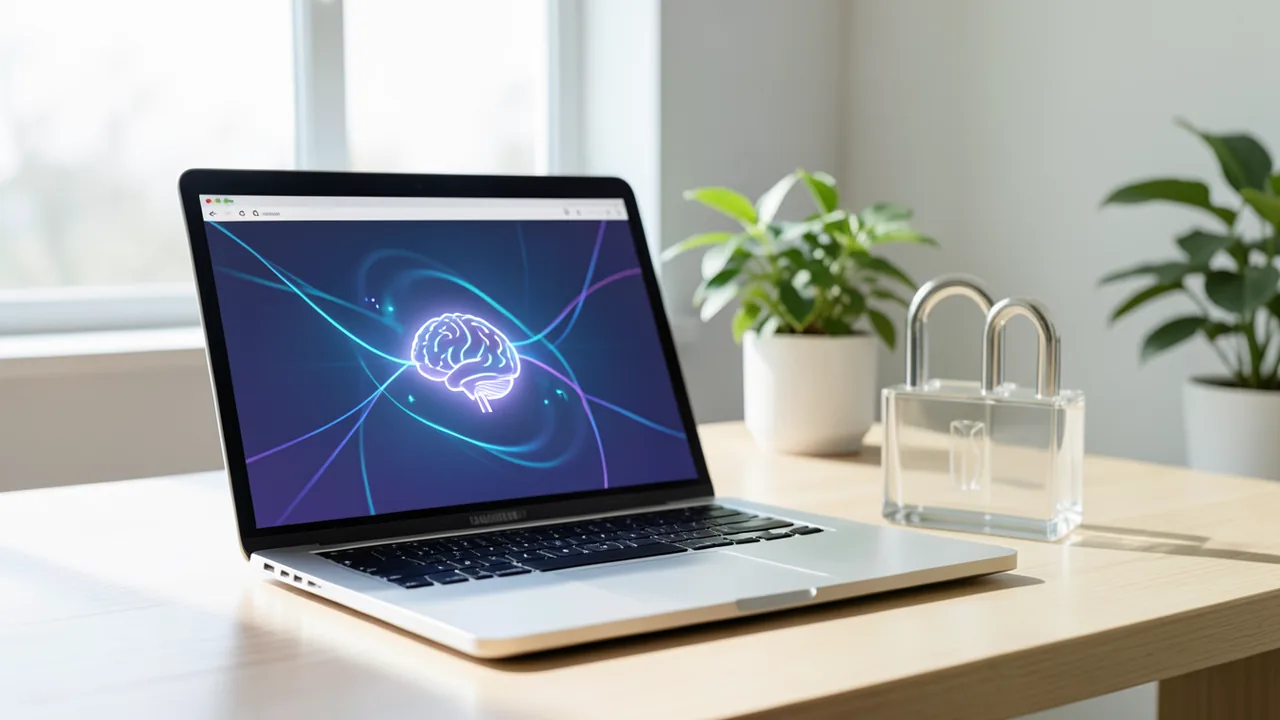
Browser maker Opera has unveiled WebAI, a proposed web standard that lets websites and browser extensions use AI models running directly in the browser on your own machine. Your requests and data stay on your device. The feature has been available as an early preview in Opera One since late October 2026. According to ZDNET, the proposal is backed by companies such as Google and Microsoft. That claim comes from ZDNET's report, and Opera is not quoted on it directly here.
What WebAI is and how it works
Until now, most browser AI features depend on the cloud. Your inputs are sent to servers, where, depending on the provider, they may be used for training or profiling. WebAI takes the opposite approach. The browser gives developers an API they can use to talk to models, without running their own AI infrastructure or paying for every request.
Opera says its implementation is model-agnostic and designed for open-weight models. These are models whose trained weights (the model's "dials") can be downloaded publicly. They're usually free, but unlike true open-source software they often come with usage restrictions. Opera names Google's Gemma as an example, and on Macs it also supports Apple's on-device foundation model. According to ZDNET, users can choose models from Google and Apple, among others.
WebAI is meant to let you generate text, classify content and spot connections between pieces of information, all inside the browser. It's opt-in: nothing is downloaded until you agree. Sample extensions are available for developers.
How to try it
- Download or update Opera One.
- Under Settings > Opera AI, turn on "Enable Web AI API."
- Install an extension that uses WebAI and open it from the extensions menu.
The preview is only available on 64-bit Windows PCs with Intel/AMD chips and on Macs with Apple Silicon. Intel Macs, Linux and Windows on Arm aren't supported. Opera GX (for gamers) and Opera Neon (a browser with AI agents) are due to follow soon.
Privacy and limits
Opera promotes the fact that you don't need AI subscriptions and that processed information stays on your device. TechCrunch points out that this doesn't remove every privacy risk, but it does give you more control. The trade-off: local models put a load on your computer, and performance depends on your hardware.
Krystian Kolondra, who heads browser and AI at Opera, said, according to ZDNET, that much of what people want from AI doesn't need a data center. Opera first offered local models to developers in 2024 and is now bringing them to everyone.
Analysis
Local AI in the browser lowers the barrier considerably. Until now, you had to install and set up something like Ollama separately, for example to use Firefox's Smart Window with your own provider. Opera builds that in directly. The interesting question is whether WebAI catches on as a real standard. For now it's only a proposal, and the preview is limited to a few platforms. It's also unclear how well the models run on average hardware and which extensions will actually appear. Most of the claims about the benefits come from Opera itself.
Sources
- Google News (GB) zdnet.com
- techcrunch.com techcrunch.com
- Bing News (it-IT) xiaomitoday.it
Ask the AI assistant
Questions about this article, installation or background? Our assistant knows this page and runs on our own machine, not in someone else's cloud.
The Assistant is an AI (Gemma 4) and can make mistakes – please check important details against the source. Questions are used only to generate an answer and are deleted after one hour. Please don't enter any personal data.



Comments
What do you think? Already tried it? Write it here, no sign-up needed.
Comments are public. Links aren't allowed, and we delete abusive posts. You can delete your own comment at any time in this browser. Learn more in the Privacy Policy.