
Perplexity's Computer agent now works right inside Chrome, Edge and Brave
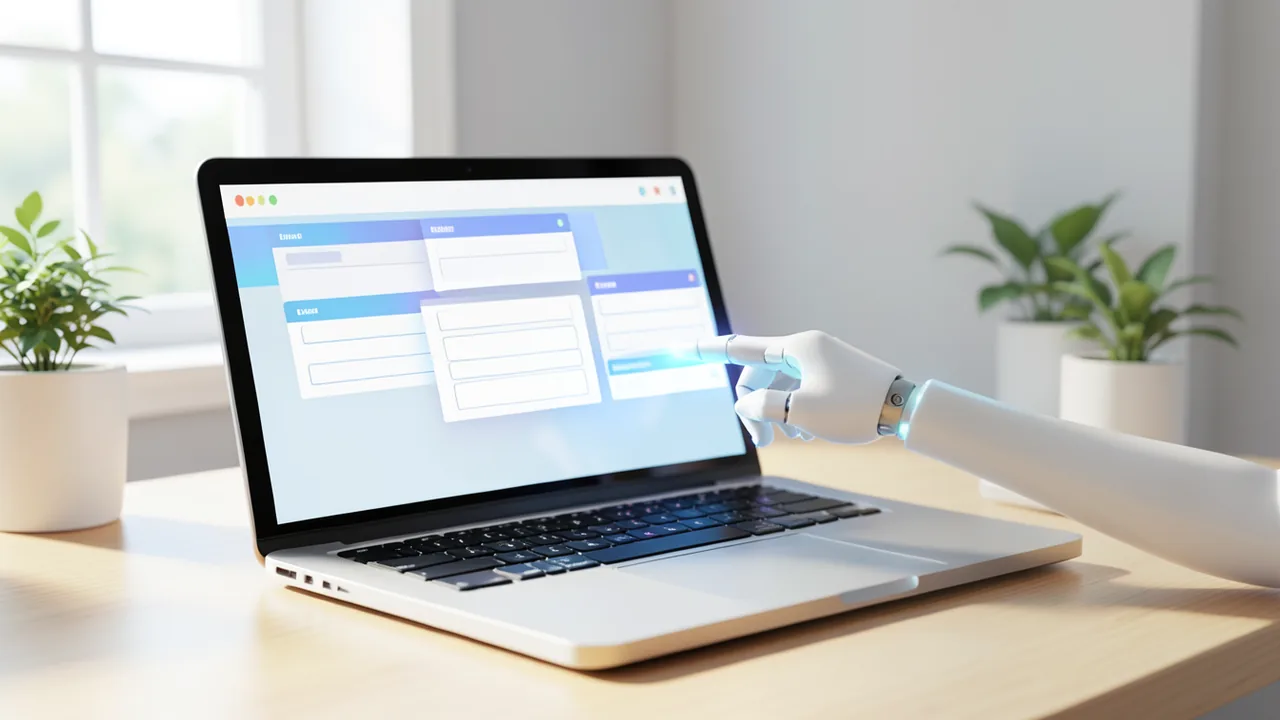
Perplexity is bringing its AI agent Computer to Chrome and other Chromium browsers through an extension. You type a task into the side panel, then watch the agent click through your tabs, fill in forms and use sites you're already logged into.
What's going on
Perplexity, the AI company best known for its answer engine, has brought its AI agent Computer into the browser. An AI agent is a program that doesn't just answer questions but carries out steps on its own: it clicks, types and moves between websites. Since the announcement on November 20, 2026, Computer works directly in Chrome and other Chromium-based browsers through the Perplexity extension. Chromium is the open-source foundation behind Google Chrome, Microsoft Edge, Brave and many other browsers. According to Crypto Briefing, Chrome, Edge, Brave and Arc are explicitly supported.
Here's how it works: you open the extension's side panel and describe a task. Computer then works through it in your tabs and tools while you watch live. You don't have to install a new browser.
The sources disagree on the launch date. Perplexity CEO Aravind Srinivas announced the extension on X, followed by another post on November 20. Crypto Briefing, however, reports that the extension already showed up in the Chrome Web Store around October 30, 2026. So it may have been listed there before the official announcement on November 20.
What the extension actually does
According to Crypto Briefing, Computer handles multi-step workflows that you kick off yourself. These include:
- navigating websites you're already logged into,
- filling in forms,
- working across several tabs at once,
- using tools like Gmail and Slack without making you switch to a separate app.
The agent only acts when you ask it to. It doesn't roam the web on its own between requests. Crypto Briefing says the extension is version 0.0.6 and only about 128 KiB in size. That tiny footprint shows the real work doesn't happen on your machine. The extension is more of a thin bridge between your browser and Perplexity's agent, which runs on the company's servers. The low version number suggests the product is still very early in development.
The big advantage over an agent in a standalone app: it uses your existing logins and open tabs. Plenty of workflows constantly jump between websites, services and logins, and that's exactly where the extension comes in.
A week packed with launches
The browser extension didn't arrive alone. In the days before, Perplexity shipped several related features:
| Date | Launch |
|---|---|
| Nov 5–13 | Teammates rolls out to Max subscribers on the web, then in the Mac app |
| Nov 16 | Launch of the "Frontier Research" initiative |
| Nov 17 | Multiagent and the Orchestrator API |
| Nov 18 | Teammates and Multiagent come to iPhone and Android, Teammates with voice control |
| Nov 19 | Brain: agent skills that learn from past sessions |
| Nov 20 | Computer works directly in Chromium browsers |
With Multiagent, a lead agent breaks a task down and hands the pieces to a team of other agents. These use different frontier models, and the lead agent merges their results into a single answer. The Orchestrator API is a programming interface for developers. It lets them pick the right model for each task. The system automatically chooses the provider based on who's available, has capacity and responds quickly. Open and proprietary models run through one interface with unified billing.
Perplexity calls Brain Computer's "personalized self-improving agent." It watches how you work across past sessions and through the memory feature. From that, it writes its own "skills" – reusable instructions for future tasks – and keeps them up to date. Perplexity also says roughly a third of the most demanding Computer tasks already start on the iPhone.
Some background: according to Crypto Briefing, Perplexity unveiled Computer in February 2026. A Mac app followed in April, and a Windows app in July. Separately, Perplexity has offered its own browser, Comet, with a built-in AI assistant since 2025. The extension brings part of that idea to people who want to stick with the browser they already use. Digital Trends reports that Perplexity also showed off "Personal Computer" at its Ask 2026 developer conference. This always-on version of the agent runs on a machine that stays switched on, such as a Mac mini. It's reserved for Max subscribers ($200 a month) and at launch is only available on Mac via a waitlist.
The numbers Perplexity is touting
Perplexity backs up its agent's value with its own figures, which can't be independently verified. On November 4, the company reported that Computer had managed $30,000 in Meta ad spend for mail-order seafood seller Get Maine Lobster. The result was 3.5 times that amount in revenue. Return on ad spend (ROAS) was reportedly 63 percent higher than the company's usual ads.
On top of that come results from WANDR, Perplexity's in-house agent benchmark – a standardized test for agents:
| Model | WANDR score | Cost per task |
|---|---|---|
| Claude Fable 5.2 | 0.851 | $14.51 |
| Gemini 4 Carbon | 0.857 | $5.86 |
By these numbers, Gemini 4 Carbon performs about as well as Claude Fable 5.2 at roughly 40 percent of the cost. Both models are available in Computer for Pro and Max subscribers.
Security and privacy
An agent that fills in forms in your logged-in accounts can do real damage. That's why Perplexity is emphasizing privacy. The company says the extension only processes login data and page content while a task is running and doesn't collect data in the background. Since November 12, the browser agent also shows what it's currently working on. That way you can watch live, take over at any time and sign in securely.
On November 11, Perplexity published results from red-teaming SPACE. In red-teaming, experts deliberately attack a system to find weaknesses. SPACE is the sandbox for Computer agents: an isolated virtual machine, essentially a simulated computer inside a computer. Perplexity gave 12 AI models two tasks. They were asked to break out of the virtual machine and steal credentials from the host, and to get around the network rules to reach a blocked web address. Two findings stood out: a classic "capture the flag" setup – a hacking contest with hidden targets – can steer agents away from the security boundary that's actually being tested. And security-focused models didn't necessarily perform better.
On November 16, Perplexity also launched "Frontier Research," a project aimed at building a system that does research on its own. The focus is on multi-agent collaboration, reinforcement learning (learning through rewards), continual learning, systems engineering and pre-training, the foundational training of models. More than 10,000 GPUs are set to be available for the effort. Perplexity plans to openly publish algorithms, models and evaluation methods.
The bigger picture
This move is mostly about reach. Chrome, Edge, Brave and Arc account for a large share of web usage on computers. Installing a 128 KiB extension is a much lower hurdle than switching to the Comet browser. That also puts pressure on Comet: if the extension offers similar help inside the browser you already use, Comet will have to win people over with deeper integration.
What it means for you: if you already use Perplexity, you can offload routine work across tabs and web services without changing your setup. A lot remains unclear, though. Perplexity hasn't said which plans include the browser feature. Related features are partly tied to Pro or Max plans, and Max costs $200 a month. The success stories and benchmarks come from Perplexity itself. And a version 0.0.6 will have teething problems. An agent with access to your logged-in accounts can make mistakes with real consequences, such as wrong form entries or unintended actions. That makes the built-in live view, where you can take over at any time, more than just a convenience feature.
Sources
- dev.to #ai dev.to
- cryptobriefing.com cryptobriefing.com
- digitaltrends.com digitaltrends.com
- computerbild.de computerbild.de
Ask the AI assistant
Questions about this article, installation or background? Our assistant knows this page and runs on our own machine, not in someone else's cloud.
The Assistant is an AI (Gemma 4) and can make mistakes – please check important details against the source. Questions are used only to generate an answer and are deleted after one hour. Please don't enter any personal data.



Comments
What do you think? Already tried it? Write it here, no sign-up needed.
Comments are public. Links aren't allowed, and we delete abusive posts. You can delete your own comment at any time in this browser. Learn more in the Privacy Policy.