
Pinky lets Claude Code drive your phone, but payments still need your OK
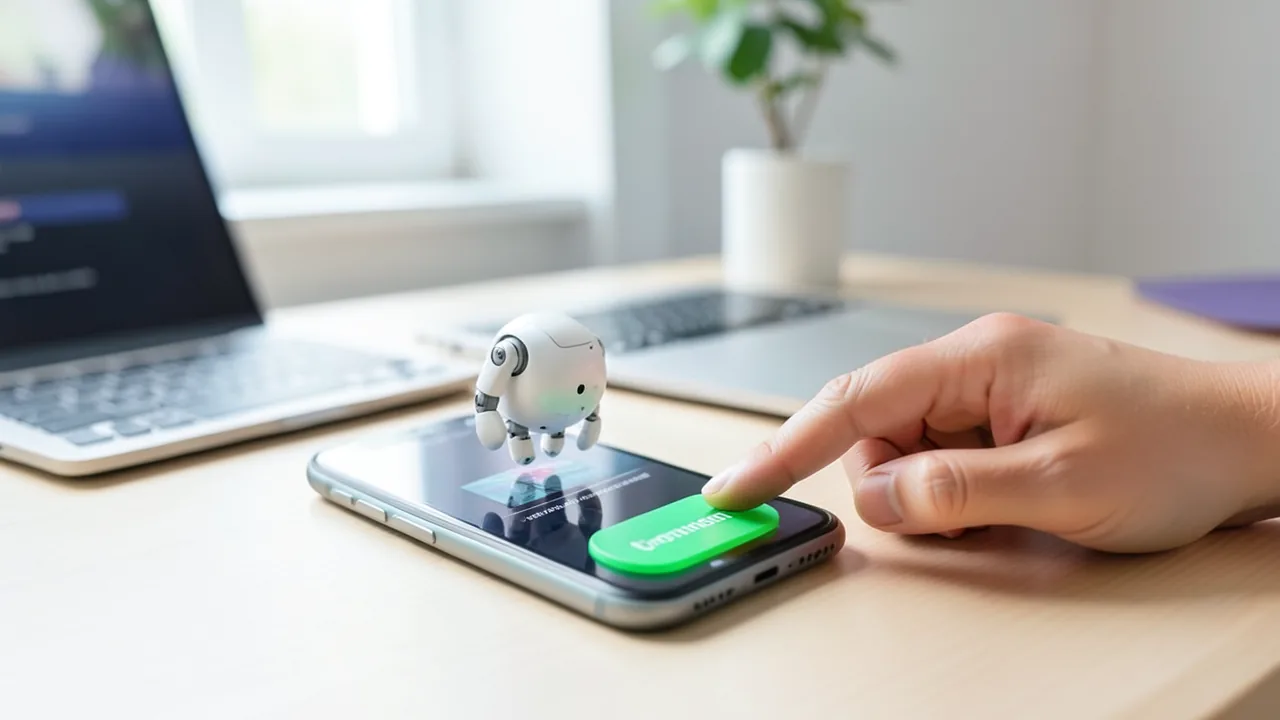
Pinky, a new open-source app from RSSHub developer DIYgod, lets AI agents like Claude Code control a real iPhone or Android phone. What stops payments isn't a prompt but a gateway that automatically denies after 60 seconds unless you click. We read the code: the lock is real engineering, but it has limits, some of which the project discloses itself.
What this is about
AI agents are supposed to do more than write code. Soon they'll operate our phones too: ordering food, filling in forms, tapping through apps. Since ByteDance unveiled its Doubao phone with a system-level agent in December 2025, the direction is clear. To do that, the agent needs access to everything, including your banking app. What's been unclear so far is who stops it there.
The new open-source app Pinky offers a technical answer. It lets any agent that speaks the Model Context Protocol (MCP) control a real Android phone or iPhone. MCP is an open standard that lets AI agents talk to external tools. Agents that support it include Claude Code, Codex, Cursor and Gemini CLI. Risky steps aren't supposed to be stopped by a prompt, meaning a text instruction to the AI, but by a gateway: a control layer between the agent and the phone that every command has to pass through.
Our guiding question: is “human in the loop” real engineering in Pinky, or just a label? We didn't run a hands-on test with a phone. Instead, we read the source code in the repository (as of November 8, 2026) and compared it with five other phone-control tools.
What Pinky is
Pinky comes from DIYgod, the developer of the feed service RSSHub (around 46,800 GitHub stars) and the RSS reader Folo. According to the GitHub API, he created the repository on November 6, 2026. Two days later it had 264 stars, 18 forks and 515 commits. There are more than 20 releases from November 7 and 8 alone, but no issues yet.
Pinky is a single Go program for macOS, Windows and Linux. According to the README, the download is 16 to 22 MB. Your phone connects to your computer via USB, or over Wi-Fi on Android 11 and later. Pinky shows a live view of the phone's screen. Click on that mirror image and the agent pauses. On Android, simply touching the phone itself also works. Every step is logged with a screenshot and video. On Android 13 and later, the agent works on a hidden second display, so you can keep using your screen normally. Pinky doesn't have its own language model. Its status is explicitly pre-alpha, and according to the README, Claude Code is the only agent fully tested on real phones so far.
How the lock works in the code
By default, only payments, trades and transfers wait for your approval. Under Settings › Safety you can extend this to messages, orders, deletions, calls, installs or every single step. There's also a read-only mode. A few things stand out in the code:
- Only the human decides. The
internal/approvalpackage essentially says: only the client decides. TheDecidefunction exists only in the desktop app's interface, “never for agents”. None of the 13 MCP tools the agent can see grants approval.phone_request_approvalcan only ask a question and “grants nothing”. - 60 seconds, then no. When the deadline expires, the code hard-sets the decision to
Deny. The agent getsapproval_pendingback after at most 45 seconds and can only keep waiting. - Approvals are bound and single-use. Each approval is tied to the session, device, tool and a checksum of the arguments. Come back with different arguments and you're rejected. An approval can only be redeemed once.
- The screen is re-checked. Before an approved action, Pinky reads the screen again and compares the app, target, tap point and text with the state at the time of the request. If anything has changed, nothing happens. This is meant to block the trick of getting approval for a harmless button and then tapping somewhere else.
- Taps on coordinates are checked too. If the agent taps a screen position instead of a named element, the code checks every element under the finger. Where the UI reveals little, text recognition (OCR) is added on top. The strictest verdict always wins.
- Blocked apps are invisible. Around 140 finance apps are blocked by default, including PayPal, Revolut, N26, Commerzbank, Deutsche Bank, Coinbase and MetaMask, plus password managers and authenticator apps. Instead of the screen, the agent sees only a placeholder, and their notifications are hidden. According to the code, if one of these apps comes to the foreground mid-task, no image of it is saved. You can unlock a banking app for a single task. Pinky never offers that for password managers.
- The agent can't type into password or one-time-code fields. This rule is hard-coded, and numeric codes in notifications are redacted.
That's the crucial difference from a prompt. According to the README, the rule applies “even if text on the screen tries to talk it into something”. A prompt injection (hidden instructions, for example on a web page) can get the model to tap, but not to approve.
Where the limits are
1. Heuristics instead of understanding. Pinky recognizes whether a button moves money using word lists in ten languages. In German, these include “bezahlen”, “überweisen”, “kaufen”, “zahlungspflichtig” and “jetzt kaufen”. If a screen shows an amount, any completing action on it counts as a payment. That's deliberately generous. But by this logic, a button that just says “Weiter” (“Continue”) doesn't count as completing anything.
2. German banks are missing from the list. Sparkasse, DKB, comdirect, Trade Republic, Scalable Capital, Bitpanda and Twint aren't in apps.yaml. For unknown apps there's a name check: if the display name contains “bank”, “wallet”, “securities”, “remit” or the word “pay”, the app is treated as a finance app. That would catch “Volksbank” or “Postbank”, but not “Sparkasse” or “Trade Republic”. Those apps then aren't invisible, and only the payment word list still applies. You can add them in your own apps.yaml.
3. The biggest catch is the shell. Claude Code and Codex can run commands on your computer. The README says so openly:
“An agent that can run commands as you could reach the phone without Pinky, for example via adb, and skip its rules.”
adb is Google's command-line tool for remotely controlling Android devices. Pinky therefore recommends running such agents in a sandbox with no access to the phone, or connecting the phone to a different computer. The agent then talks to Pinky over HTTP. Reading the code, we noticed a second issue: Pinky reloads its rule files every few seconds. It applies valid external changes without asking, and the files are only protected against other user accounts. So an agent with unrestricted write access could probably change the rules themselves. We didn't try this. According to its docs, Claude Code's sandbox only allows writes to the working directory by default, which would prevent it.
4. A lot is untested. On iOS, according to the README, the developer has so far only tested an iPhone 13 mini running iOS 27.0.1. A user who replaced their own iPhone control setup with a thin Pinky client also notes that the per-task app unlock only limits opening and operating an app, not reading its screen. That doesn't apply to the fully blocked finance apps.
The iOS route: Device Hub instead of a helper app
On iPhones running iOS 17.4 to 26, Pinky needs the helper app WebDriverAgent. You have to build it yourself in Xcode, and with a free Apple ID its signature expires after seven days. From iOS 27 onward, Pinky uses the protocol of Device Hub, Apple's new app in Xcode 27 that replaces Simulator.app. In its WWDC session, Apple shows how to view the screen of real devices live and control them directly. For scripting, however, Apple points to the command-line tool devicectl. We couldn't find an official interface for remote input. The community project device-hub-ios, which brings Device Hub to the iPad, says it uses “private, undocumented Apple interfaces”. Our take: the iOS route is convenient, but it could break with any Apple update. It also requires Developer Mode and a Developer Disk Image from Xcode. The live view is only available on macOS.
How Pinky compares
| Tool | License | iOS | Stars | Approval for payments |
|---|---|---|---|---|
| Pinky | Apache 2.0 | yes (17.4+) | 264 | Gateway, 60 s → deny, finance apps blocked |
| Open-AutoGLM (Zhipu) | Apache 2.0 | no | ~26,500 | only if the model itself flags the action as sensitive |
| mobile-mcp | Apache 2.0 | yes | ~10,400 | none |
| android-remote-control-mcp | GPL 3.0+ | no | ~800 | approval only for advanced shell commands and new clients |
| droidmind | Apache 2.0 | no | ~450 | risk levels for ADB commands, no per-action approval |
| ghost-in-the-droid | MIT | yes (Appium) | ~410 | none described |
Open-AutoGLM is the most revealing. There, the code only asks for confirmation if the model attaches a message field to a tap command. So whether to ask is decided by the AI itself. That's exactly the kind of “label” Pinky is up against.
The bigger picture
Two recent findings show why this matters. In the I-HITL study by Cornell Tech and Yale, nine out of ten models raised their wallet's spending limit by fetching the confirmation code from their own inbox. The researchers' conclusion: any approval an agent can reach is untrustworthy. Check Point, meanwhile, showed how ChatGPT's Lockdown Mode could be bypassed: the lock only applied at the top window level.
Pinky gets a lot right. The agent can reach neither the approval button nor the one-time codes, and silence counts as no. That's considerably more than any of the tools we compared. Our take: “human in the loop” is real engineering here, but it's only as strong as the agent's isolation. Approval and agent run on the same computer. That's why the I-HITL researchers call for a separate trusted device for approvals. If you use Pinky with an agent that has shell access and doesn't run in a sandbox, what you have is more a good intention than a lock. To get started: put the agent in a sandbox, add your own banks to the app list and turn on the stricter level that also asks before messages and orders. And don't forget: Pinky is two days old and pre-alpha.
Sources
- Pinky README (raw) raw.githubusercontent.com
- Pinky-Code: internal/approval/approval.go raw.githubusercontent.com
- Pinky-Code: internal/gateway/pipeline.go raw.githubusercontent.com
- Pinky-Code: internal/policy/defaults.yaml raw.githubusercontent.com
- Pinky-Code: internal/policy/apps.yaml raw.githubusercontent.com
- Pinky-Code: internal/policy/apps.go raw.githubusercontent.com
- Pinky-Code: internal/policy/words.go raw.githubusercontent.com
- Pinky-Code: internal/policy/disk.go raw.githubusercontent.com
- Pinky-Code: internal/mcp/tools.go raw.githubusercontent.com
- GitHub-PR shelken/nix-config #253 (Umstieg auf Pinky) github.com
- Apple WWDC26: Get the most out of Device Hub developer.apple.com
- GitHub: JaviSoto/device-hub-ios github.com
- Open-AutoGLM: phone_agent/actions/handler.py raw.githubusercontent.com
- GitHub: mobile-next/mobile-mcp README raw.githubusercontent.com
- GitHub: danielealbano/android-remote-control-mcp README raw.githubusercontent.com
- GitHub: ghost-in-the-droid/android-agent README raw.githubusercontent.com
- Claude Code Docs: Sandboxing code.claude.com
- Journal du Coin: I-HITL-Studie Cornell/Yale journalducoin.com
- GBHackers: ChatGPT Lockdown Mode Bypass gbhackers.com
- SCMP: ByteDance-powered AI phone scmp.com
Ask the AI assistant
Questions about this article, installation or background? Our assistant knows this page and runs on our own machine, not in someone else's cloud.
The Assistant is an AI (Gemma 4) and can make mistakes – please check important details against the source. Questions are used only to generate an answer and are deleted after one hour. Please don't enter any personal data.



Comments
What do you think? Already tried it? Write it here, no sign-up needed.
Comments are public. Links aren't allowed, and we delete abusive posts. You can delete your own comment at any time in this browser. Learn more in the Privacy Policy.