
Plenio 2.0 turns ComfyUI into a local studio, from song idea to finished master
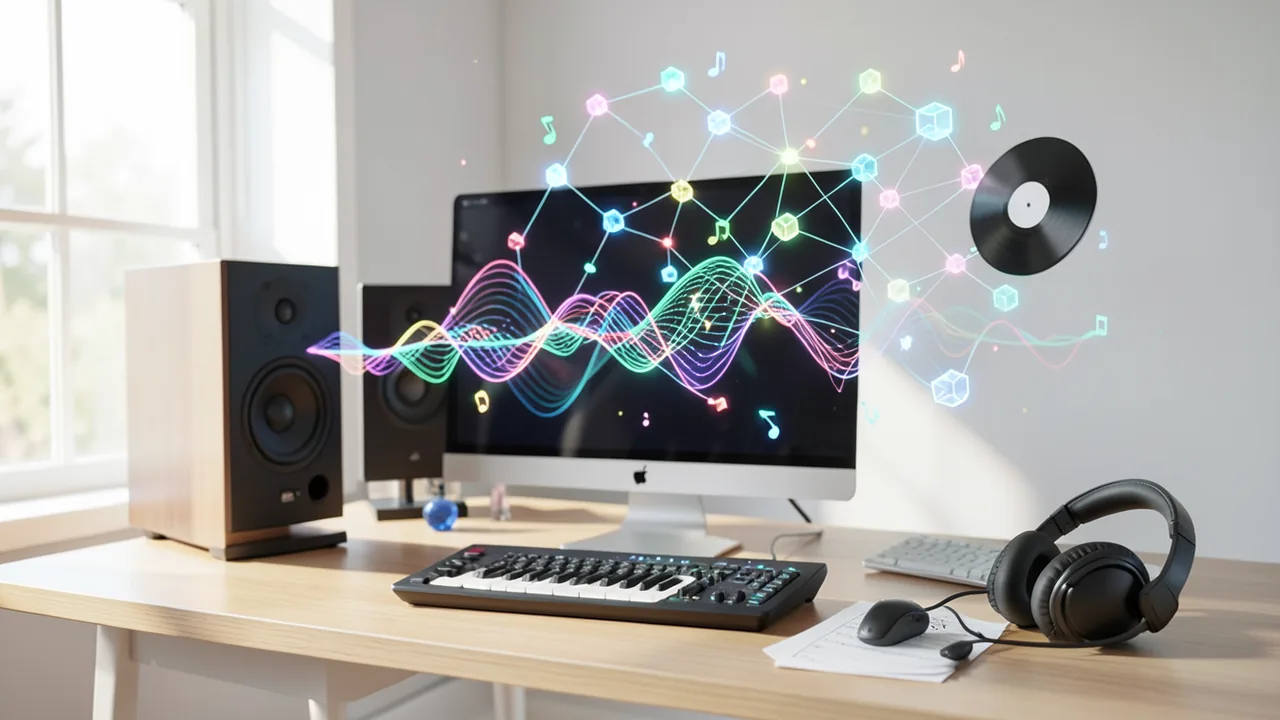
Plenio is a free, open-source extension that turns ComfyUI into a music studio. A local language model writes the lyrics, YuE2 sings them, and you end up with a mastered song plus cover art and sheet music. Version 2.0 picks and installs the right models for your GPU and adds a VST3 plugin for your music software.
What it's about
On November 14, 2026, the developer behind Plenio announced version 2.0 of the music extension on the r/comfyui subreddit. Plenio calls itself a "song production suite" for ComfyUI, a popular free program where you build AI pipelines by snapping together building blocks. Each block is called a "node", and a set of connected nodes makes up a "workflow". ComfyUI is best known for image and video generation. Plenio turns it into a recording studio.
Here's how the developer describes the process. You type in an idea. A local language model, meaning a text model running on your own machine, writes lyrics from it. A music model then sings those lyrics, either YuE2 or, as an alternative, MiniMax Music 3. According to the post, what comes out is a "mastered release". Mastering is the final polish in music production, where loudness and overall sound get balanced. You also get a lossless FLAC audio file, a cover image, time-synced lyrics (karaoke-style) and sheet music.
The developer says Plenio is free, open source and runs locally. What's less clear is whether that also applies to MiniMax Music 3. MiniMax is a Chinese AI company, and the post doesn't say whether that model runs locally or through an online service.
Control instead of a lottery: Song Sheet and note editor
One intermediate step sets Plenio apart from many well-known AI music services. Before anything gets sung, the Song Sheet shows you exactly which words and notes the music model will receive. A dedicated note editor also lets you change every single note. So instead of hoping the next attempt happens to sound better, you can tweak the melody deliberately before any compute gets spent.
The post doesn't let you judge how faithfully the model actually follows those instructions. There are no audio samples or independent tests.
What's new in version 2.0
The developer lists quite a few new features:
- Plenio Setup: A wizard detects your GPU and puts together the matching model files, showing file sizes, target folders and licenses. Once you confirm, it downloads everything and checks each file against its SHA-256 checksum. Think of that as a digital fingerprint that tells you whether a file arrived complete and unmodified. A test song runs before you make your first real one.
- All models set to "auto": A template built on one machine automatically finds the right files on another, with no manual tweaking. That's a classic pain point with ComfyUI, where shared workflows often break because of missing or misnamed model files.
- Song API v2 and MCP server: A programming interface lets you create song jobs. These jobs survive a restart, can pause at checkpoints and emit events. MCP (Model Context Protocol) is an open standard that lets AI assistants operate external tools. According to the developer, you can ask Claude Desktop or Claude Code for a song, and the result then plays in the Plenio Player.
- People and access in the Player: You can invite guests via QR code. A "party" starts after three questions, and the guest page is available in seven languages.
- The Director: This module generates visuals that know a song's beats, bars and sections in advance. So the visuals can react to a chorus or a change in meter instead of just following the volume level.
- Clean registry package: The version in the official ComfyUI registry doesn't launch any other programs. Convenience launchers live in a separate add-on package that's only available when you download from GitHub. That's also a security question: extensions that launch other programs without asking have been a recurring point of contention in the ComfyUI community.
VST3 plugin for music software
There's now also an optional Plenio VST3 plugin in the same repository. VST3 is the standard plugin format for DAWs, the music production programs like Cubase, Ableton Live or Reaper. The plugin uses Song API v2 and drops a song's takes (different recorded versions), stems (individual tracks like vocals or drums) and MIDI data straight onto your DAW's tracks. For hobby musicians, this is probably the most exciting addition. The AI song stops being a finished block and becomes raw material you can keep working on in the environment you already know.
Scope and requirements
The package consists of 39 nodes, 6 workflow templates and 250 genre presets. According to the developer, everything builds on ComfyUI's built-in loaders and samplers, the standard blocks that load models and run the actual generation. It was tested with ComfyUI versions 0.41.0 and 0.44.2. You can install Plenio with ComfyUI's command-line tool comfy node install. The exact command is cut off in the source.
The post doesn't say what the minimum GPU is. But the setup wizard is supposed to handle exactly that by choosing model sizes that fit your card. One thing is clear: since both the language model and the music model run locally, you'll need a GPU with enough VRAM (video memory) and enough disk space for several model files.
Our take
Many people know AI music from online services like Suno or Udio. Plenio takes a different approach. Everything runs locally and in the open, and you can control every step, from the lyrics and individual notes all the way to mastering. With MCP support and the VST3 plugin, the project is growing well beyond a tinkerer's toy. It connects AI assistants, generation and traditional music production.
Some questions remain open. All the claims come from the developer, and there are no independent tests of the sound quality yet. How good the results sound depends heavily on which music model you use. Hardware requirements and model licenses also go unanswered. The setup does show the licenses, but music model licenses in particular can restrict commercial use. If you plan to release your songs, read them carefully first. The project is most interesting for ComfyUI users and hobby musicians who want to experiment with local AI music without relying on a cloud service.
Related videos
Sources
- Reddit r/comfyui reddit.com
Ask the AI assistant
Questions about this article, installation or background? Our assistant knows this page and runs on our own machine, not in someone else's cloud.
The Assistant is an AI (Gemma 4) and can make mistakes – please check important details against the source. Questions are used only to generate an answer and are deleted after one hour. Please don't enter any personal data.



Comments
What do you think? Already tried it? Write it here, no sign-up needed.
Comments are public. Links aren't allowed, and we delete abusive posts. You can delete your own comment at any time in this browser. Learn more in the Privacy Policy.