
AutoClip
Turns long podcasts, interviews and talks into ready-to-post short clips with subtitles, straight from a link.
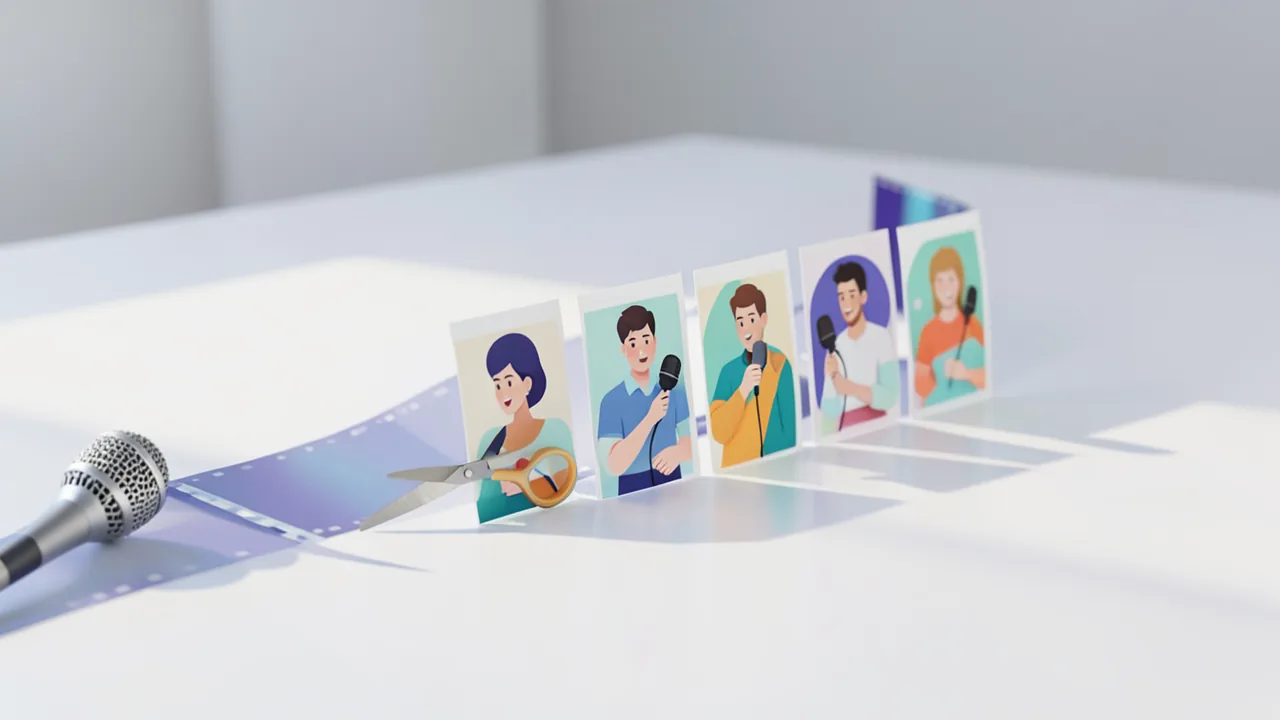
Paste a video link, pick the platform (TikTok, Reels, YouTube Shorts …) and you get up to ten scored clips. Each comes with subtitles, a thumbnail, title, description and hashtags. Cutting and rendering happen on your machine. Whisper can generate the subtitles locally, and if you like, a local model via Ollama or LM Studio can handle the analysis instead of a cloud API key. There are ready-made installers for macOS (Apple Silicon) and Windows, and it runs via Docker on Linux.
How to try it
Commands from the official guides – just copy them.
Linux
# No desktop package for Linux – run it with Docker (requires Docker with Compose v2)
git clone https://github.com/zhouxiaoka/autoclip.git
cd autoclip
cp env.example .env
mkdir -p data logs uploads
docker compose up -d --build
# Then open in your browser: http://localhost:3000

# Only if you get permission errors on the folders:
docker compose run --rm --no-deps --user root --entrypoint sh autoclip -c 'chown -R autoclip:autoclip /app/data /app/logs /app/uploads'
docker compose up -d
macOS
# Apple Silicon: download the .dmg from the latest release and install it
# https://github.com/zhouxiaoka/autoclip/releases/latest
# If Gatekeeper blocks it: System Settings → Privacy & Security → "Open Anyway"

# Intel Macs: run it with Docker
git clone https://github.com/zhouxiaoka/autoclip.git
cd autoclip
cp env.example .env
mkdir -p data logs uploads
docker compose up -d --build
# Then open in your browser: http://localhost:3000
Windows (PowerShell)
# Windows 10/11 (x64): download the "-setup.exe" file from the latest release and run it
# https://github.com/zhouxiaoka/autoclip/releases/latest
# If SmartScreen appears: "More info" → "Run anyway"
# Python and FFmpeg are already bundled with the installer
Commands from the official guide. New in the Toolbox since Nov 19, 2026.
Ask the AI assistant
Questions about AutoClip, installation or background? Our assistant knows this page and runs on our own machine, not in someone else's cloud.
The Assistant is an AI (Gemma 4) and can make mistakes – please check important details against the source. Questions are used only to generate an answer and are deleted after one hour. Please don't enter any personal data.

Comments
What do you think? Already tried it? Write it here, no sign-up needed.
Comments are public. Links aren't allowed, and we delete abusive posts. You can delete your own comment at any time in this browser. Learn more in the Privacy Policy.