
LTX Desktop
Lightricks' open-source app: generate videos with sound locally using LTX-2.5, then cut them right in the built-in editor.
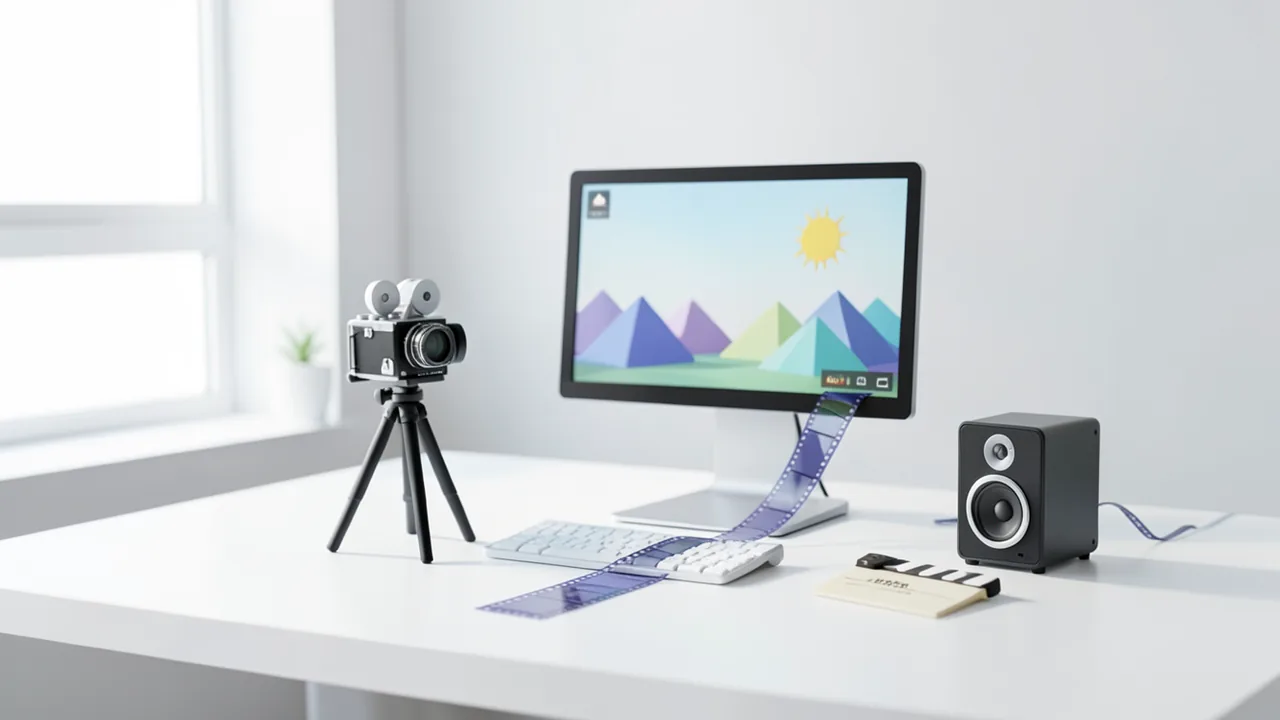
LTX Desktop is the official desktop app for the open LTX video models. The default model is LTX 2.5 Fast, which generates clips with matching audio. You install the app with an installer, sign in to Hugging Face on first launch (the 2.5 weights are gated, so you have to request access) and download the model. Cloud features are optional: in local mode, all your data stays on your machine.
How to try it
Commands from the official guides – just copy them.
Linux
# 1. Download from https://github.com/Lightricks/LTX-Desktop/releases/latest:
#    x64: LTX-Desktop-x86_64.AppImage or LTX-Desktop-amd64.deb
#    ARM: LTX-Desktop-arm64.AppImage or LTX-Desktop-arm64.deb
# 2. Launch it. On the setup screen, sign in to Hugging Face and download the model (LTX 2.5 Fast)
# Requirements: Ubuntu 22.04+ or similar with an NVIDIA driver
macOS
# 1. Download LTX-Desktop-arm64.dmg from https://github.com/Lightricks/LTX-Desktop/releases/latest
# 2. Install and launch the app, sign in to Hugging Face during setup and download the model
# Note: local generation requires macOS 26 and Apple Silicon; with 32 GB you're limited to 540p/5 s, below 24 GB only via the (paid) API
Windows (PowerShell)
# 1. Download LTX-Desktop-Setup.exe from https://github.com/Lightricks/LTX-Desktop/releases/latest
# 2. Install and launch it
# 3. On the setup screen, sign in to Hugging Face and download the model (LTX 2.5 Fast)
Commands from the official guide. New in the Toolbox since Nov 7, 2026.
Ask the AI assistant
Questions about LTX Desktop, installation or background? Our assistant knows this page and runs on our own machine, not in someone else's cloud.
The Assistant is an AI (Gemma 4) and can make mistakes – please check important details against the source. Questions are used only to generate an answer and are deleted after one hour. Please don't enter any personal data.


Comments
What do you think? Already tried it? Write it here, no sign-up needed.
Comments are public. Links aren't allowed, and we delete abusive posts. You can delete your own comment at any time in this browser. Learn more in the Privacy Policy.