
MoneyPrinterTurbo
Type in a topic and get a finished short video with script, voiceover, subtitles and music.
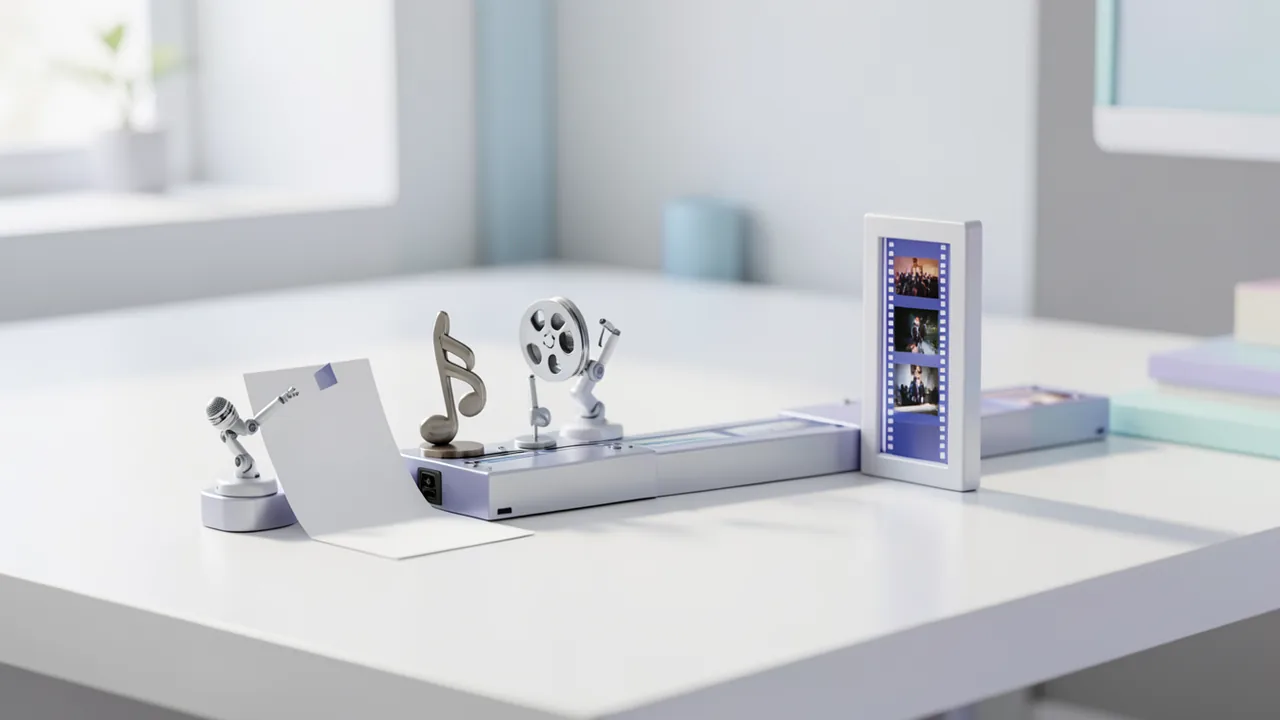
You enter a topic or keyword, and MoneyPrinterTurbo handles the rest in your browser: it has an AI write the script, finds matching stock footage on Pexels or Pixabay, voices the text with Edge TTS (no API key required) and assembles everything with subtitles and background music into portrait or landscape clips. For the script you need a language model: either an API key from a cloud provider or a fully local setup via Ollama. For the stock footage, grab a free Pexels or Pixabay key and enter it in the basic settings of the interface.
How to try it
Commands from the official guides – just copy them.
Linux
# Install uv (official installer from Astral)
curl -LsSf https://astral.sh/uv/install.sh | sh
# Download the project
git clone https://github.com/harry0703/MoneyPrinterTurbo.git
cd MoneyPrinterTurbo
# Install Python 3.11 and dependencies
uv python install 3.11
uv sync --frozen
# Start the web interface, then open http://127.0.0.1:8501
sh webui.sh
macOS
# Install uv (official installer from Astral)
curl -LsSf https://astral.sh/uv/install.sh | sh
# Download the project
git clone https://github.com/harry0703/MoneyPrinterTurbo.git
cd MoneyPrinterTurbo
# Install Python 3.11 and dependencies
uv python install 3.11
uv sync --frozen
# Start the web interface, then open http://127.0.0.1:8501
sh webui.sh
Windows (PowerShell)
# Easiest option: download the .7z package under "Assets" in the latest release (not the source code ZIP)
# https://github.com/harry0703/MoneyPrinterTurbo/releases
# Extract it to a path without spaces, special characters or Chinese characters
# Run update.bat once, then start start.bat

# Alternatively, set it up manually with uv (PowerShell):
powershell -ExecutionPolicy ByPass -c "irm https://astral.sh/uv/install.ps1 | iex"
git clone https://github.com/harry0703/MoneyPrinterTurbo.git
cd MoneyPrinterTurbo
uv python install 3.11
uv sync --frozen
# Start the web interface, then open http://127.0.0.1:8501
.\webui.bat
Commands from the official guide. New in the Toolbox since Nov 12, 2026.
Ask the AI assistant
Questions about MoneyPrinterTurbo, installation or background? Our assistant knows this page and runs on our own machine, not in someone else's cloud.
The Assistant is an AI (Gemma 4) and can make mistakes – please check important details against the source. Questions are used only to generate an answer and are deleted after one hour. Please don't enter any personal data.

Comments
What do you think? Already tried it? Write it here, no sign-up needed.
Comments are public. Links aren't allowed, and we delete abusive posts. You can delete your own comment at any time in this browser. Learn more in the Privacy Policy.