
Gemini Notebook now turns your sources into shareable interactive websites
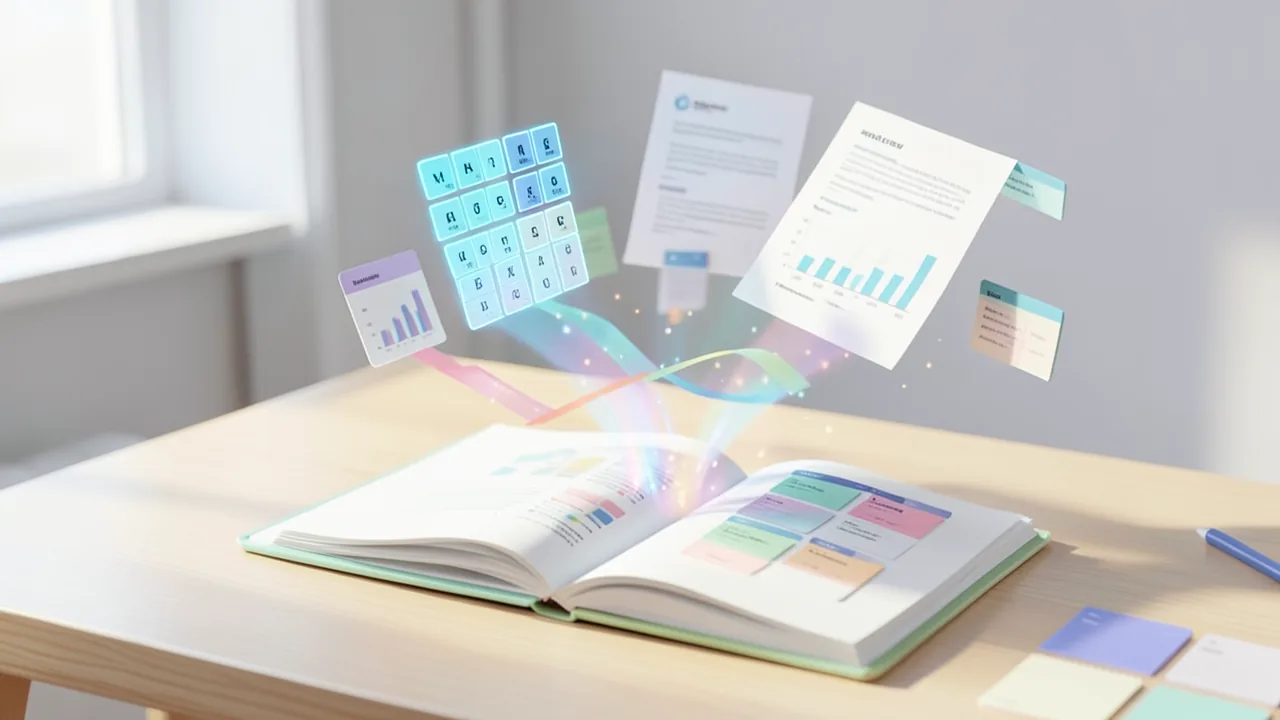
Google is expanding Gemini Notebook, formerly NotebookLM. Type "make me a site" and the tool builds an interactive website from the sources you've collected, like a study-friendly periodic table, a sales dashboard or a project plan. The feature is available now on the web worldwide for users 18 and over, and you can share what you build.
What's new
On November 16, 2026, Google announced a new feature for Gemini Notebook, the research tool that was called NotebookLM until this summer. In Gemini Notebook you collect your own sources, such as PDFs, notes or web pages, and the AI works only with that material. Now it can also build interactive websites from it: clickable study aids, dashboards (overview pages with charts and key figures) or project trackers. According to Unite.AI, the feature went live on the web worldwide the same day, for all users 18 and over and for Google Workspace customers too. A version for the mobile app is coming "soon."
How a site gets built
You start in a notebook's chat. Type the command "make me a site" and describe what you need for work or school. Your description sets the purpose, and the sources in the notebook supply the content. The "Open in a new tab" button opens the finished site in its own browser tab, outside the chat, where you can use it. You can also share it with other people, including people who weren't part of the original chat.
Google pitches the feature as a faster way to make sense of complex information. Instead of reading a summary, you get an interface built around your specific task.
Three examples from Google
The announcement lists three use cases:
| Area | Example |
|---|---|
| Exam prep | Interactive periodic table or historical timeline built from your study materials |
| Business data | Dashboard for exploring a quarter's sales figures |
| Project planning | Tracker that lays out tasks and deadlines at a glance |
The idea is the same every time: source material plus a task you write yourself gives you a site you can use to work with that material.
One more output format among many
Websites join a list of formats Gemini Notebook already handles. According to the official product page, the tool turns files into slide decks, brainstorms into mind maps (diagrams that show terms as a branching chart), assignments into Audio Overviews (AI-generated podcast-style conversations about the material) and textbooks into Video Overviews. Google describes the product as a "research and thinking partner" grounded in information users trust and powered by the latest Gemini models.
Some users clearly love it. In a post on the r/GeminiAI subreddit the same day, a Pro subscriber wrote that he had only just discovered the Notebook features and had generated a coherent, hour-long podcast or lecture on a niche topic. He was especially happy that it doesn't count against his regular Gemini usage limits.
The signs were there
The feature doesn't come entirely out of nowhere. Back in August 2026, Android Authority, citing Testing Catalog, reported on an "App" option in Gemini Notebook's Studio panel that was still in testing at the time. It was meant to generate "an interactive website," "a fun game" or "a visual dashboard or interactive tool." Android Authority speculated that it would build on a secure per-notebook cloud computer. Google first launched that for AI Ultra subscribers in June: it lets code run in a sandbox, an isolated environment that can't affect anything outside it. With the rebrand it also came to AI Pro. Google's announcement doesn't confirm whether the sites launched now run on exactly that setup. Nor do the current examples explicitly mention learning games.
Google has also recently expanded Gemini Notebook with students in mind. According to Digital Trends and Pulse 2.0, the additions include:
- Real-time voice conversations with your notebook in the mobile app, in nearly 100 languages. You can interrupt the AI and ask follow-up questions. AI Ultra subscribers get it first, with other plans to follow.
- An audio recorder in the app for recording lectures. Recordings go straight in with your other sources.
- Expanded study guides under "Reports" that combine a summary, infographics, quizzes and flashcards.
- New quiz formats: short answer, multiple choice and fill-in-the-blank. You can edit questions afterward and ask the chat where you went wrong.
- Short Video Overviews of around 60 seconds in more than 80 languages.
There's also a student offer: in the US, students get a free year of Google AI Pro. Google puts its value at $19.99 per month, and the plan comes with four times higher Notebook usage limits. In more than 140 other markets, eligible students get a year of Google AI Plus with double the limits. According to Digital Trends, both offers run until the end of the year.
Our take
Interactive sites move Gemini Notebook another step beyond pure summarizing. The tool now builds small applications based on your own documents. Competitors have had similar ideas for a while, like Claude's Artifacts or the Canvas features in ChatGPT and Gemini. The difference here is the tight link to the material in your notebook, which can be genuinely useful for studying and research.
Some questions remain. Google gives no details on how reliable the generated sites are. Does a dashboard calculate the quarterly figures correctly? Does a timeline get the dates right? With AI-generated content, you should check that yourself. It's also unclear what usage limits apply on each plan, who can see a shared site and how privacy works for shared content. And the announcement only mentions the English command "make me a site." Whether the feature responds just as well to requests in other languages hasn't been shown yet. It's easy to try, though: all you need is a notebook with a few sources and one sentence in the chat.
Sources
- Unite.AI unite.ai
- Reddit rising: KI-Szene reddit.com
- androidauthority.com androidauthority.com
- pulse2.com pulse2.com
- digitaltrends.com digitaltrends.com
- Merkliste: superpowerdaily.com superpowerdaily.com
- dev.to #ai dev.to
- dev.to #ai dev.to
- Merkliste: androidauthority.com androidauthority.com
- Merkliste: digitaltrends.com digitaltrends.com
- t3n – KI (DE) t3n.de
- Merkliste: ppc.land ppc.land
- Merkliste: dev.ua dev.ua
Ask the AI assistant
Questions about this article, installation or background? Our assistant knows this page and runs on our own machine, not in someone else's cloud.
The Assistant is an AI (Gemma 4) and can make mistakes – please check important details against the source. Questions are used only to generate an answer and are deleted after one hour. Please don't enter any personal data.



Comments
What do you think? Already tried it? Write it here, no sign-up needed.
Comments are public. Links aren't allowed, and we delete abusive posts. You can delete your own comment at any time in this browser. Learn more in the Privacy Policy.