
Hi3D V1.0 (formerly Sparc3D) goes open source with mesh refinement up to 1536³
Hi3D has released its 3D model V1.0, formerly Sparc3D, with code and weights. It uses a reference image to refine coarse 3D meshes at up to 1536³ resolution. The hardware bar is high, and many claims in the press release are unsupported.
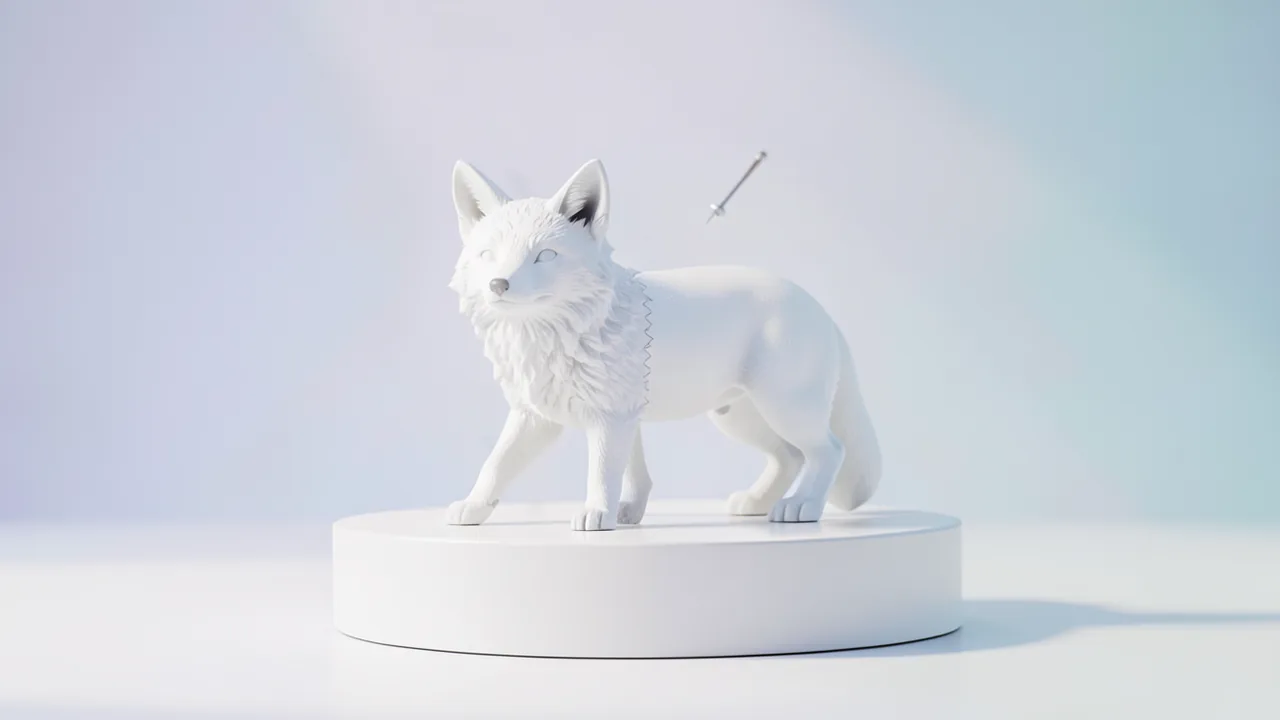
What this is about
Earlier this week, the company Hi3D open-sourced its 3D model Hi3D V1.0. According to the press release, that happened on Oct. 24, 2026. The model was formerly called Sparc3D and drew attention in 2025 for its high-resolution 3D geometry. Source code and model weights (the numbers the model learned during training) are on GitHub and Hugging Face. The press release also says you can generate 3D models for free on the Hi3D website. It lists use cases such as 3D printing, e-commerce, industrial design, VR/AR/XR, animation and film.
The catch: the press release sounds like an all-purpose generator. But the technical analysis of the repository by the OrcaRouter blog shows a more specialized tool.
What the model actually does
Hi3D V1.0 is not an image-to-3D generator in the usual sense. It is a refinement stage. You supply a reference image of an object and a coarse mesh (a triangle net describing the surface) of the same object. You get a higher-resolution mesh back.
Technically, the image conditions a "sparse flow" that works on the coordinates of the coarse mesh. "Sparse" means only regions near the surface are computed, not the whole volume. The pipeline draws sparse latents (compressed internal representations), decodes them through a self-pruning sparse VAE, extracts the surface and re-voxelizes it (voxels are 3D pixels) for the next pass.
| Resolution | Passes | Structure grid | Transformer |
|---|---|---|---|
| 512³ | 1 | 64³ | transformer_512 |
| 1024³ | 2 | plus 128³ | transformer_1024 |
| 1536³ | 3 | plus 192³ | transformer_1024 |
Each pass uses 25 scheduler steps by default. According to the README, 1536³ is a nominal coordinate and extraction grid, not a dense tensor and not a fixed triangle count. The output is a trimesh.Trimesh, centered and normalized to unit radius, so scale and world coordinates are lost.
Vendor claims and what is actually backed up
The press release makes four numerical claims:
- The training dataset grew from about 500,000 to two million curated 3D objects. This appears on the Model Card as a project statement.
- The geometry reaches an effective sparse grid of up to 1536³. The pipeline does accept this setting.
- 90% slicing success rate. This figure appears nowhere in the repository. There is no definition, no slicer and no baseline.
- "Highest scores for fidelity and detail richness" in the reported evaluation. There are no numbers, no comparison models and no methodology.
The repository contains only inference code, a demo, Docker constraints, docs and the Python package sparc3d. Training code, evaluation tools and benchmark data are missing. The vendor does not state a parameter count anywhere. So these claims are unconfirmed, not disproven. No independent verification exists yet.
The weights come in eight files (index, scheduler, VAE and transformer configs, model.safetensors, plus weights for transformer_512 and transformer_1024). Loading uses JSON and safetensors. It neither runs Python code from the model repository nor unpacks pickle checkpoints, which is better from a security standpoint. The conditioning encoders facebook/dinov2-large and openai/clip-vit-large-patch14 must be downloaded separately and have their own licenses.
Limitations according to the README
- Geometry only: no textures, materials or vertex colors; batch size one.
- A coarse mesh is required. The model does not invent an initial surface from an image.
- Errors in the coarse mesh persist and can become sharper.
- Areas hidden in the image are filled in plausibly, not reconstructed exactly, so it is unsuitable for measurements.
- Absolute scale is lost.
- The same seed does not guarantee the same mesh, because GPU operations are not bitwise deterministic.
- If the requested resolution can't run, you get an error instead of a silent downgrade.
- According to the README, resolution and detail do not guarantee suitability for your target application.
License
The "Hi3D Open License Agreement Version 1.0" is not an OSI-approved license. Commercial use is allowed. If a product that uses it exceeds 200,000 monthly active users or USD 1 million in monthly revenue, you must notify Hi3D and apply for a separate written license within 60 days. Commercial integrations must display and link "Powered by Hi3D 1.0". Pure outputs that contain no Hi3D material don't trigger these obligations. DINOv2, CLIP, Hunyuan and other components keep their own terms.
What you need to try it
- Linux, Python 3.10, an NVIDIA GPU with compute capability 8.0 or higher, and CUDA Toolkit 12.0–12.5 matching PyTorch.
- Measured with Python 3.10.12 and PyTorch 2.5.0 (CUDA 12.4) on a 96 GB H20. Whether smaller cards, such as 24 GB, are enough is not documented.
- No CPU mode, no Mac, no Windows support mentioned. Google Colab with a large GPU is only conceivable if enough VRAM is available (not documented).
- Installation from source: flash-attn 2.7.4.post1 (build after PyTorch, no fallback), spconv-cu120 and a constraints file. No PyPI package.
- For the demo, a coarse mesh is optionally generated with Tencent's Hunyuan3D-2 mini (obtained separately). Your own meshes work too.
- Disk space: not stated. The weights plus DINOv2 and CLIP must be downloaded.
There is no hosted API, and on Hugging Face the model is not set up with any Inference Provider. Commercially, Hi3D sells the V3.0 model (2048³ voxels, textures up to 8K, online workspace). According to the announcement, that includes a 3D agent, MCP integration and a cut in credit consumption of over 50%.
Our take
The release is interesting for teams with a mesh pipeline and a big GPU, especially in 3D printing and asset production. For casual users, the bar is high. On the plus side: the README is honest about limitations, and the weights load safely. On the downside: the press release promises more than the tech shows, key figures (90%, "highest scores") are unsupported, the license is not OSI-compliant and has a growth clause, and the free version is the older one, while the current V3.0 remains paid. A solid verdict on quality has to wait until third parties test it.
Sources
- Bing News (de-DE) anlegerplus.de
- Google News (IN) orcarouter.ai
- Google News (DE) boerse.de
- Google News (KR) news.google.com
- Google News (DE) news.google.com
- Google News (BR) news.google.com
- Google News (ES) news.google.com
- Google News (KR) news.google.com
- Google News (US) news.google.com
- Google News (FR) news.google.com
- Google News (IT) news.google.com
- Google News (ES) news.google.com
- Google News (FR) news.google.com
Try it yourself: Hi3D V1.0 (Sparc3D)
Explained step by step, no prior knowledge needed – on your own computer or free in your browser.
What can I do with it?
You feed in a reference image and a coarse 3D mesh of an object and get a higher-resolution mesh back. It generates geometry only, with no textures or colors.
Who is it worth it for?
For teams with a Linux machine and a very large NVIDIA GPU that already use a mesh generator, for example for 3D printing or asset pipelines. Probably not for hobbyists with a regular graphics card.
What your computer needs
There is only one release, with levels 512³, 1024³ and 1536³. Only the full level has been tested, on 96 GB of VRAM. Lower resolutions probably need less, but that is not documented.
- Linux only, NVIDIA GPU with compute capability 8.0 or newer.
- Only measured configuration: 96 GB NVIDIA H20, Python 3.10.12, PyTorch 2.5.0, CUDA 12.4.
- No CPU mode; flash-attn is required with no fallback.
- Memory offload exists but doesn't guarantee a small GPU footprint; 24 GB cards are not documented as working.
How do I find out what my computer has?
- Windows: Press Ctrl + Shift + Esc → Task Manager → Performance tab → click GPU on the left. At the bottom you'll see Dedicated GPU memory (that's your VRAM). You'll find system memory under Memory.
- Mac: Apple menu at the top left → About This Mac. You'll see your chip (e.g. M2) and memory (e.g. 16 GB). On Apple chips, graphics and processor share this memory.
- Linux: Type
nvidia-smiin the terminal (shows your graphics card and its memory) andfree -hfor system memory.
Guide
This model runs with its developers' own program (hi3d-official/Hi3Dv1.0 on GitHub). The commands below come from the Model Card and the developers' instructions.
In the browser (no installation)
The developers have an online demo on Hugging Face. You can try the model right away there without installing anything. Sometimes you have to wait a moment for the demo to wake up.
Windows 10 / 11
Windows 10 / 11: not supported. The source requires Linux and an NVIDIA graphics card with CUDA. There is no Windows guide. You can use the online demo on Hugging Face (Space "ilcve21/Sparc3D"). According to the source, WSL2 (Linux on Windows) has not been tested.
macOS
macOS: not supported. The model needs an NVIDIA graphics card with CUDA, and there is no CPU path. So it won't work on a Mac. Use the online demo on Hugging Face (Space "ilcve21/Sparc3D").
Linux
Linux: supported. Only Linux with Python 3.10, PyTorch 2.5.0+cu124, CUDA Toolkit 12.4 and a 96 GB card (NVIDIA H20) has been tested. Smaller cards are untested. The model refines a coarse 3D mesh, so you already need a coarse 3D file and an image.
- Check the prerequisites. You need Linux, Python 3.10, Git and an NVIDIA graphics card (compute capability 8.0 or newer, e.g. RTX 30 series or newer) with the NVIDIA driver installed. You also need the CUDA Toolkit in version 12.0 to 12.5 (12.4 is best). You need the toolkit because flash-attn is built during installation.
python3.10 --version git --version nvidia-smi nvcc --version - Download the program. Grab the code from GitHub and switch into the folder.
git clone https://github.com/hi3d-official/Hi3Dv1.0.git cd Hi3Dv1.0 - Create a virtual environment. A venv is a separate Python folder just for this project. That keeps everything from getting mixed up.
python3.10 -m venv .venv source .venv/bin/activate - Install PyTorch. PyTorch is the foundation for running AI on the graphics card. Use exactly this version.
pip install torch==2.5.0+cu124 torchvision==0.20.0+cu124 \ --extra-index-url https://download.pytorch.org/whl/cu124 - Install helper packages and flash-attn. flash-attn is built on your machine. This can take a long time. It must come after PyTorch.
pip install packaging ninja psutil pip install --no-build-isolation flash-attn==2.7.4.post1 - Install Hi3D. Now comes the project itself, with the pinned package versions.
pip install -c docker/constraints.txt -e ".[inference]" - Prepare the input files. You need an image of the object (input.png) and a coarse 3D mesh of the same object (coarse.glb). Hi3D doesn't create the coarse mesh itself. You can make it with another 3D generator such as Hunyuan3D-2 mini, or use your own file. Put both files in the Hi3Dv1.0 folder.
- Start the refinement. On the first run, the program automatically downloads the model weights (about 7.7 GB) and two helper models (dinov2-large and clip-vit-large-patch14) from Hugging Face. That takes a while. If video memory is tight, append --sequential-cpu-offload.
python demo/refine_mesh.py \ --model hi3d-official/Hi3Dv1.0 \ --image input.png --coarse-mesh coarse.glb --output refined.glb \ --resolution 1024 --num-inference-steps 25 --seed 0 - Result. The folder now contains the file refined.glb, a refined 3D model (shape only, no textures).
Try it
Refine this coarse mesh of a vase using the reference photo, at 1024³.Take the photo of a screw and a coarse mesh and generate a detailed mesh for 3D printing.Use my own Hunyuan3D coarse mesh of a chair and refine it at 512³ as a test.If something goes wrong
flash-attn must be built after PyTorch and has no fallback; the CUDA Toolkit must match PyTorch (12.0–12.5).
DINOv2 and CLIP are separate downloads with their own licenses; store them locally for offline use.
Offload can't be combined with a regular .to("cuda").
The output is normalized; you have to restore scale and orientation yourself.
“out of memory,” a crash, or your computer freezes
The model is too big for your VRAM (video memory). Pick a smaller variant from the table above and close other programs, especially games and browsers with lots of tabs.
It runs, but extremely slowly
Your CPU is probably doing the work instead of your graphics card. In Ollama, the PROCESSOR column of ollama ps shows how much runs on the GPU. If it says "100% CPU", update your graphics driver or pick a smaller variant that fits entirely into VRAM (video memory).
“ollama” or “python” is not found
Close the terminal window and open it again so it recognizes the newly installed program. For Python on Windows: reinstall it and check Add python.exe to PATH.
Windows: "Running scripts is disabled on this system"
Run the script with exactly the command above: powershell -ExecutionPolicy Bypass -File try_windows.ps1. This allows execution for this one time only.
Error message when loading the model (version, "trust_remote_code", unknown architecture)
Brand-new models often need the latest software version. With Ollama: update Ollama. With Python: pip install -U transformers in the activated environment. The Model Card usually lists the exact version.
Tokenstrom generates the scripts and notebook automatically. Please take a quick look before running them – they're plain, readable text. Mind the model's license: custom license (see Model Card).
Ask the AI assistant
Questions about this article, installation or background? Our assistant knows this page and runs on our own machine, not in someone else's cloud.
The Assistant is an AI (Gemma 4) and can make mistakes – please check important details against the source. Questions are used only to generate an answer and are deleted after one hour. Please don't enter any personal data.



Comments
What do you think? Already tried it? Write it here, no sign-up needed.
Comments are public. Links aren't allowed, and we delete abusive posts. You can delete your own comment at any time in this browser. Learn more in the Privacy Policy.