
Chatterbox
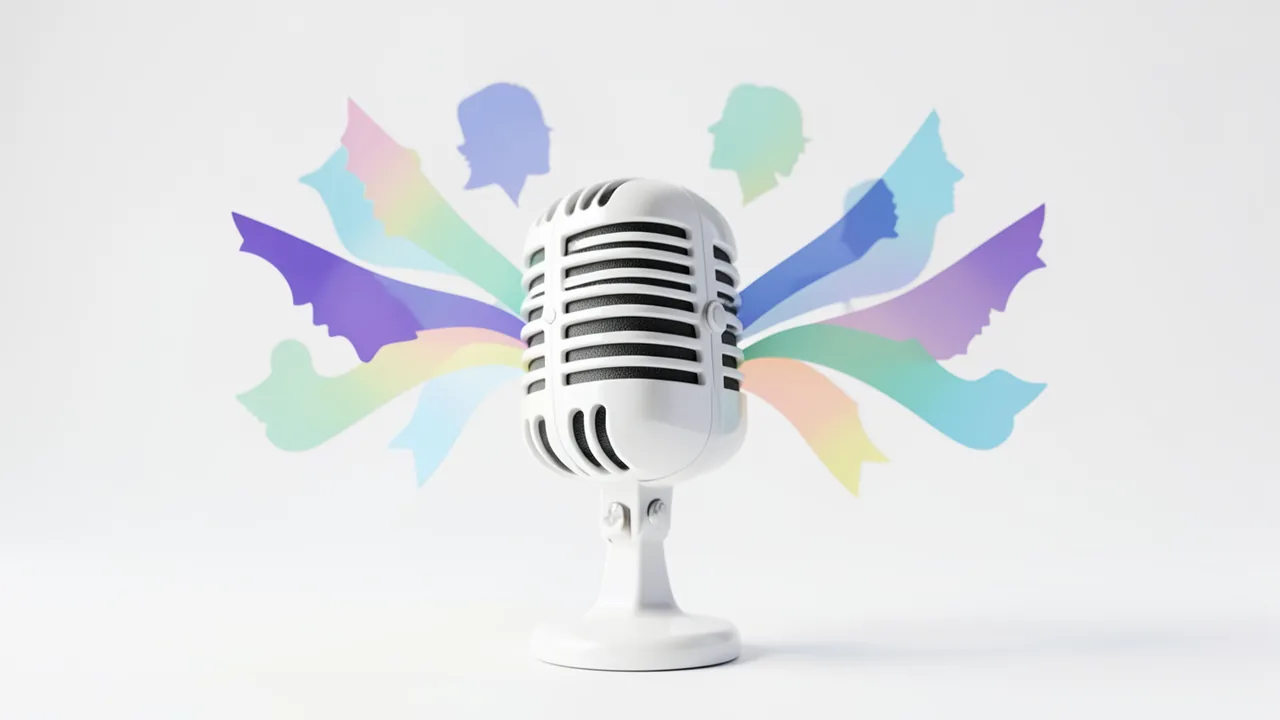
Expressive voices in 23 languages – and voice cloning from just a few seconds of audio.
DifficultySome experience
HardwareNVIDIA GPU recommended, Colab T4 is enough
LicenseMIT
Chatterbox from Resemble AI generates very natural-sounding speech, including in German. Give it a short voice sample and it imitates the voice. Only clone voices you have permission to use.
How to try it
Commands from the official guides – just copy them.
Google Colab
- Download the notebook: colab.ipynb
- Open colab.research.google.com → File → Upload notebook
- Runtime → Change runtime type → GPU (T4)
- Runtime → Run all
Linux
# One-time setup: install uv (Python package manager, no sudo needed)
curl -LsSf https://astral.sh/uv/install.sh | sh && source $HOME/.local/bin/env
uv venv --python 3.11 cb-env && source cb-env/bin/activate
uv pip install chatterbox-tts "setuptools<81"    # setuptools: otherwise pkg_resources is missing
python -c "
import torchaudio as ta; from chatterbox.mtl_tts import ChatterboxMultilingualTTS
m = ChatterboxMultilingualTTS.from_pretrained(device='cuda')
ta.save('stimme.wav', m.generate('Hello, I am an AI voice.', language_id='en'), m.sr)"
# Result: stimme.wav (the first run downloads about 3 GB)
macOS
# One-time setup: install uv (Python package manager, no sudo needed)
curl -LsSf https://astral.sh/uv/install.sh | sh && source $HOME/.local/bin/env
uv venv --python 3.11 cb-env && source cb-env/bin/activate
uv pip install chatterbox-tts "setuptools<81"    # setuptools: otherwise pkg_resources is missing
python -c "
import torchaudio as ta; from chatterbox.mtl_tts import ChatterboxMultilingualTTS
m = ChatterboxMultilingualTTS.from_pretrained(device='mps')
ta.save('stimme.wav', m.generate('Hello, I am an AI voice.', language_id='en'), m.sr)"
# Result: stimme.wav (the first run downloads about 3 GB)
Windows (PowerShell)
# One-time setup: install uv (Python package manager)
powershell -ExecutionPolicy ByPass -c "irm https://astral.sh/uv/install.ps1 | iex"
$env:Path = "$HOME\.local\bin;$env:Path"
uv venv --python 3.11 cb-env
uv pip install --python cb-env torch==2.6.0 torchaudio==2.6.0 --index-url https://download.pytorch.org/whl/cu124
uv pip install --python cb-env chatterbox-tts "setuptools<81"
.\cb-env\Scripts\python.exe -c "import torchaudio as ta; from chatterbox.mtl_tts import ChatterboxMultilingualTTS; m = ChatterboxMultilingualTTS.from_pretrained(device='cuda'); ta.save('stimme.wav', m.generate('Hello, I am an AI voice.', language_id='en'), m.sr)"
# Result: stimme.wav (the first run downloads about 3 GB)
Ask the AI assistant
Questions about Chatterbox, installation or background? Our assistant knows this page and runs on our own machine, not in someone else's cloud.
The Assistant is an AI (Gemma 4) and can make mistakes – please check important details against the source. Questions are used only to generate an answer and are deleted after one hour. Please don't enter any personal data.

Comments
What do you think? Already tried it? Write it here, no sign-up needed.
Comments are public. Links aren't allowed, and we delete abusive posts. You can delete your own comment at any time in this browser. Learn more in the Privacy Policy.