
Docling
Convert PDFs, Word and PowerPoint files into clean Markdown, tables included.
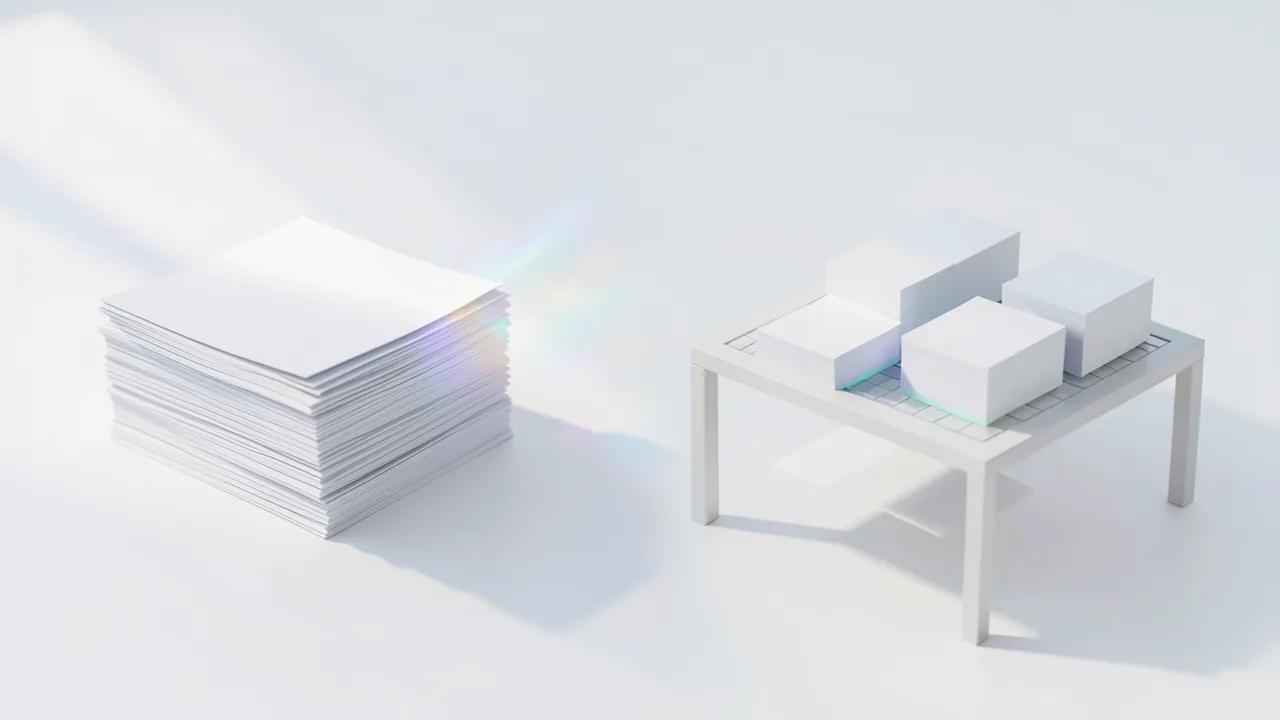
Docling extracts documents with their layout, tables and formulas. It's perfect for preparing your own files for an AI chat or for RAG.
What's new
- Docling can now replace broken text layers in PDFs with OCR (text recognition), so these documents are easier to extract. It can also detect the heading hierarchy in PDFs. There are also several fixes for bullet lists, Arabic text and reading order.
How to try it
Commands from the official guides – just copy them.
Google Colab
- Download the notebook: colab.ipynb
- Open colab.research.google.com → File → Upload notebook
- Runtime → Change runtime type → GPU (T4)
- Runtime → Run all
Linux
# One-time setup: install uv (Python package manager, no sudo needed)
curl -LsSf https://astral.sh/uv/install.sh | sh && source $HOME/.local/bin/env
uvx --python 3.12 docling --device cpu dokument.pdf
# Result: dokument.md in the current folder (first launch downloads about 1 GB, about 15 seconds per page)
# Faster with a modern NVIDIA card: --device cuda instead of --device cpu
macOS
# One-time setup: install uv (Python package manager, no sudo needed)
curl -LsSf https://astral.sh/uv/install.sh | sh && source $HOME/.local/bin/env
uvx --python 3.12 docling --device cpu dokument.pdf
# Result: dokument.md in the current folder (first launch downloads about 1 GB, about 15 seconds per page)
# Faster with a modern NVIDIA card: --device cuda instead of --device cpu
Windows (PowerShell)
# One-time setup: install uv (Python package manager)
powershell -ExecutionPolicy ByPass -c "irm https://astral.sh/uv/install.ps1 | iex"
$env:Path = "$HOME\.local\bin;$env:Path"
uvx --python 3.12 docling --device cpu dokument.pdf
# Result: dokument.md in the current folder (first launch downloads about 1 GB, about 15 seconds per page)
# Faster with a modern NVIDIA card: --device cuda instead of --device cpu
Ask the AI assistant
Questions about Docling, installation or background? Our assistant knows this page and runs on our own machine, not in someone else's cloud.
The Assistant is an AI (Gemma 4) and can make mistakes – please check important details against the source. Questions are used only to generate an answer and are deleted after one hour. Please don't enter any personal data.
Comments
What do you think? Already tried it? Write it here, no sign-up needed.
Comments are public. Links aren't allowed, and we delete abusive posts. You can delete your own comment at any time in this browser. Learn more in the Privacy Policy.