
InferSSD / WiCi Infer
Streams the experts of huge MoE models from your SSD, so 800B models run on ordinary PCs.
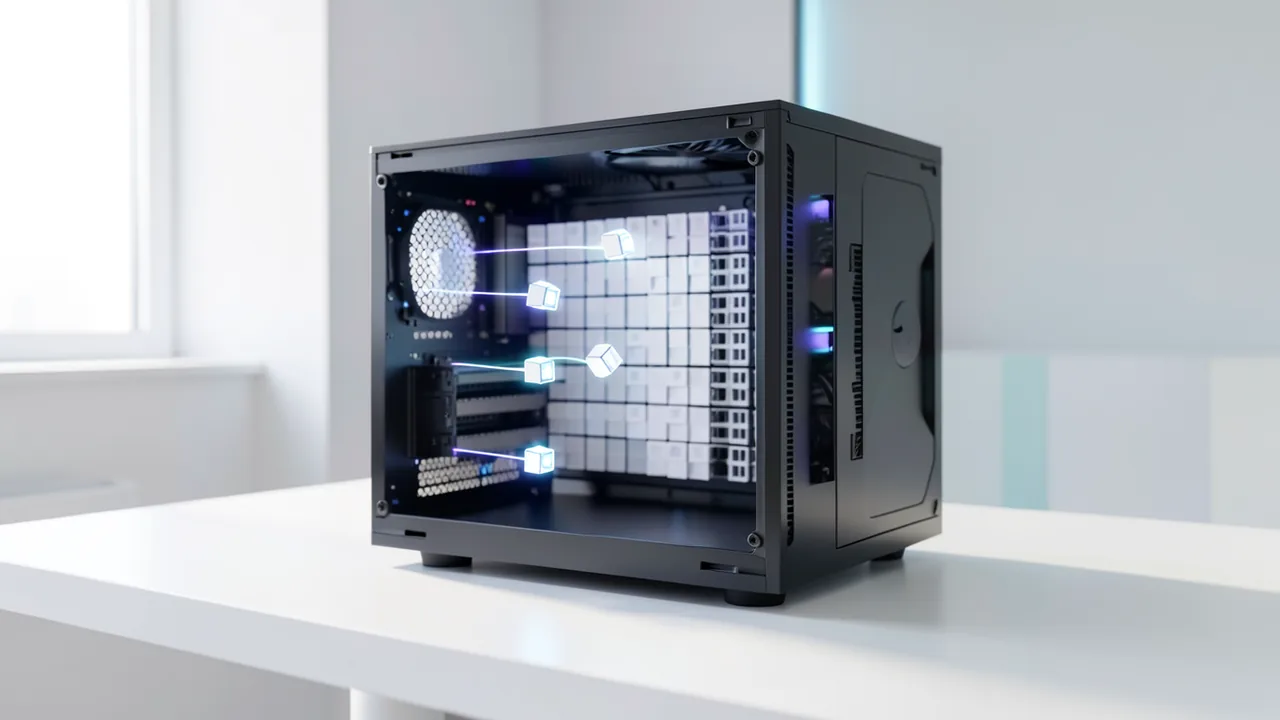
InferSSD is built on llama.cpp. With Mixture-of-Experts models, it reads only the experts currently needed from the SSD, so even models larger than your RAM or VRAM will run. For macOS (Apple Silicon) and Windows there's the free WiCi Infer app: it sets everything up, downloads models and starts the chat without any terminal. If you prefer the command line, you get a web UI and an OpenAI-compatible API at 127.0.0.1:8080. The API has no authentication, so don't expose it on your network without thinking it through.
How to try it
Commands from the official guides – just copy them.
Linux
# Install: builds from source for your CPU/GPU, takes about 2–12 minutes
# Prerequisites: Git, Python 3.9+, a C/C++ compiler, systemd with cgroup v2, and the CUDA Toolkit or the ROCm HIP SDK
curl -fsSL https://github.com/wici-ai/inferssd/releases/latest/download/install.sh | sh

# Chat directly in the terminal
inferssd cli -hf mrfakename/DeepSeek-V4.1-Flash-1017-GGUF

# Or start the web UI + API at http://127.0.0.1:8080
inferssd serve -hf mrfakename/DeepSeek-V4.1-Flash-1017-GGUF
macOS
# Easiest option: download and launch the WiCi Infer app (Apple Silicon, macOS 15+)
# https://appapi.wici.ai/versioning/wici-infer/redirect/macos-latest

# Or install via the terminal (prebuilt package, no developer tools needed)
curl -fsSL https://github.com/wici-ai/inferssd/releases/latest/download/install.sh | sh

# Start the web UI + API at http://127.0.0.1:8080
inferssd serve -hf mrfakename/DeepSeek-V4.1-Flash-1017-GGUF
Windows (PowerShell)
# Easiest option: download and launch the WiCi Infer app (Windows 10/11, x64)
# https://appapi.wici.ai/versioning/wici-infer/redirect/windows-latest

# Or install in PowerShell (prebuilt package)
irm https://github.com/wici-ai/inferssd/releases/latest/download/install.ps1 | iex

# Start the web UI + API at http://127.0.0.1:8080
inferssd serve -hf mrfakename/DeepSeek-V4.1-Flash-1017-GGUF
Commands from the official guide. New in the Toolbox since Nov 22, 2026.
Ask the AI assistant
Questions about InferSSD / WiCi Infer, installation or background? Our assistant knows this page and runs on our own machine, not in someone else's cloud.
The Assistant is an AI (Gemma 4) and can make mistakes – please check important details against the source. Questions are used only to generate an answer and are deleted after one hour. Please don't enter any personal data.


Comments
What do you think? Already tried it? Write it here, no sign-up needed.
Comments are public. Links aren't allowed, and we delete abusive posts. You can delete your own comment at any time in this browser. Learn more in the Privacy Policy.