
KoboldCpp
Launch a single file and chat locally, with image, speech and music features included.
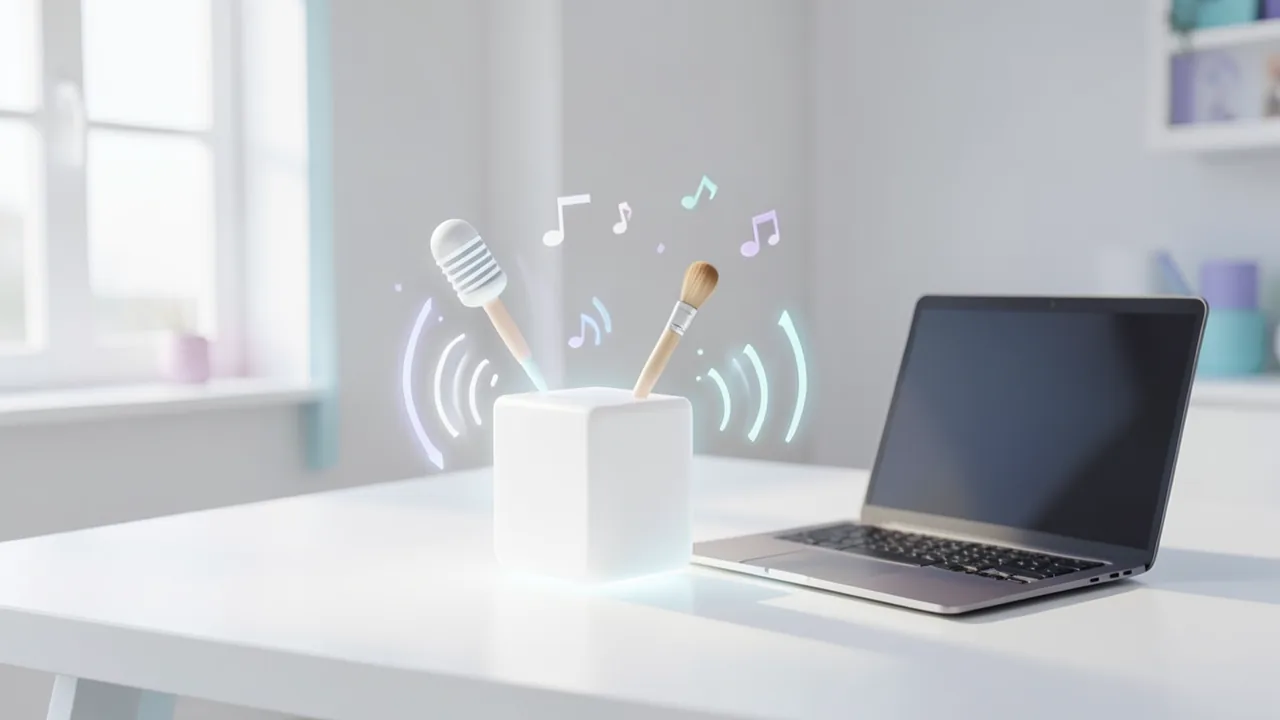
KoboldCpp is a single-file application built on llama.cpp that runs GGUF language models locally with a web interface. All you need is the executable and a downloaded GGUF model. Besides chat, it includes speech recognition (Whisper), speech output (e.g. Kokoro) and music generation (ACE Step).
How to try it
Commands from the official guides – just copy them.
Linux
# Download, make executable and start (the launcher opens)
curl -fLo koboldcpp-linux-x64 https://github.com/LostRuins/koboldcpp/releases/latest/download/koboldcpp-linux-x64 && chmod +x koboldcpp-linux-x64 && ./koboldcpp-linux-x64
# Or start directly with a GGUF model you downloaded earlier (web UI: http://localhost:5001)
./koboldcpp-linux-x64 --model /pfad/zu/modell.gguf
macOS
# Download koboldcpp-mac-arm64 from https://github.com/LostRuins/koboldcpp/releases/latest, then in your Downloads folder:
chmod +x koboldcpp-mac-arm64
./koboldcpp-mac-arm64
# Or with a model (web UI: http://localhost:5001)
./koboldcpp-mac-arm64 --model /pfad/zu/modell.gguf
Windows (PowerShell)
# Download and start (the launcher opens)
cmd /c "curl -fLo koboldcpp.exe https://github.com/LostRuins/koboldcpp/releases/latest/download/koboldcpp.exe && koboldcpp.exe"
# Or start directly with a GGUF model you downloaded earlier (web UI: http://localhost:5001)
koboldcpp.exe --model "C:\Models\modell.gguf"
Commands from the official guide. New in the Toolbox since Nov 4, 2026.
Ask the AI assistant
Questions about KoboldCpp, installation or background? Our assistant knows this page and runs on our own machine, not in someone else's cloud.
The Assistant is an AI (Gemma 4) and can make mistakes – please check important details against the source. Questions are used only to generate an answer and are deleted after one hour. Please don't enter any personal data.

Comments
What do you think? Already tried it? Write it here, no sign-up needed.
Comments are public. Links aren't allowed, and we delete abusive posts. You can delete your own comment at any time in this browser. Learn more in the Privacy Policy.