
LocalAI
Your own AI server for chat, images, speech and video. It runs entirely on your computer, even without a GPU.
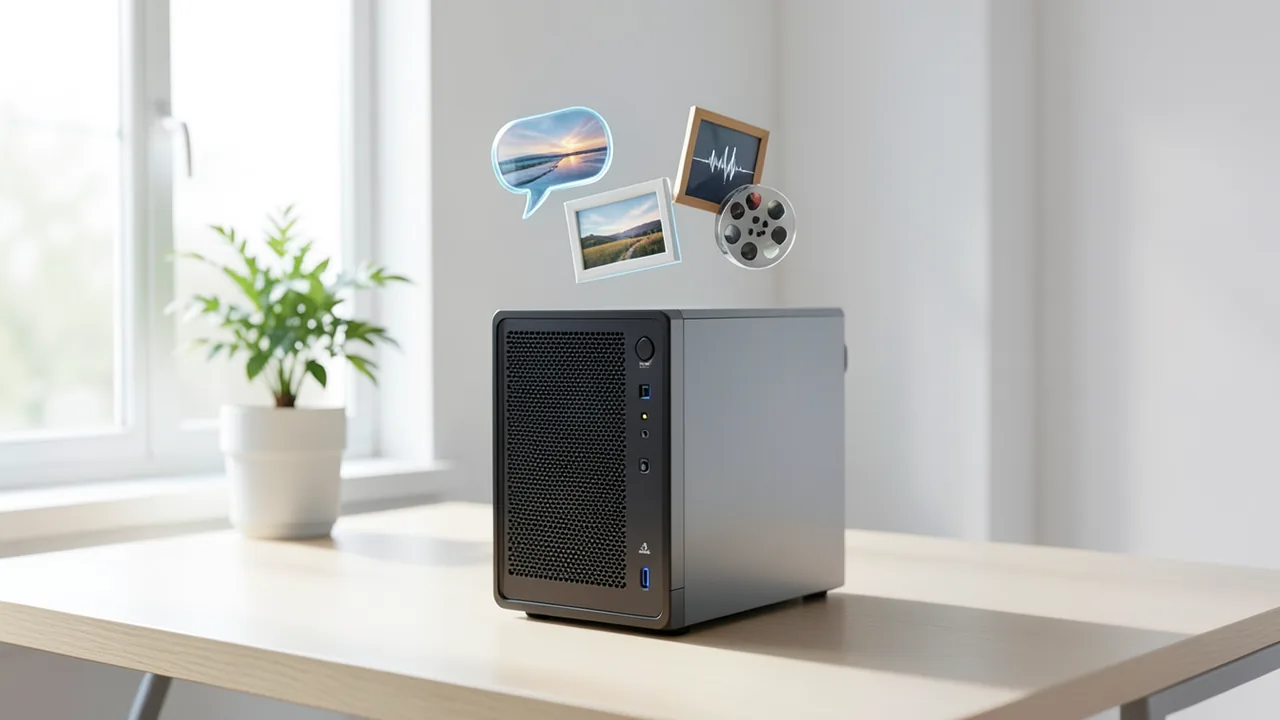
LocalAI downloads open models for chat, image generation, speech recognition and text-to-speech and runs them locally. You control everything through a web interface in your browser (http://localhost:8080). Since version 5.0 there's a desktop app for macOS and Linux that installs, updates, starts and stops the server for you. Also new: projects, file management and team sharing.
How to try it
Commands from the official guides – just copy them.
Linux
# Install the program (the script verifies the download's checksum)
curl -sSL https://localai.io/install.sh | sh
# Start the server, then open http://localhost:8080 in your browser
local-ai

# Alternative: download the desktop app from https://github.com/mudler/LocalAI/releases/latest
# Alternative with Docker (CPU only):
docker run -ti --name local-ai -p 8080:8080 localai/localai:latest
macOS
# Apple Silicon Macs only (M1 and later). Easiest option: download the desktop app's DMG file from
# https://github.com/mudler/LocalAI/releases/latest and install it
# Or install from the terminal:
curl -sSL https://localai.io/install.sh | sh
# Start the server, then open http://localhost:8080 in your browser
local-ai
Windows (PowerShell)
# Download the install script, review it, then run it (PowerShell)
irm https://localai.io/install.ps1 -OutFile install.ps1
Get-Content .\install.ps1
powershell -ExecutionPolicy Bypass -File .\install.ps1
# Load a small example model
.\local-ai.exe model install huggingface://bartowski/Llama-3.2-1B-Instruct-GGUF:Q4_K_M
# Start it so it's only reachable from your own computer, then open http://localhost:8080
./local-ai.exe --address 127.0.0.1:8080 --api-key your-key-here
Commands from the official guide. New in the Toolbox since Nov 24, 2026.
Ask the AI assistant
Questions about LocalAI, installation or background? Our assistant knows this page and runs on our own machine, not in someone else's cloud.
The Assistant is an AI (Gemma 4) and can make mistakes – please check important details against the source. Questions are used only to generate an answer and are deleted after one hour. Please don't enter any personal data.

Comments
What do you think? Already tried it? Write it here, no sign-up needed.
Comments are public. Links aren't allowed, and we delete abusive posts. You can delete your own comment at any time in this browser. Learn more in the Privacy Policy.