
Project NOMAD
Your offline server with Wikipedia, maps and a local AI assistant – works with no internet at all.
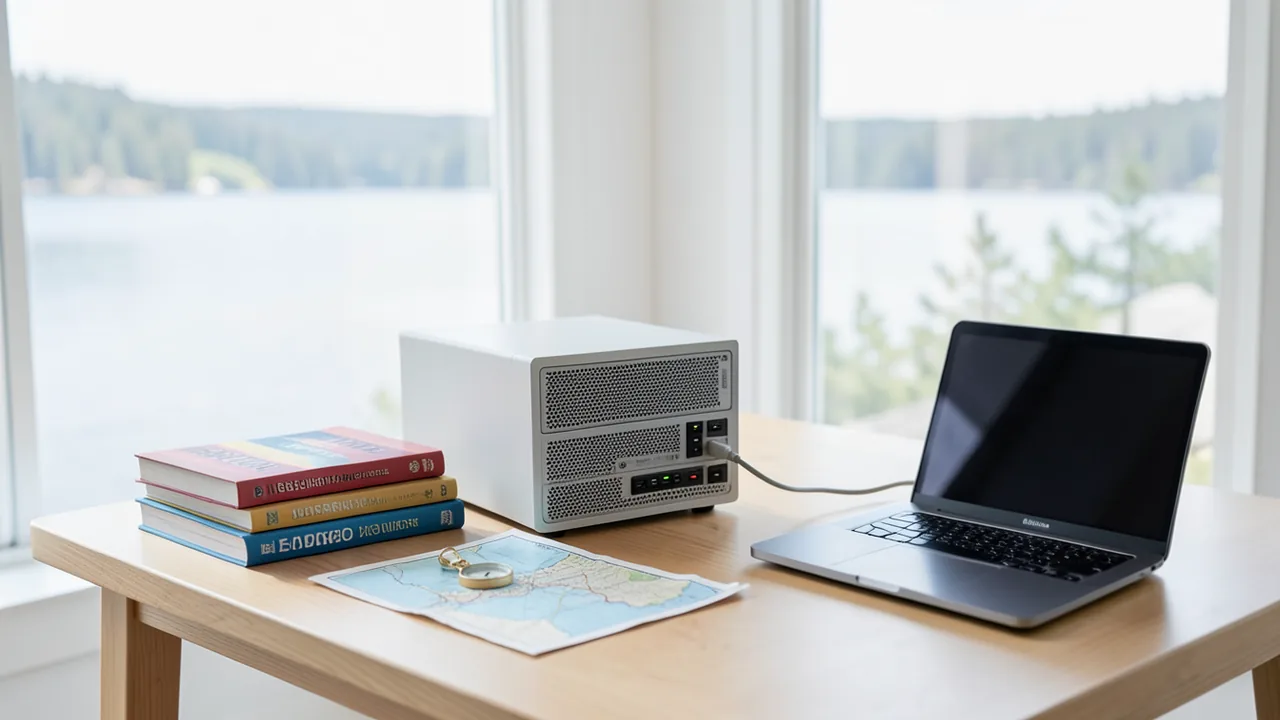
Project NOMAD sets up your own knowledge server on a Debian or Ubuntu machine. You get offline Wikipedia via Kiwix, maps, and an AI chat powered by Ollama that you can also upload your own documents to. Everything runs in your browser at localhost:8080 and works without an internet connection once installed – including from other devices on your home network.
How to try it
Commands from the official guides – just copy them.
Linux
# Debian-based systems only (recommended: Ubuntu 26.04 LTS; Ubuntu 24.04 LTS and Debian 12 also work)
# Install curl, download the install script and run it with root privileges
sudo apt-get update && \
sudo apt-get install -y curl && \
curl -fsSL https://raw.githubusercontent.com/Crosstalk-Solutions/project-nomad/refs/heads/main/install/install_nomad.sh \
  -o install_nomad.sh && \
sudo bash install_nomad.sh
# Then open in your browser: http://localhost:8080
# From another device on the network: http://IP-DES-RECHNERS:8080
Commands from the official guide. New in the Toolbox since Nov 6, 2026.
Ask the AI assistant
Questions about Project NOMAD, installation or background? Our assistant knows this page and runs on our own machine, not in someone else's cloud.
The Assistant is an AI (Gemma 4) and can make mistakes – please check important details against the source. Questions are used only to generate an answer and are deleted after one hour. Please don't enter any personal data.



Comments
What do you think? Already tried it? Write it here, no sign-up needed.
Comments are public. Links aren't allowed, and we delete abusive posts. You can delete your own comment at any time in this browser. Learn more in the Privacy Policy.