
Upscayl
Upscale and sharpen photos with AI – as a regular app.
DifficultyBeginner
HardwareGPU with Vulkan support (almost any graphics card)
LicenseAGPL-3.0
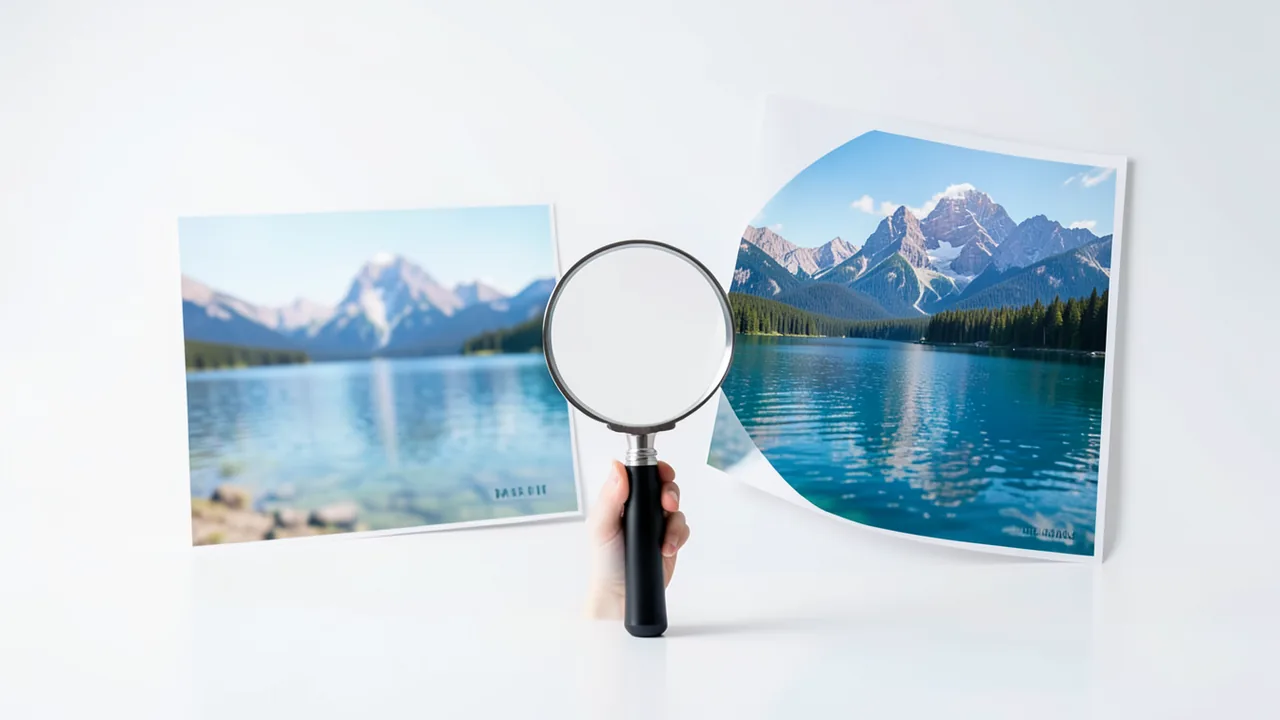
Upscayl enlarges blurry or small images by 4x up to 16x. Just drop in an image, pick a model, and you're done.
How to try it
Commands from the official guides – just copy them.
Linux
# Set up Flatpak (Ubuntu/Debian; it's already there on Fedora and Linux Mint):
sudo apt install -y flatpak
flatpak remote-add --user --if-not-exists flathub https://dl.flathub.org/repo/flathub.flatpakrepo
flatpak install -y --user flathub org.upscayl.Upscayl
flatpak run org.upscayl.Upscayl
# After the first run, you'll also find it in the app menu
macOS
# Get the app: https://upscayl.org (Download → macOS), drag it into "Applications" and launch itWindows (PowerShell)
winget install Upscayl.Upscayl
# or get the installer from https://upscayl.org
Ask the AI assistant
Questions about Upscayl, installation or background? Our assistant knows this page and runs on our own machine, not in someone else's cloud.
The Assistant is an AI (Gemma 4) and can make mistakes – please check important details against the source. Questions are used only to generate an answer and are deleted after one hour. Please don't enter any personal data.

Comments
What do you think? Already tried it? Write it here, no sign-up needed.
Comments are public. Links aren't allowed, and we delete abusive posts. You can delete your own comment at any time in this browser. Learn more in the Privacy Policy.