
ComfyUI
The pro tool for image and video AI – with ready-made templates.
DifficultySome experience
HardwareNVIDIA GPU with 8 GB or more recommended, Apple Silicon works too
LicenseGPL-3.0
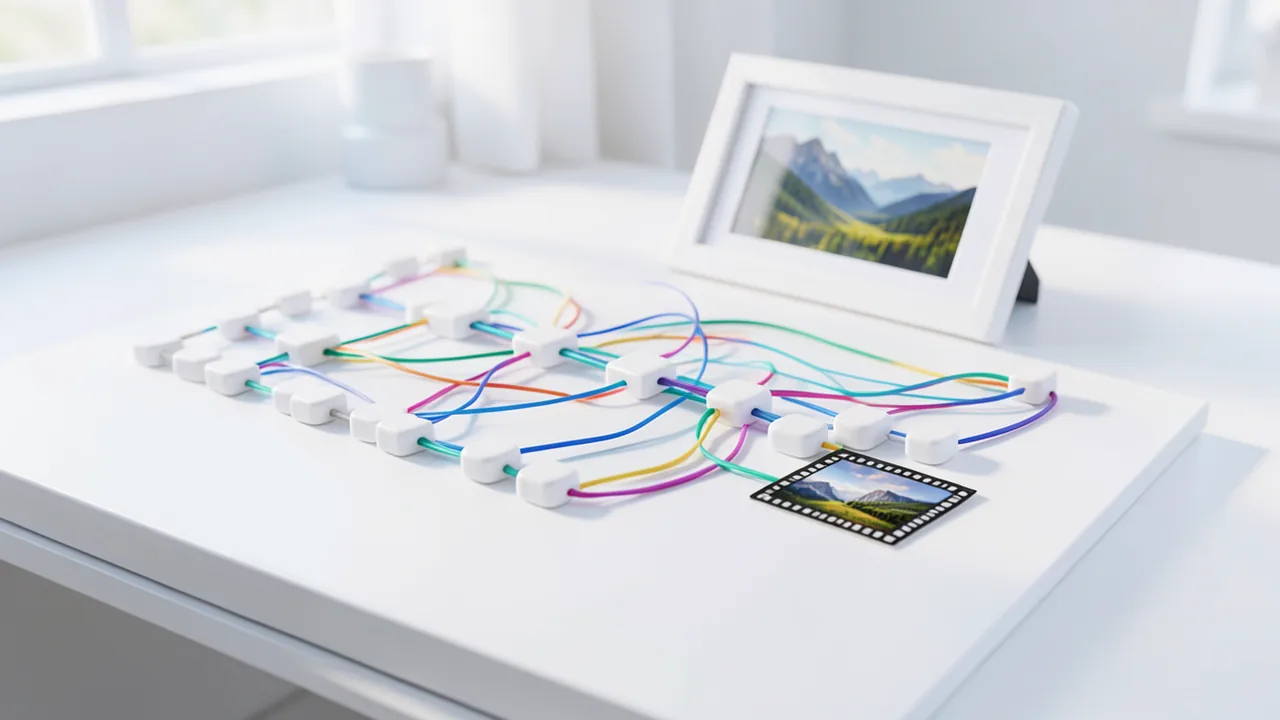
ComfyUI is the most widely used interface for Stable Diffusion, FLUX, Wan, and more. Through Workflow → Templates, you launch ready-made workflows for images, videos, and editing. It downloads missing models when you confirm.
What's new
- ComfyUI now supports new image models such as MOSS-image and Fibo 2.0. It also adds several partner nodes, for example for FLUX 3 Max, voice cloning with HeyGen, and video upscaling. There's also a new node that pads images with a border.
How to try it
Commands from the official guides – just copy them.
Linux
# One-time setup: install uv (package manager for Python, no sudo needed)
curl -LsSf https://astral.sh/uv/install.sh | sh && source $HOME/.local/bin/env
uv venv --python 3.12 ~/ki/comfy-env && source ~/ki/comfy-env/bin/activate
uv pip install comfy-cli
comfy --skip-prompt --workspace ~/ki/ComfyUI install --nvidia
comfy --workspace ~/ki/ComfyUI launch
# then open in your browser: http://127.0.0.1:8188
# To start again later: source ~/ki/comfy-env/bin/activate && comfy --workspace ~/ki/ComfyUI launch
macOS
# Easiest: desktop app from https://www.comfy.org/download
# Or in the terminal:
# One-time setup: install uv (package manager for Python, no sudo needed)
curl -LsSf https://astral.sh/uv/install.sh | sh && source $HOME/.local/bin/env
uv venv --python 3.12 ~/ki/comfy-env && source ~/ki/comfy-env/bin/activate
uv pip install comfy-cli
comfy --skip-prompt --workspace ~/ki/ComfyUI install --m-series
comfy --workspace ~/ki/ComfyUI launch
# then open in your browser: http://127.0.0.1:8188
Windows (PowerShell)
# Desktop app with installer: https://www.comfy.org/download
# During setup, choose "NVIDIA". Models are then stored in Documents\ComfyUI\models
Ask the AI assistant
Questions about ComfyUI, installation or background? Our assistant knows this page and runs on our own machine, not in someone else's cloud.
The Assistant is an AI (Gemma 4) and can make mistakes – please check important details against the source. Questions are used only to generate an answer and are deleted after one hour. Please don't enter any personal data.

Comments
What do you think? Already tried it? Write it here, no sign-up needed.
Comments are public. Links aren't allowed, and we delete abusive posts. You can delete your own comment at any time in this browser. Learn more in the Privacy Policy.