
SDXL Turbo
Images from text in under a second – perfect for a first taste in Colab.
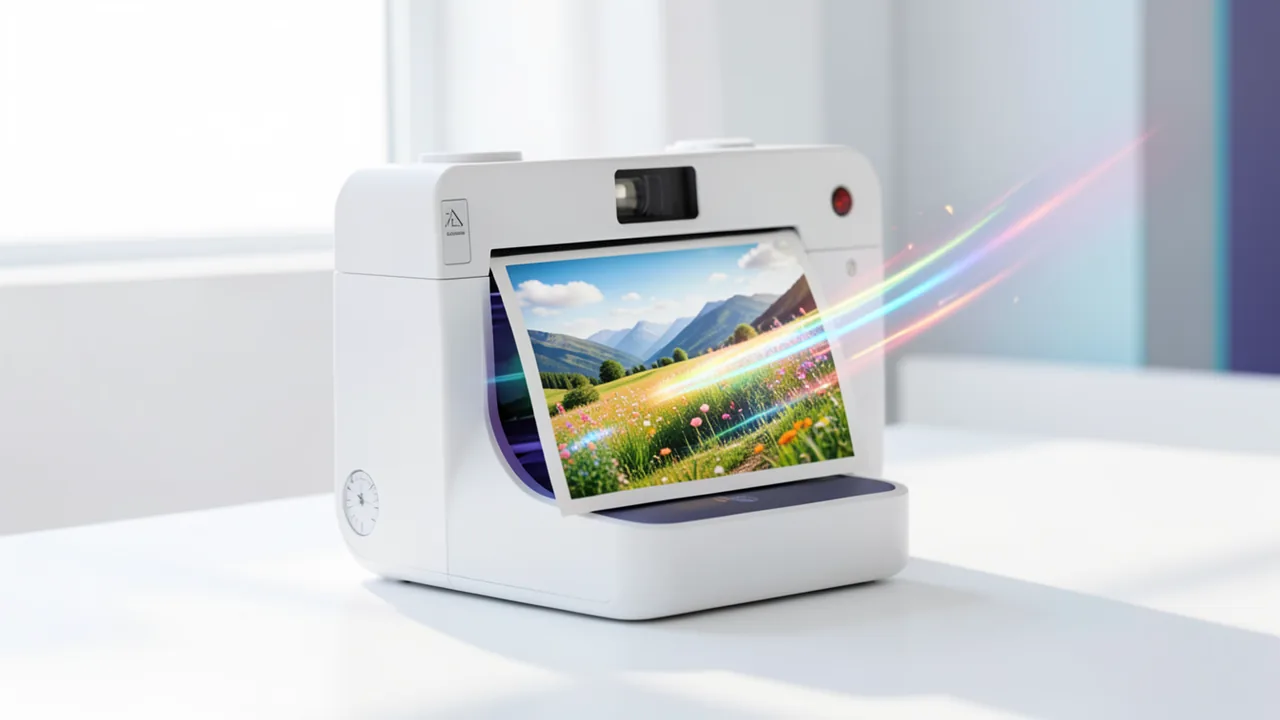
SDXL Turbo generates an image in a single computation step. It's ideal for trying out image AI for free in Google Colab. License: non-commercial use only.
What is SDXL Turbo?
SDXL Turbo is an image AI model. You type in a short description, for example "a red fox in the snow, watercolor". The model turns it into an image.
What makes it special: it needs just a single computation step. Many other image models need far more steps. That's why results arrive so fast. The teaser says under a second.
How does it work, in simple terms?
Image AIs of this kind usually start with an image of random noise. A subject gradually emerges from it. Your text steers which subject that becomes. SDXL Turbo shortcuts this path and reaches the result in one step.
What is it especially good at?
- Speed: You see almost instantly what your text does. That makes experimenting pleasant.
- Getting started: You can test prompts without long waits. A prompt is the text instruction you give the AI.
- Free testing: According to the short description, it's well suited for trying out image AI for free in Google Colab. Colab is a Google service where you run code in your browser. The computing power comes from Google.
Where are the limits?
- License: The model is released under the Stability AI Non-Commercial license. You may only use it non-commercially. It isn't meant for client projects or sales.
- Quality: The available information says nothing about image quality. Try it yourself to see whether the results are good enough for you.
- A first taste: According to the description, the tool is mainly meant for trying things out.
- Documentation: No README was available. You'll have to look up further details and settings yourself.
What do you need?
- A graphics card with at least 8 GB VRAM. VRAM is the graphics card's memory, and it partly decides whether a model runs.
- Or the free T4 GPU in Google Colab. According to the info, that's enough. All you need is a browser and a Google account.
Ideas: What you can do with it
You write a description and see the image almost instantly. Then you change one word and see what changes. That's a quick way to learn how image AI responds to text.
You test motifs for a game night, a birthday card or a poster for personal use. You generate several variants and pick a direction. The result is a collection of ideas, not a final version.
You demonstrate live in a group how text becomes an image. Because it's so fast, everyone can shout out requests. Colab is enough for that, so you don't need your own computer.
You're writing a short story or a role-playing adventure and want to see scenes. You enter the scene as a sentence and get an image for it. For private, non-commercial purposes only.
You have a computer with 8 GB VRAM or more and want to know whether image AI runs on it. SDXL Turbo is a cheap test because it needs only one computation step per image.
How to try it
Commands from the official guides – just copy them.
Google Colab
- Download the notebook: colab.ipynb
- Open colab.research.google.com → File → Upload notebook
- Runtime → Change runtime type → GPU (T4)
- Runtime → Run all
Linux
# One-time setup: install uv (package manager for Python, no sudo needed)
curl -LsSf https://astral.sh/uv/install.sh | sh && source $HOME/.local/bin/env
uv venv --python 3.12 sd-env && source sd-env/bin/activate
uv pip install torch diffusers transformers accelerate
python -c "
import torch; from diffusers import AutoPipelineForText2Image
p = AutoPipelineForText2Image.from_pretrained('stabilityai/sdxl-turbo', torch_dtype=torch.float16, variant='fp16').to('cuda')
p(prompt='Ein Fuchs im Schnee, Fotografie', num_inference_steps=1, guidance_scale=0.0).images[0].save('bild.png')"
# Result: bild.png in the current folder (first run downloads about 7 GB)
macOS
# One-time setup: install uv (package manager for Python, no sudo needed)
curl -LsSf https://astral.sh/uv/install.sh | sh && source $HOME/.local/bin/env
uv venv --python 3.12 sd-env && source sd-env/bin/activate
uv pip install torch diffusers transformers accelerate
python -c "
import torch; from diffusers import AutoPipelineForText2Image
p = AutoPipelineForText2Image.from_pretrained('stabilityai/sdxl-turbo', torch_dtype=torch.float16, variant='fp16').to('mps')
p(prompt='Ein Fuchs im Schnee, Fotografie', num_inference_steps=1, guidance_scale=0.0).images[0].save('bild.png')"
# Result: bild.png in the current folder (first run downloads about 7 GB)
Windows (PowerShell)
# One-time setup: install uv (package manager for Python)
powershell -ExecutionPolicy ByPass -c "irm https://astral.sh/uv/install.ps1 | iex"
$env:Path = "$HOME\.local\bin;$env:Path"
uv venv --python 3.12 sd-env
uv pip install --python sd-env torch --index-url https://download.pytorch.org/whl/cu128
uv pip install --python sd-env diffusers transformers accelerate
.\sd-env\Scripts\python.exe -c "import torch; from diffusers import AutoPipelineForText2Image; p = AutoPipelineForText2Image.from_pretrained('stabilityai/sdxl-turbo', torch_dtype=torch.float16, variant='fp16').to('cuda'); p(prompt='Ein Fuchs im Schnee, Fotografie', num_inference_steps=1, guidance_scale=0.0).images[0].save('bild.png')"
# Result: bild.png in the current folder (first run downloads about 7 GB)
Tips
- Keep prompts short and specific: subject, style, mood. Because images arrive so fast, you can try lots of variants.
- Change only one thing in the prompt at a time. That way you see what has which effect.
- In Colab, select a GPU runtime, or it won't run fast. The free T4 is enough.
- Use the images only privately or for learning. The license doesn't allow commercial use.
If something goes wrong
- Colab runs very slowly or not at all without a GPU: switch the runtime to GPU (T4) and restart.
- Your own computer runs out of memory: below 8 GB VRAM, it isn't supported according to the info. Switch to Colab instead.
- You want to use the images for clients or sales: the license doesn't allow that. Check the Stability AI Non-Commercial license or use a different model.
- There's no README: you won't find settings and examples in the package. Look for hints in the model description.
Ask the AI assistant
Questions about SDXL Turbo, installation or background? Our assistant knows this page and runs on our own machine, not in someone else's cloud.
The Assistant is an AI (Gemma 4) and can make mistakes – please check important details against the source. Questions are used only to generate an answer and are deleted after one hour. Please don't enter any personal data.
Comments
What do you think? Already tried it? Write it here, no sign-up needed.
Comments are public. Links aren't allowed, and we delete abusive posts. You can delete your own comment at any time in this browser. Learn more in the Privacy Policy.