
Easy Diffusion
Generate images from text with a one-click installer. You use it in your browser, and it runs fully offline on your own machine.
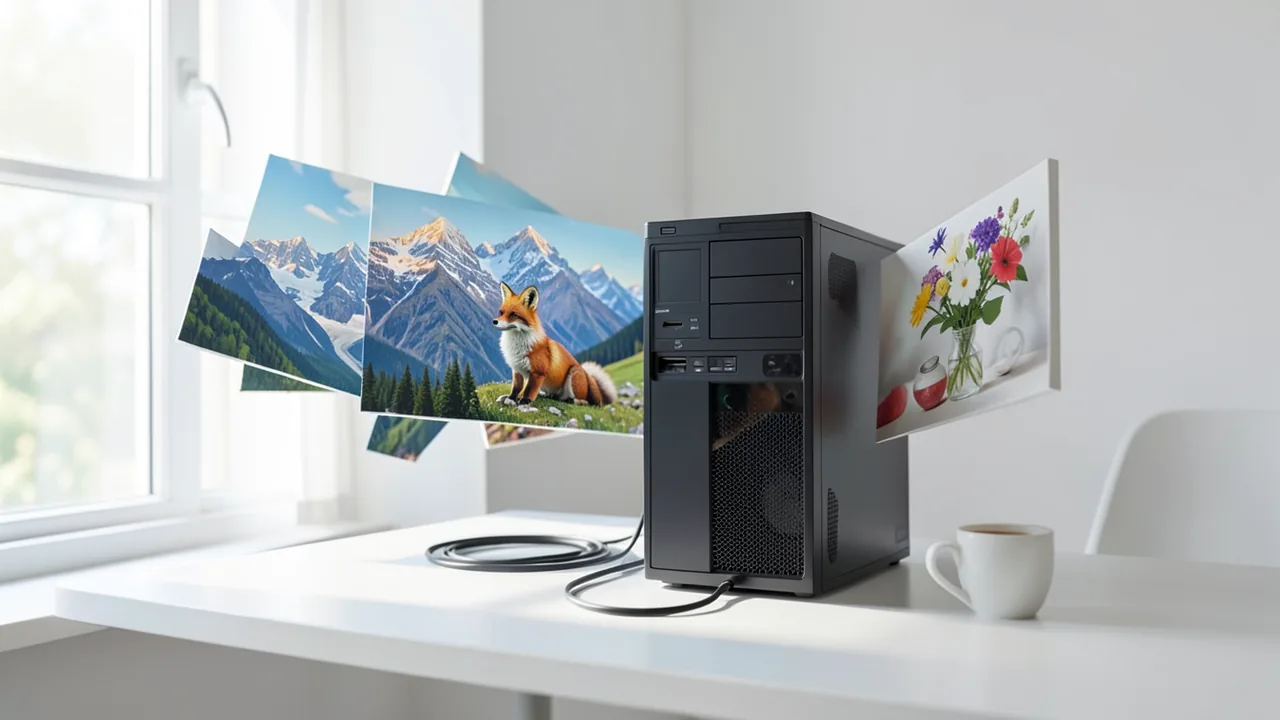
Easy Diffusion turns text descriptions into images without any cloud service. You work in a clean interface in your browser. The installer downloads everything it needs, so you don't have to set up Python yourself. The new v4 engine is built on stable-diffusion.cpp and runs current models like Flux 1 and 2, Z-Image, Lumina and quantized variants, even on weaker graphics cards or on the CPU alone.
How to try it
Commands from the official guides – just copy them.
Linux
# Download Easy-Diffusion-Linux.zip
wget https://github.com/easydiffusion/easydiffusion/releases/latest/download/Easy-Diffusion-Linux.zip
# Unzip and change into the folder
unzip Easy-Diffusion-Linux.zip
cd easy-diffusion
# Start it. The first run installs everything it needs, then the interface opens in your browser
./start.sh
# Alternative: bash start.sh
macOS
# Download Easy-Diffusion-Mac.zip (Apple M1–M4 or Intel Mac with AMD graphics)
curl -LO https://github.com/easydiffusion/easydiffusion/releases/latest/download/Easy-Diffusion-Mac.zip
# Unzip and change into the folder
unzip Easy-Diffusion-Mac.zip
cd easy-diffusion
# Start it. The interface then opens in your browser
./start.sh
# Alternative: bash start.sh
Windows (PowerShell)
# Download and run the installer:
# https://github.com/easydiffusion/easydiffusion/releases/latest/download/Easy-Diffusion-Windows.exe
# On Windows 10, install it at the top level of a drive, e.g. C:\EasyDiffusion (otherwise you'll run into problems with long paths)
# If SmartScreen warns you: "More info" -> "Run anyway"
# Then launch "Easy Diffusion" from the Start menu or the desktop shortcut
Commands from the official guide. New in the Toolbox since Nov 26, 2026.
Ask the AI assistant
Questions about Easy Diffusion, installation or background? Our assistant knows this page and runs on our own machine, not in someone else's cloud.
The Assistant is an AI (Gemma 4) and can make mistakes – please check important details against the source. Questions are used only to generate an answer and are deleted after one hour. Please don't enter any personal data.

Comments
What do you think? Already tried it? Write it here, no sign-up needed.
Comments are public. Links aren't allowed, and we delete abusive posts. You can delete your own comment at any time in this browser. Learn more in the Privacy Policy.