
LiteParse
Turns PDFs, scans and Office files into clean, AI-ready text or Markdown, fast and locally
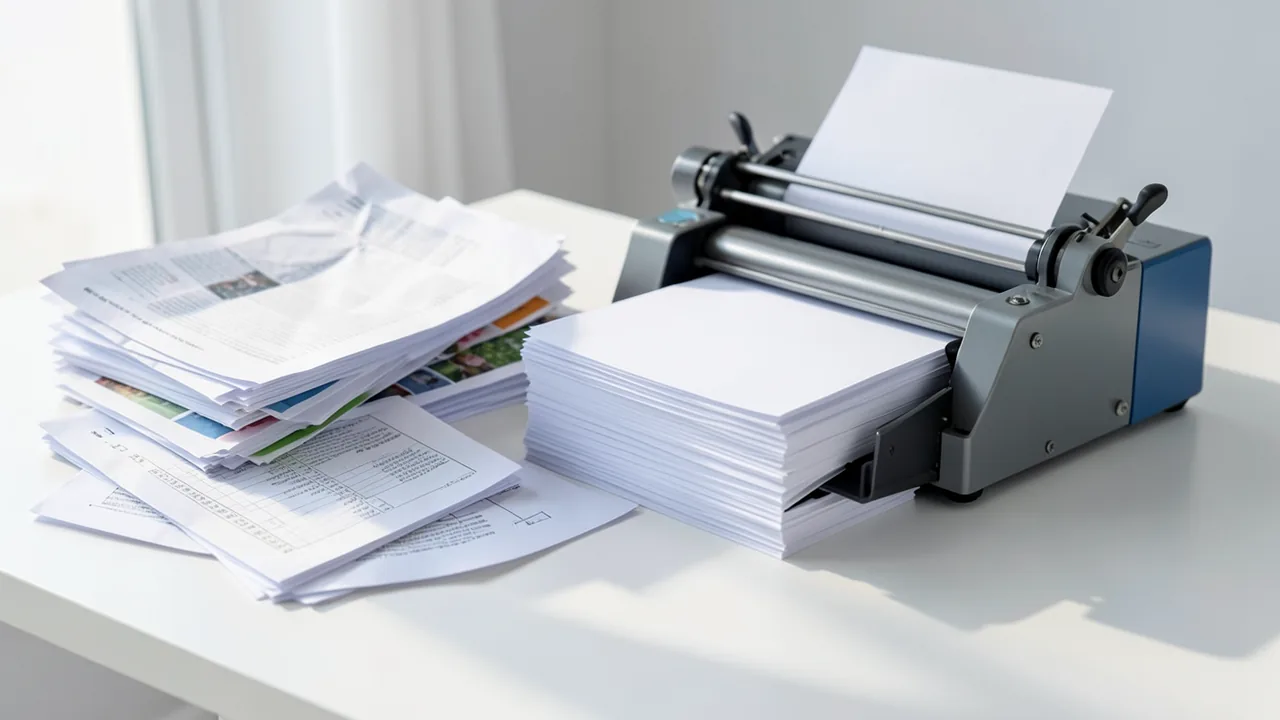
LiteParse from LlamaIndex is a command-line tool that converts PDFs, scans and, with LibreOffice, Word, Excel and PowerPoint files into text, Markdown or JSON. It can handle whole folders in one go. If you like, you can add the tiny OCR model OCRia-nano. On a regular CPU, it recognizes tables and page layout better than the default Tesseract.
How to try it
Commands from the official guides – just copy them.
Linux
# Install LiteParse (requires Python)
pip install liteparse
# Optional: LibreOffice for DOCX/XLSX/PPTX (Ubuntu/Debian)
sudo apt-get install libreoffice
# Optional: download the small OCR model OCRia-nano (one-time)
lit models pull ocria-nano
# Convert a PDF to Markdown
lit parse document.pdf --format markdown -o output.md
# Convert a whole folder
lit batch-parse ./input-directory ./output-directory
macOS
# Install LiteParse (requires Python)
pip install liteparse
# Optional: LibreOffice for DOCX/XLSX/PPTX
brew install --cask libreoffice
# Optional: download the small OCR model OCRia-nano (one-time)
lit models pull ocria-nano
# Convert a PDF to Markdown
lit parse document.pdf --format markdown -o output.md
Windows (PowerShell)
# Install LiteParse (requires Python)
pip install liteparse
# Optional: LibreOffice for DOCX/XLSX/PPTX (you may need to add C:\Program Files\LibreOffice\program to your PATH)
choco install libreoffice-fresh
# Optional: download the small OCR model OCRia-nano (one-time)
lit models pull ocria-nano
# Convert a PDF to Markdown
lit parse document.pdf --format markdown -o output.md
Commands from the official guide. New in the Toolbox since Nov 23, 2026.
Ask the AI assistant
Questions about LiteParse, installation or background? Our assistant knows this page and runs on our own machine, not in someone else's cloud.
The Assistant is an AI (Gemma 4) and can make mistakes – please check important details against the source. Questions are used only to generate an answer and are deleted after one hour. Please don't enter any personal data.

Comments
What do you think? Already tried it? Write it here, no sign-up needed.
Comments are public. Links aren't allowed, and we delete abusive posts. You can delete your own comment at any time in this browser. Learn more in the Privacy Policy.